WordPress.com Block Editor

38% of the web is built on WordPress.

More bloggers, small businesses, and Fortune 500 companies use WordPress than all other options combined.

All my sites are hosted on WordPress.com and I wouldn’t go anywhere else.

As a long time user, I’ve been reluctant to switch to the BLOCK EDITOR when writing these post. I stuck with the Classic Editor, as did many others.

In this post I’m again testing the BLOCK EDITOR based on a recent WordPress.TV tutorial

Column 1

Column 2

Column 3

Making rows like those above are much easier. Choosing colours easier, as well.


That line above is easy to add, as well.

One thing I like about the Block Editor is being able to more easily make a photo gallery. These images are all provided free through the Block Editor.


With the old editor I didn’t have much control over images.

Using the Block Editor I can more easily edit this image, for example.

That said — many of us feel forced by the host company to use something called the Block Editor to write posts like this rather than the Classic Editor we used in the past.
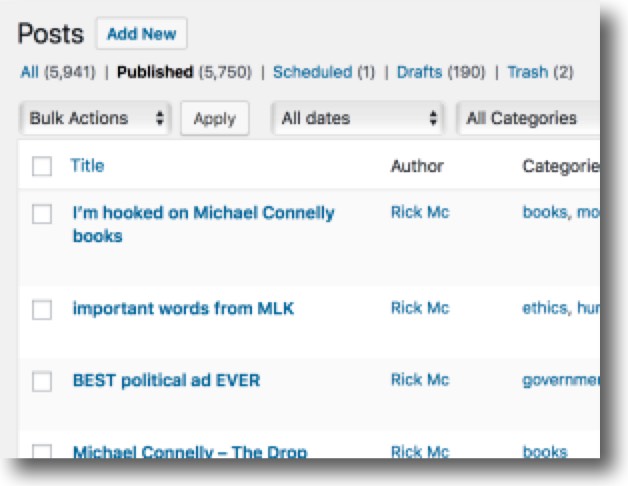
RickMcCharles.com is a blog.
This is just one of a chronological series of posts on this blog.
Here are a series of recent posts on this blog:
Roger Ebert, Arianna Huffington and many other serious writers used the word blog when they mean post. … That’s wrong.
You shouldn’t say “READ MY NEW BLOG ABOUT THE RESTAURANT”. 
You’ve got no cred as a blogger when you make that mistake. 😊
noun
1. a regularly updated website or web page, typically one run by an individual or small group, that is written in an informal or conversational style.
verb
2. add new material to or regularly update a blog.
“it’s about a week since I last blogged”


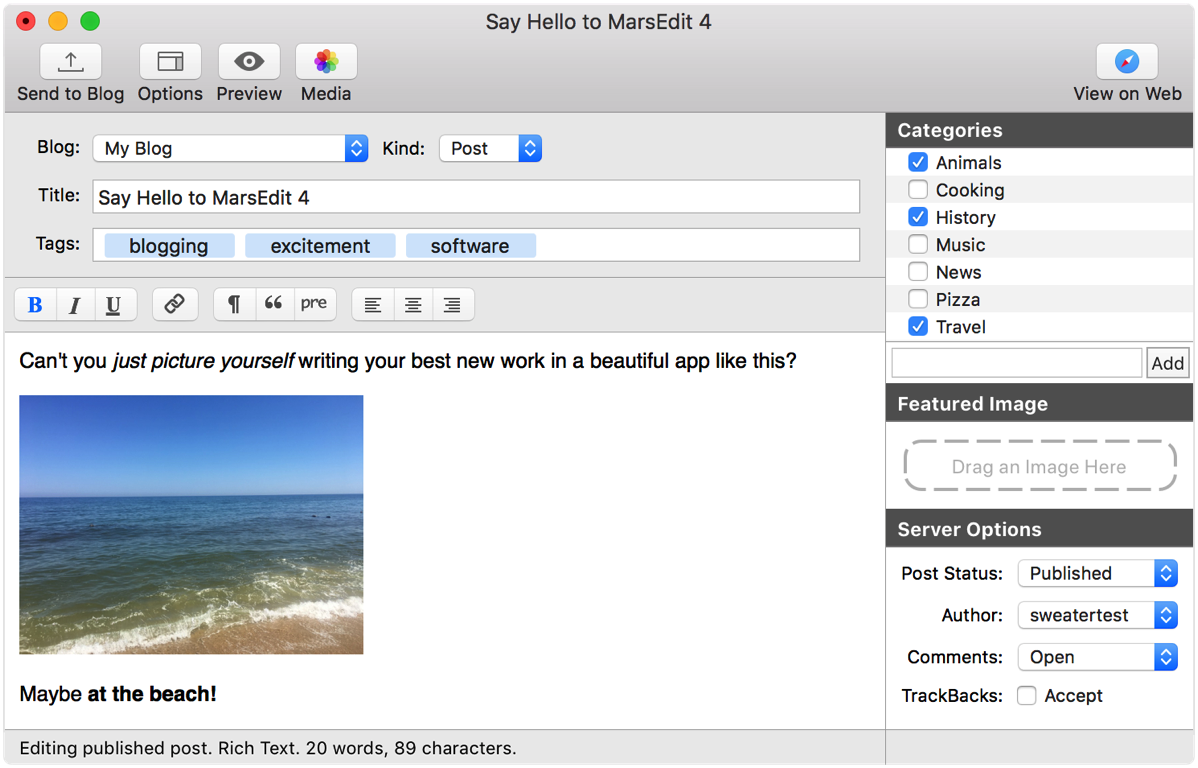
testing MarsEdit 4 for macOS

Here’s another option for writing posts while offline.

So far MarsEdit 4 looks inferior to the WordPress.com app for Mac.

I can’t seem to edit in HTML view. There are far fewer formatting options.

But if you want to check it out, look for MarsEdit 4 in the App store.
MarsEdit example

testing the WordPress.com APP

Instead of editing and posting online, the official desktop app let’s you work offline.

I’ve tried it in the past … and ended up going back to the traditional online interface.

wordpress-official-apps

linking Blog photos from Flickr and Google

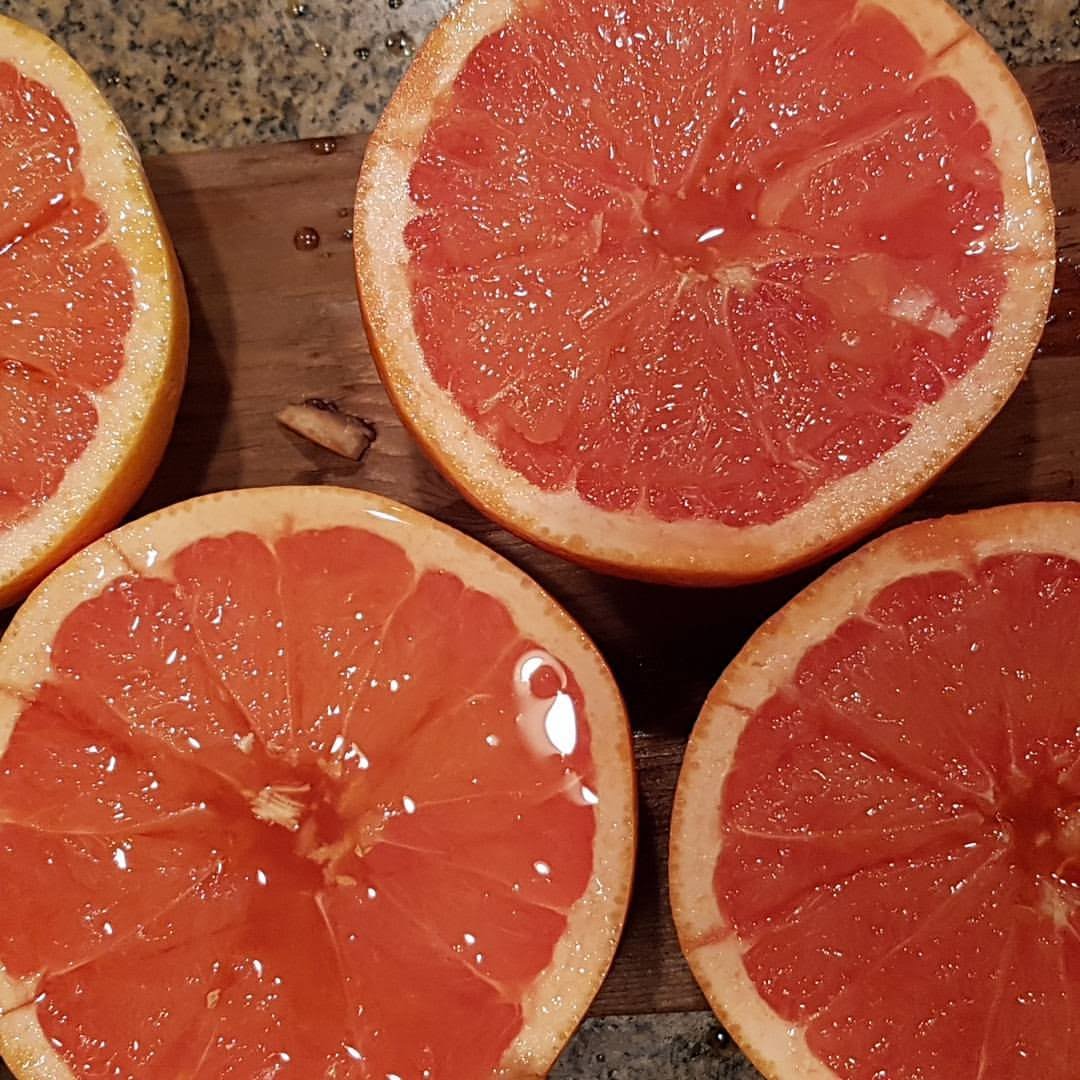
The first version of the grapefruit is linked from my Flickr account.

Ron planked grapefruit

This version of the same is linked from Google Photos.

Flickr does not store the photo on my site so it could be less reliable. Google sends a copy of the original so it’s less likely to fail.

Thanks Warren.

WHY I switched from Bluehost to WordPress.com

Finally. All my sites are on WordPress.com. Happy. Happy. 🙂

WordPress.com is a blog web hosting service provider owned by Automattic and powered by the open source WordPress software.

This website provides free blog hosting for registered users and is financially supported via paid upgrades, “VIP” services and advertising. …

Registration is not required to read or comment …

Some notable clients include CNN, CBS, BBCReuters, Sony, Fortune.com and Volkswagen. It is estimated that more than 40% of internet bloggers use WordPress as their publishing platform. ..

Click PLAY or see how it works on YouTube.

I’ve been sending money to Bluehost every month for years. It is still rated one of the best hosts though I’ve been dissatisfied from the start.

Bluehost sites frequently go down.

When you inquire why, they blame the customer. 😦

Seems Bluehost is unable to keep servers shared by many people secure. WordPress.com has almost never been hacked.

One guy at Bluehost is super. Matt Greenwood <mattgreenwood@bluehost.com> If you MUST host on a for profit server, I’d recommend you contact him.

WordPress.com is by far the best of the free web hosting services. I do pay for some add-on services with WordPress.com. Happy to support that excellent company

I'm recommending WordPress.com, not WordPress.org
I’m recommending WordPress.com, not WordPress.org

WordPress.com vs WordPress.org – What’s the Difference?

new theme, larger fonts

I updated this site to a 2016 template. And switched the font to Lato, supposedly one of the most readable. AND made the fonts larger so old farts like myself can read them more easily on mobile devices.

Testing. Testing.

new WordPress app

love WordPress and recommend it to one and all.

But like pretty much every veteran user, I hated their new “Beep Beep Boop editor” when it was introduced.

Fish of Gold explains why:

There was so much outcry that WordPress kept in the old editor as an alternative. I use the old editor.

Click PLAY or watch it on the WordPress blog.

The CEO Matt:

The interface, however, has been a struggle. …

an incremental approach wouldn’t give us the improvements we needed …

Instead, they decided to launch an app. On Mac first. Here are the highlights:

click for larger version

This is my first post using the WordPress.com app for Mac. Seems to work quite well. 🙂