Cropping Photos for the Web

I really haven’t got much more excited about photography since going all in for VIDEO during the pandemic.

Many things irk me about photos online.

The majority of those you see are not very good — diminished so the image can load more quickly.

For my photos, best place to look is my Flickr account. Over 57,000 pics organized into albums.

THE photo site Instagram … I find super restrictive. And dumb.

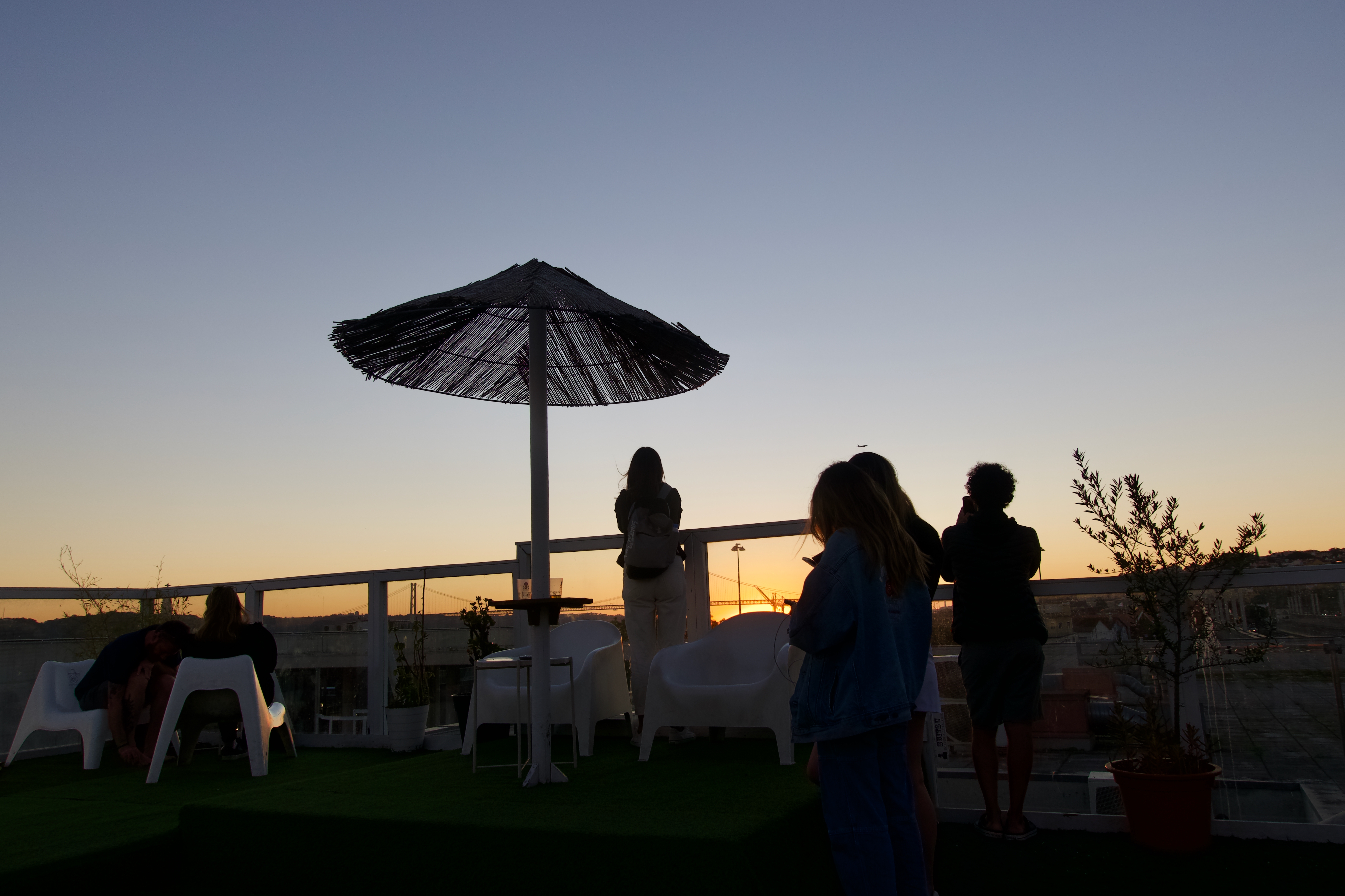
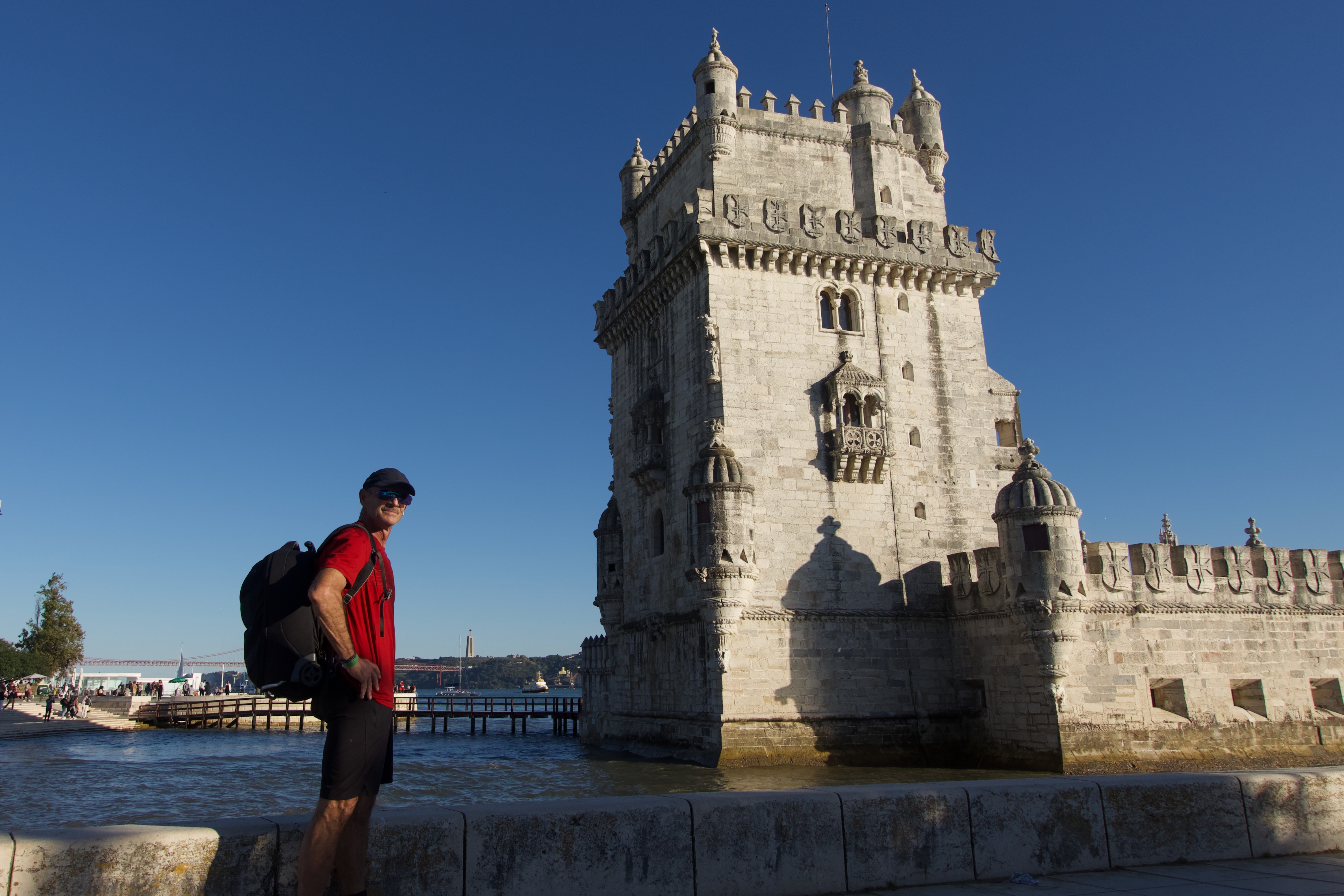
Instagram wants to first display photos SQUARE. Here I cropped my 9×6 photo for that default.

Another crop.

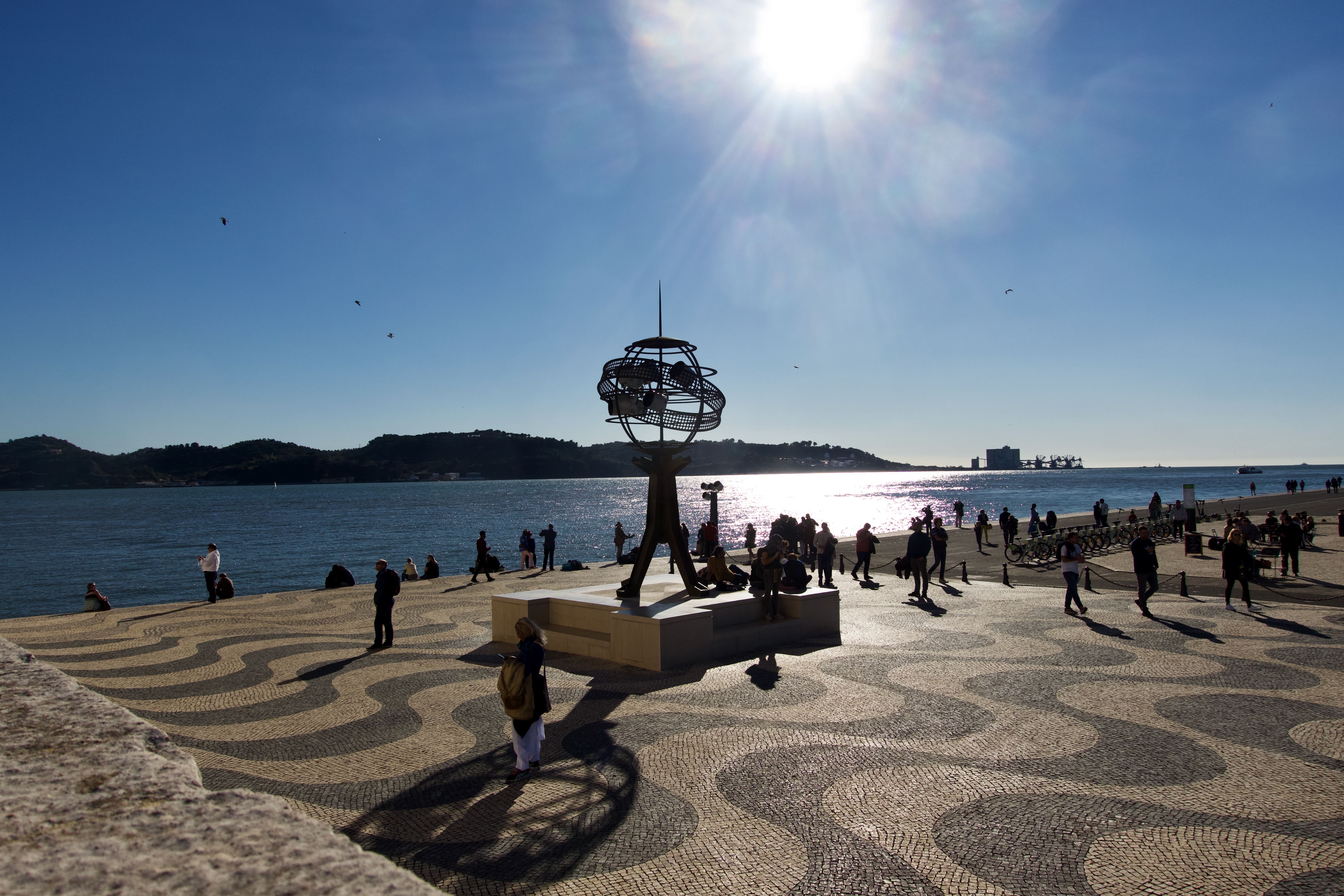
Newer models of iPhone can be switched to my preferred 16:9.

These look great in landscape mode on a phone.

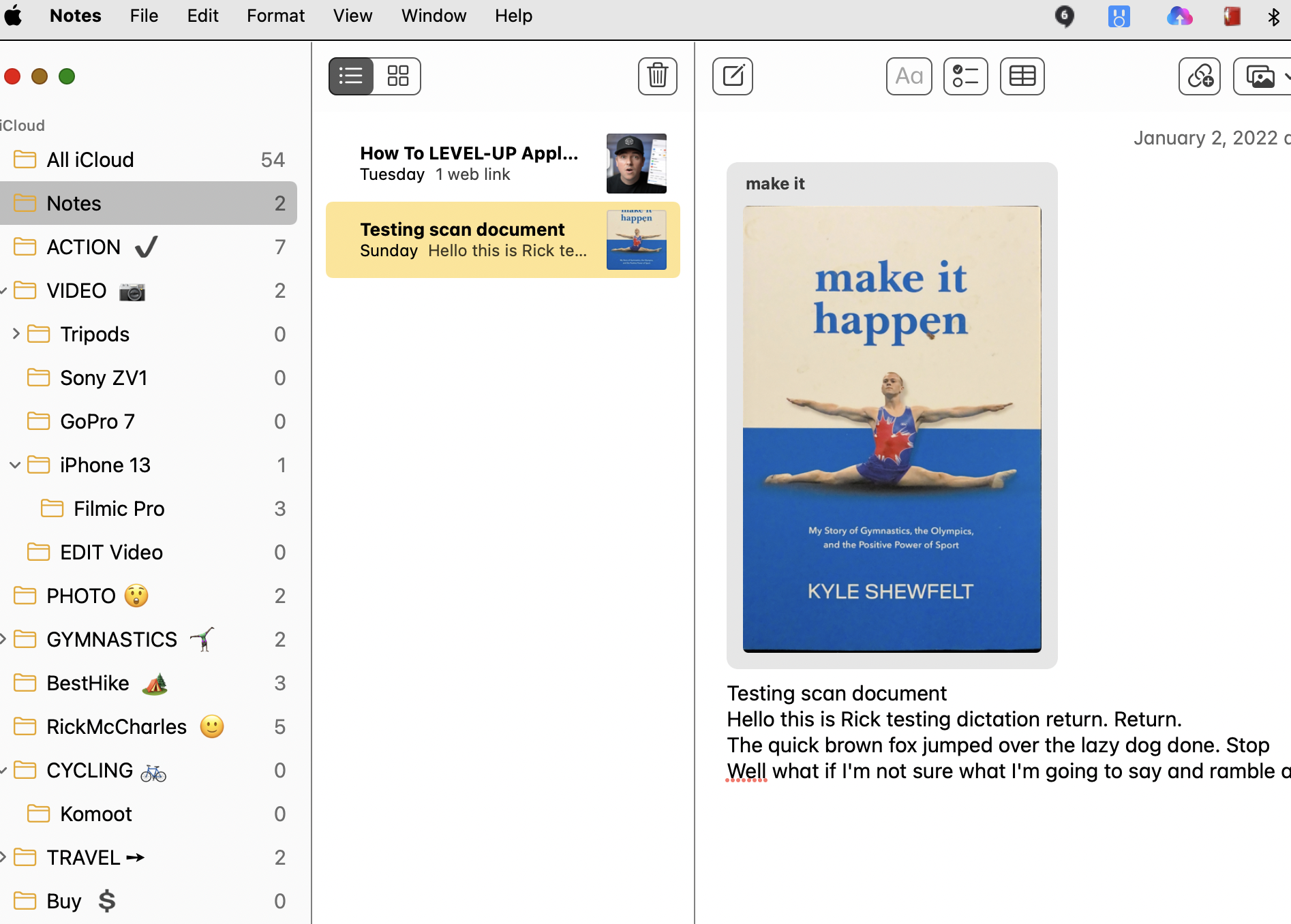
Notion note taking app

I’ve always been a NOTE taker.

Always put together TO-DO lists.

Not always skilled at following through. 😶

For the past few months I’ve been trying NOTION. It’s free for basics.

More complicated than I need. But it is cool.

Click PLAY or watch it on YouTube.
It does synch perfectly with iPhone. And I can use the IOS app even when out of service.

NOTION ranked on this list of Best Note-Taking Apps 2021.

I’ve used different notebooks and apps over the decades. Most recently I’ve been trying to stick to the default Apple products:

  • Reminders
  • Text Edit

Love the simplicity and compatibility with the Fruit Company ecosystem of brainwashed.

I’ve yet to find a calendar I like. I’m using Google Calendar — but don’t really enjoy it. Right now I’m trying to switch to Apple Calendar, which I also don’t like.

Peter McKinnon X NOMATIC V2 camera bag

I bought the NOMATIC 3-7 day Travel Pack bag in 2017.

Love it.

Looks like I’ll be buying another — this time their dedicated V2 camera bag.

Click PLAY or watch it on YouTube.
hippies in Corfu, Greece – early 1980s

My old pal Mike Sissons forwarded photos.

Mike’s now teaching in Madrid, Spain.  I last visited in 2015. 

I can vividly remember the kind of nonsense, drinking and debauchery went on in Vatos, Greece. That was the nude beach of the day. (I’m still burned where the sun doesn’t shine.)

Corfu Mike Sissons

Apple Watch Camera Remote app

If you want to position your iPhone for a photo and then take the photo from a distance, you can use your Apple Watch to view the iPhone camera image and take the photo. You can also use your Apple Watch to set a shutter timer—this gives you time to lower your wrist and raise your eyes when you’re in the shot.

To function as a camera remote, your Apple Watch needs to be within normal Bluetooth range of your iPhone (about 33 feet or 10 meters).

Apple

I added a QUICK LINK to my Watch Home Screen.

Click PLAY or watch it on YouTube.

Pixelmator Pro photo editing

With Kraig’s encouragement I tried and then bought ($29.39 CAD) an Apple only photo editing package.

I’ll continue to use free built-in Apple photos to organize my many pics. BUT switch to Pixelmator Pro for editing the best of the best.

I started posting daily to Instagram. My best hiking photos.

Instagram.com/BestHikeVisuals

Click PLAY or watch it on YouTube.

Editing PHOTOS with Pixelmator Pro

Kraig recommended this software. And I’m going to buy it. CAD $55.

Pixelmator Pro is Mac only. It supports the new (2020) M1-chip and macOS Big Sur.

Below is a Pixelmator edit of an iPhone X 4K original. I followed the official tutorials.

What you see below is a smaller version for web. But if you click on it — you’ll be able to see the full size original.

I’d long wanted to quit free Apple Photos software that comes with every Mac. Never liked it. Unfortunately Apple keeps you locked into the ecosystem. Happily, Pixelmator Pro works hand in hand with the Photos app. No conflict.

I’m also tested the Sony Imaging Edge software (horrible) and Capture One 20 Express (free). But Capture One 20 non-Express is too expensive – at least $10 / month.

I have Gimp (free) but find it pretty complicated.

This video show the fantastic interface of Pixelmator Pro.

Click PLAY or watch it on YouTube.
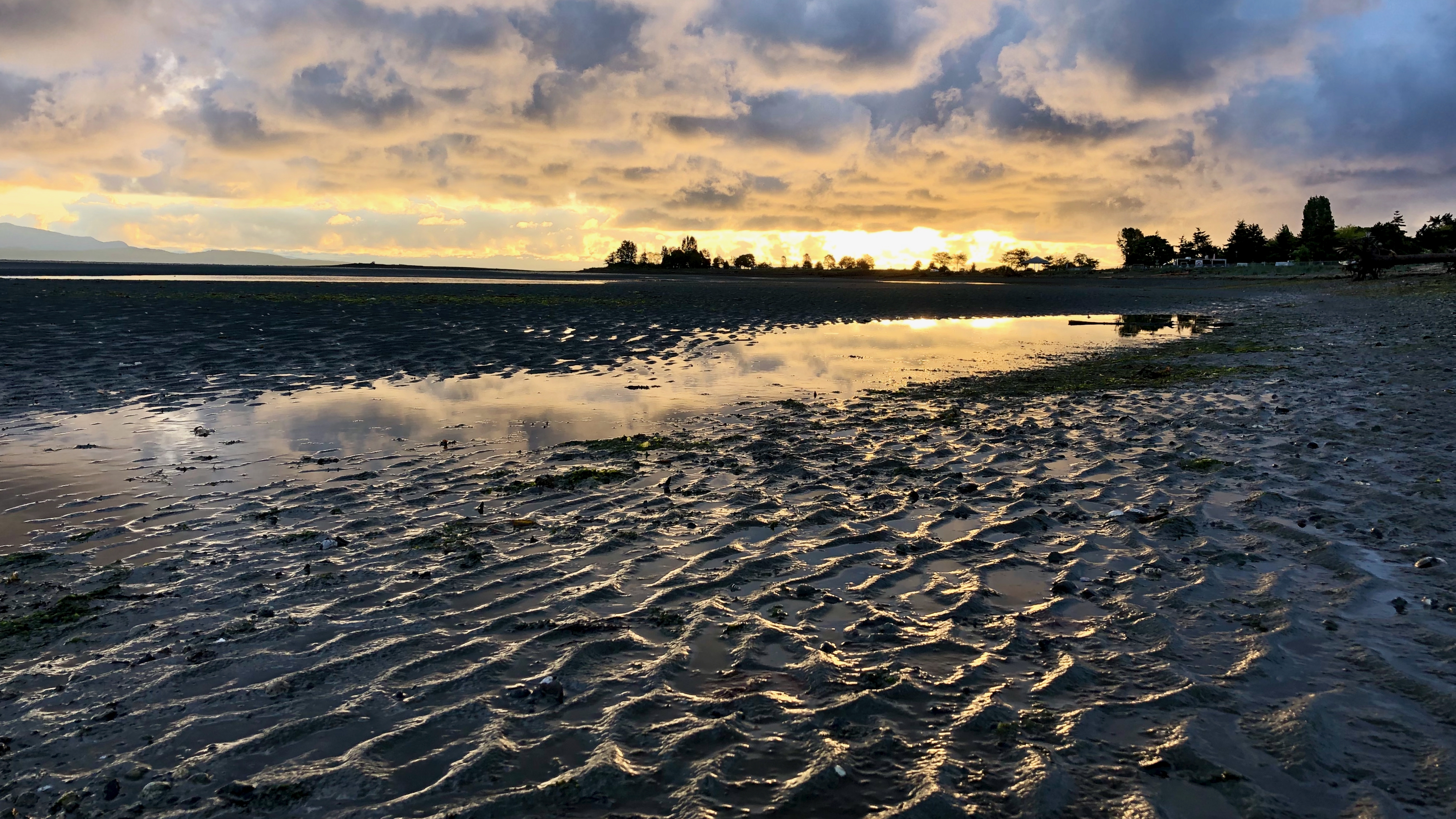
Powell River sea walk at dusk

TEST – iPhone X photos in low light

Phone cameras are great. But typically not great in low light — unless you adjust settings.

I’m often impressed.

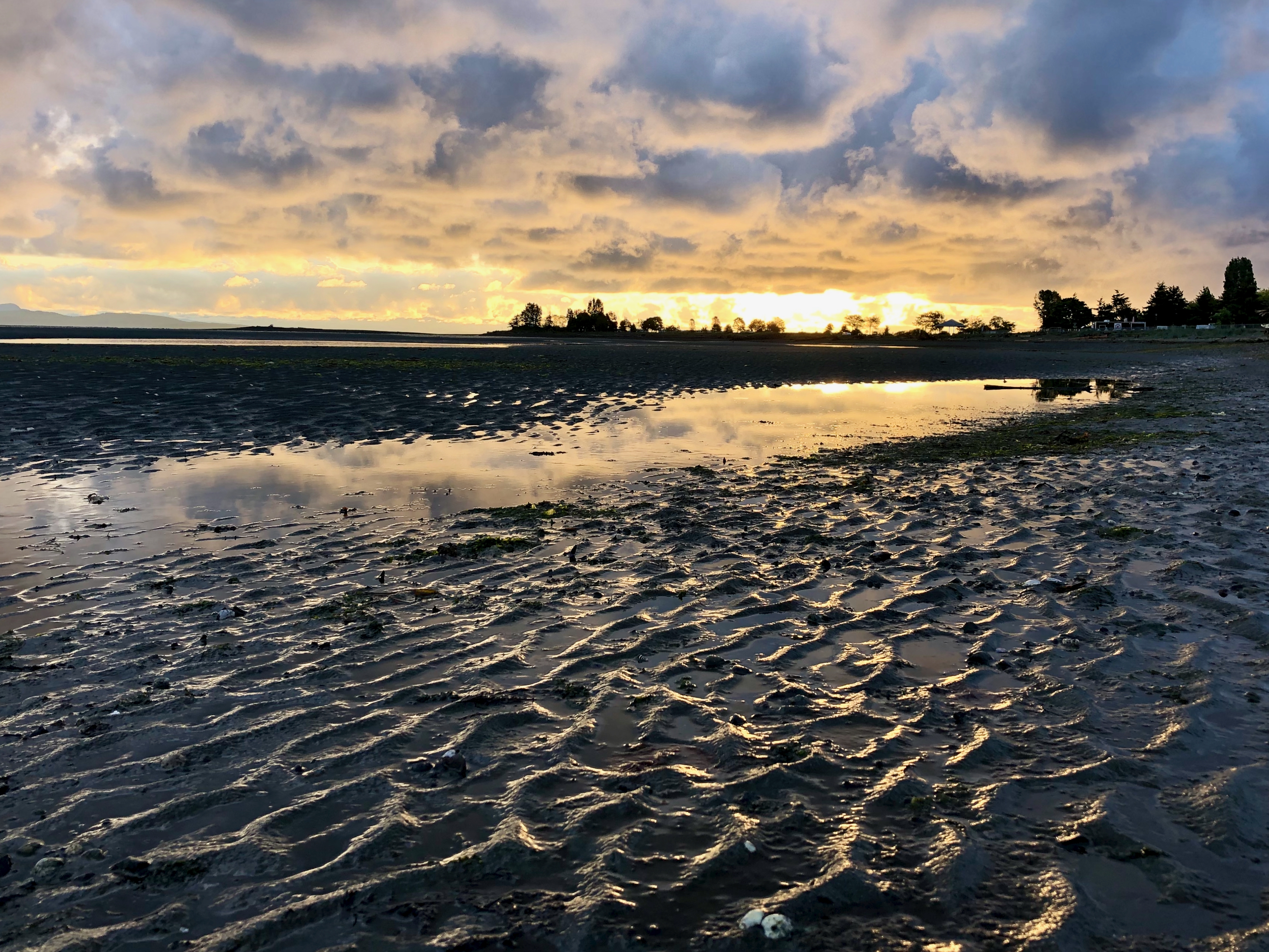
As a test I took some hand held shots from the Sea Walk Trail in Powell River B.C.

Standard 4K settings.

It had rained most of the day. This is the Liquid Sunshine Coast.


Photo quality on this site

When you upload photos to the internet, sites often reduce quality to make the page load faster.

Here I’ll upload the same original photo in three resolutions to see if the FINAL displayed image improves.

5472×3080 pixels original

1280×721 pixels original

640 by 361 pixels original

I can see a big difference between the original being 5472 as opposed to 640 pixels wide.

But the 1280 pixel version is pretty close to the 5472. When I checked, WordPress display default had reduced both the top two: 885 pixels wide.

IF I link to the original photos, however, someone keen enough to click could get a copy of the highest resolution available.

Some recommend I upload at about 1280 pixels. 80Kb-100Kb file size, at most.

If and when I switch to a theme that allows full-width images, WordPress recommends those be uploaded as originals with at least 2000 x 1200 pixels.

I’ll keep experimenting.