Kraig recommended this software. And I’m going to buy it. CAD $55.
Pixelmator Pro is Mac only. It supports the new (2020) M1-chip and macOS Big Sur.
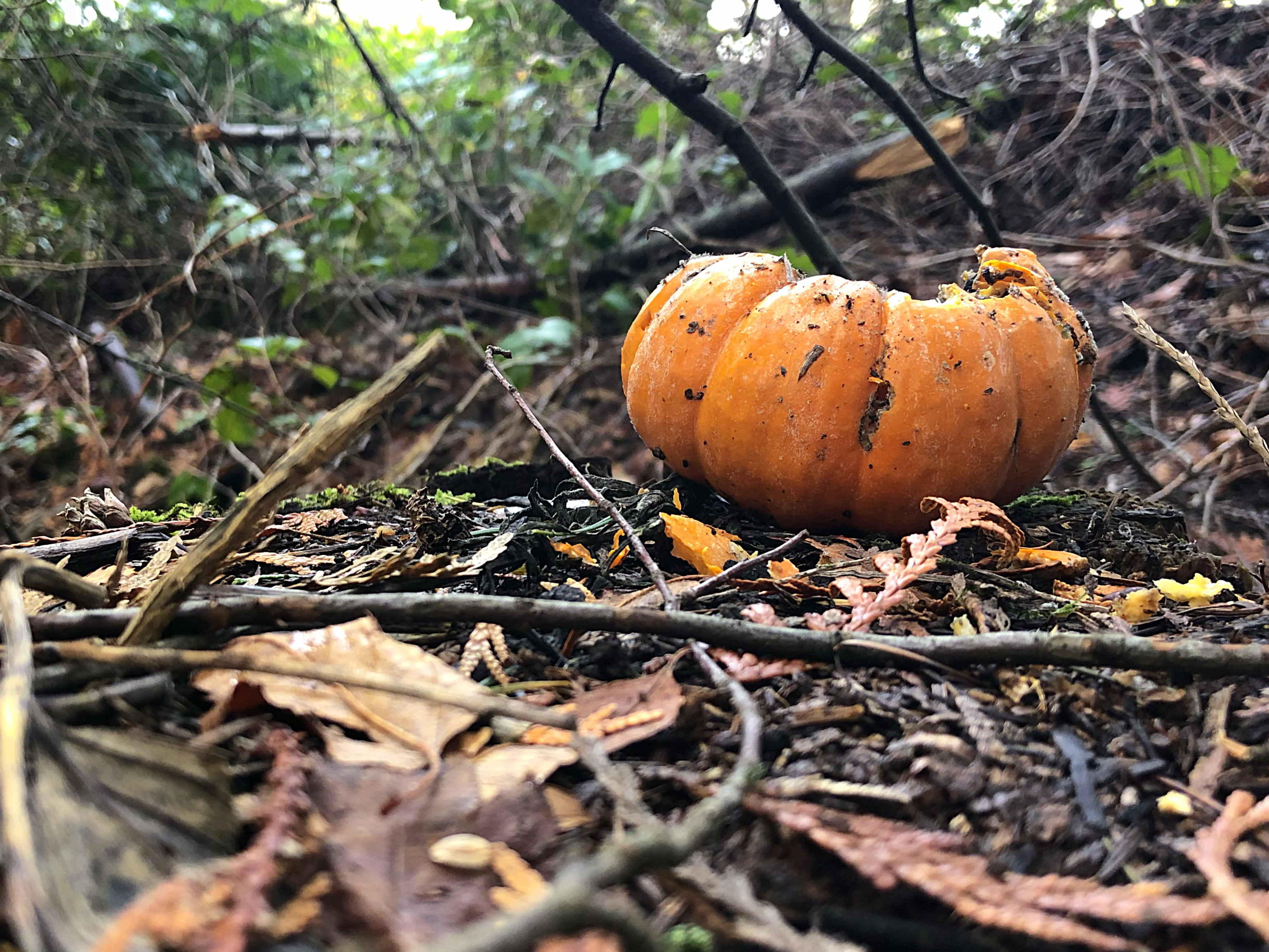
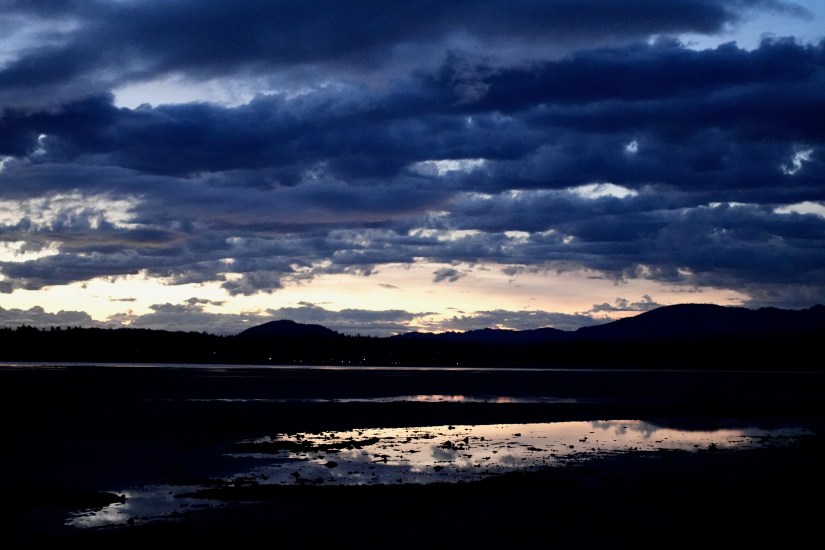
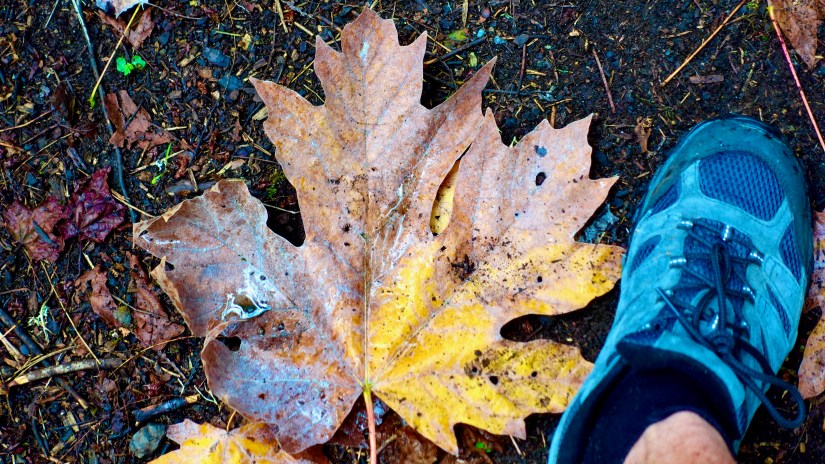
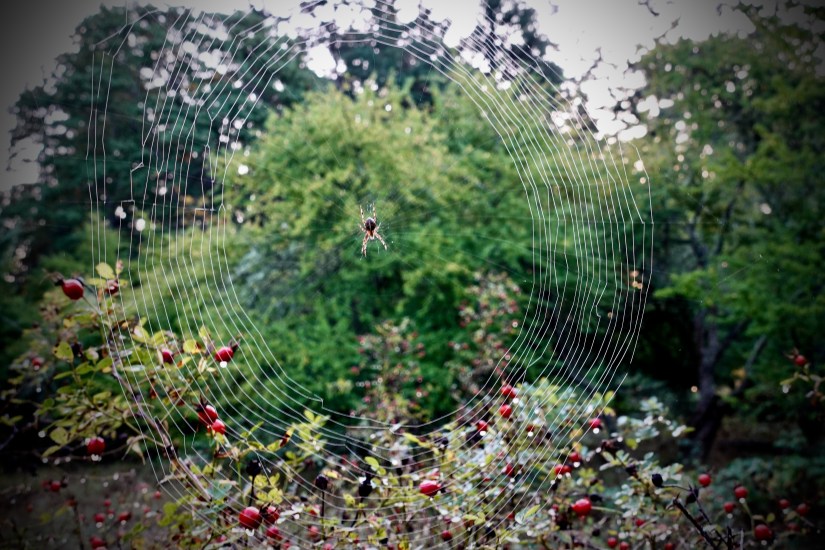
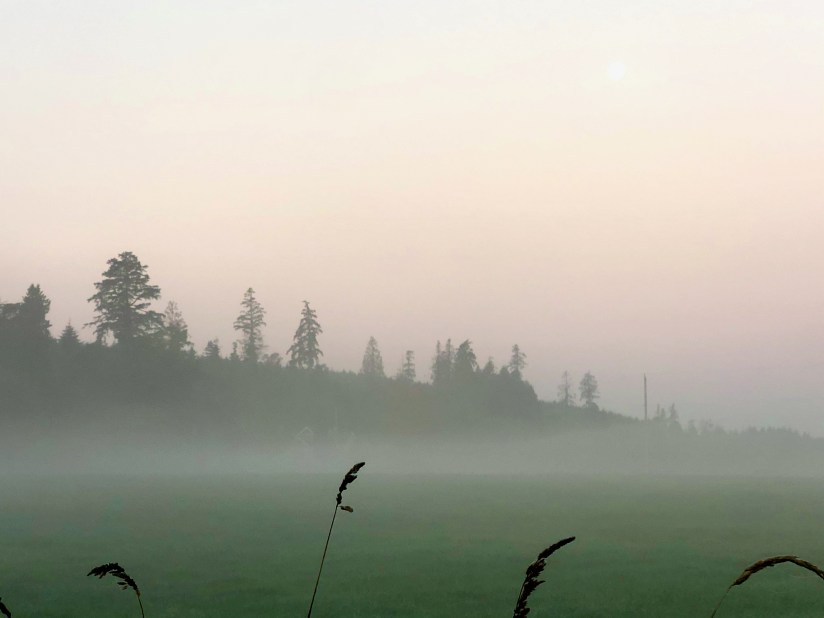
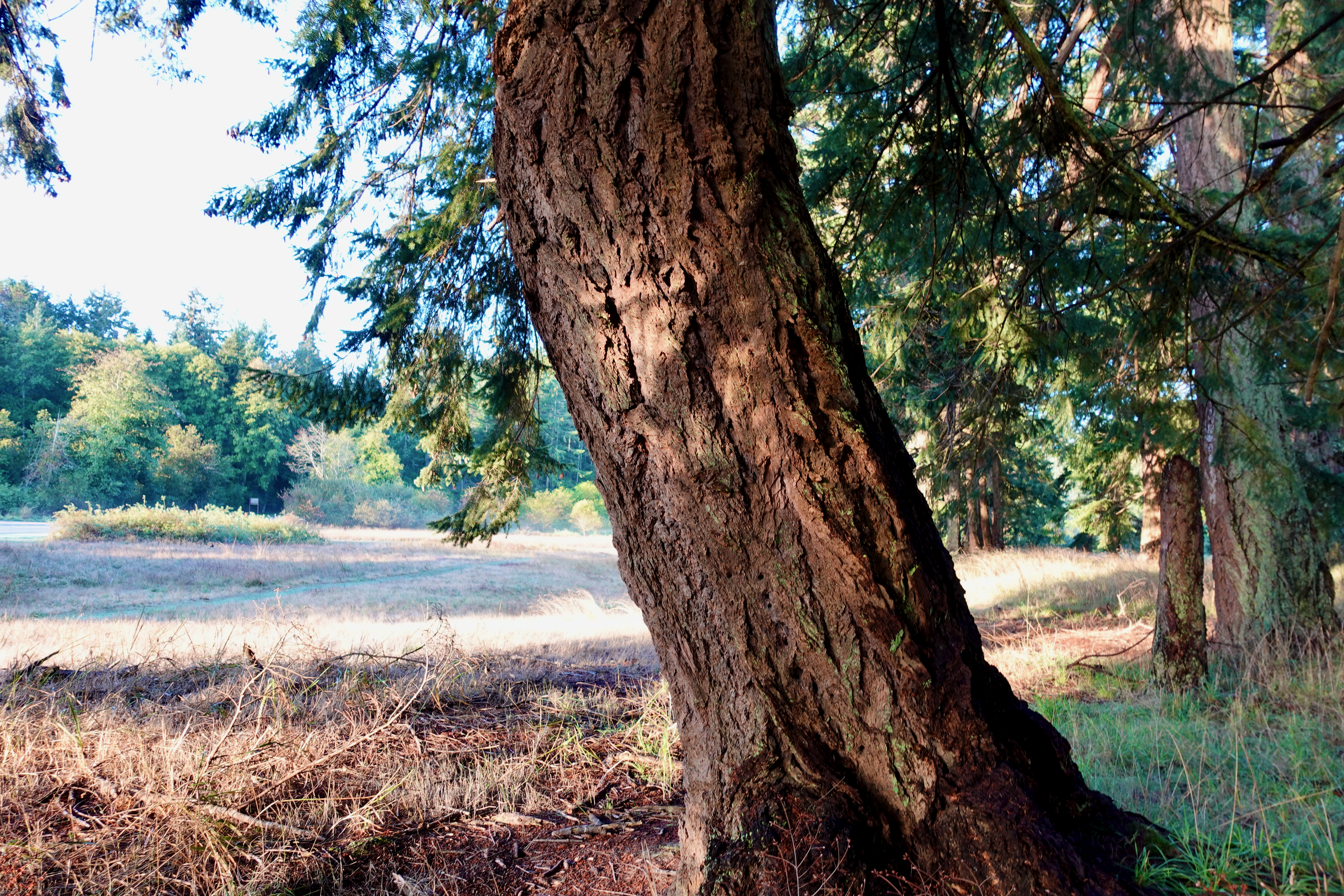
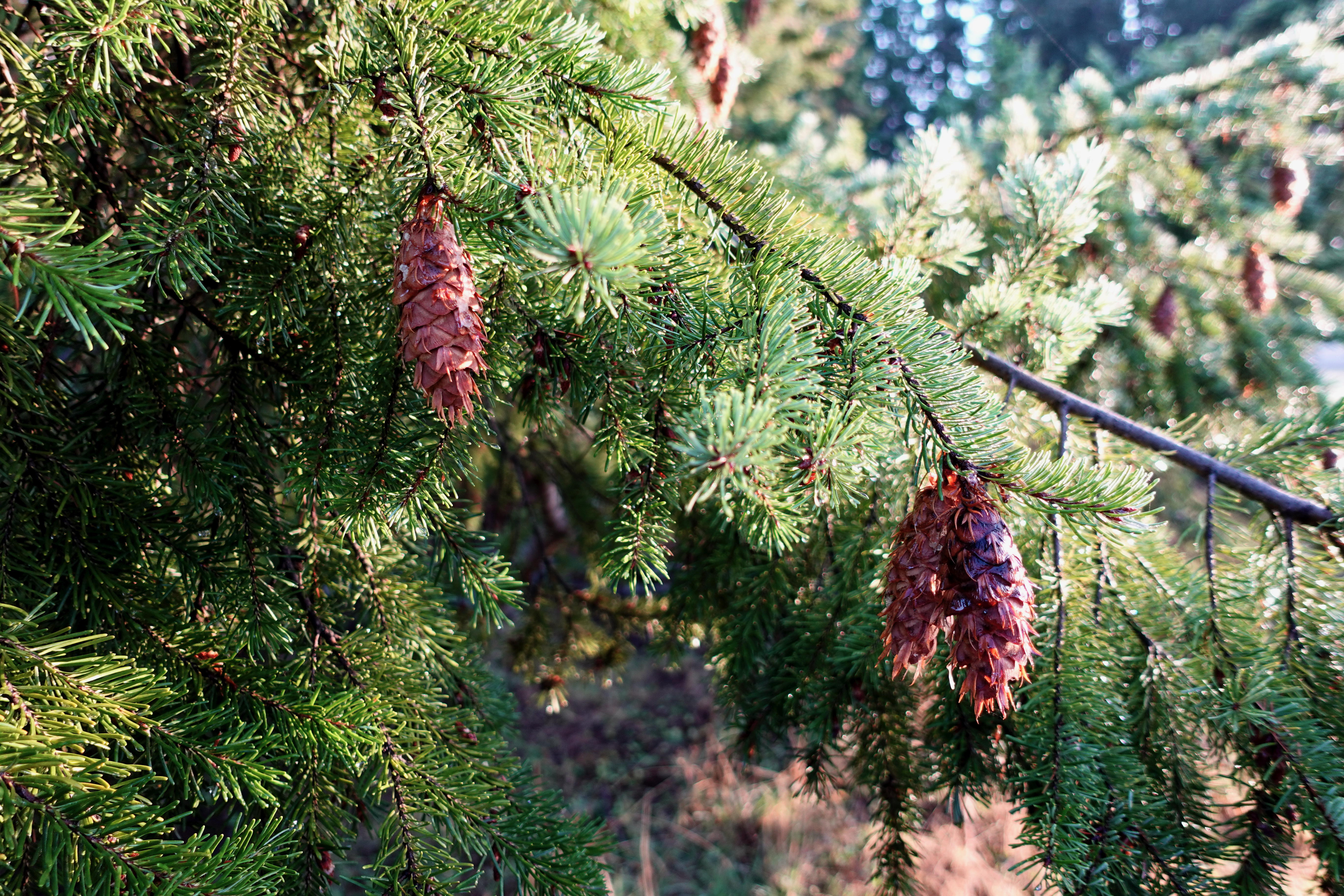
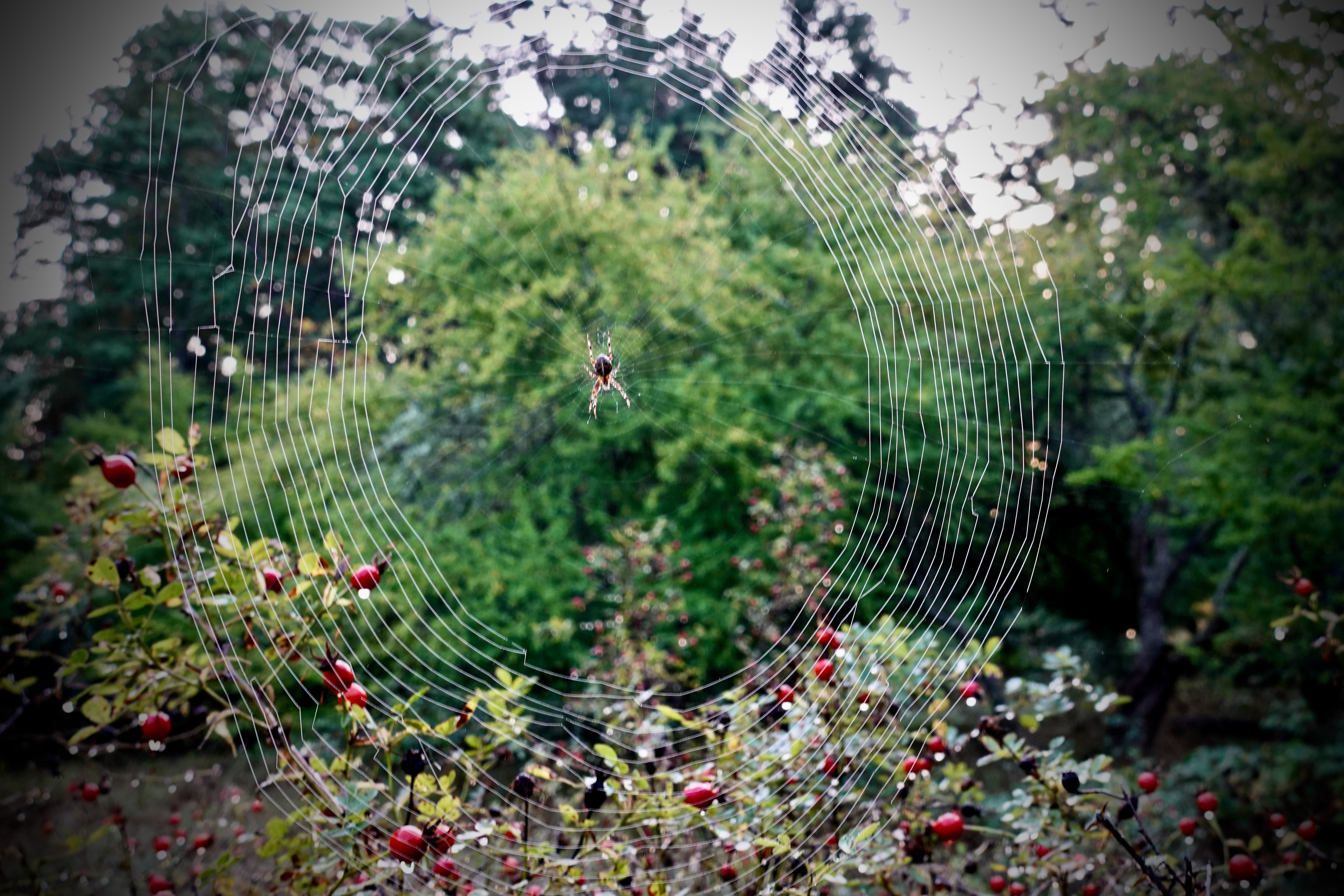
Below is a Pixelmator edit of an iPhone X 4K original. I followed the official tutorials.
What you see below is a smaller version for web. But if you click on it — you’ll be able to see the full size original.
I’d long wanted to quit free Apple Photos software that comes with every Mac. Never liked it. Unfortunately Apple keeps you locked into the ecosystem. Happily, Pixelmator Pro works hand in hand with the Photos app. No conflict.
I’m also tested the Sony Imaging Edge software (horrible) and Capture One 20 Express (free). But Capture One 20 non-Express is too expensive – at least $10 / month.
I have Gimp (free) but find it pretty complicated.
This video show the fantastic interface of Pixelmator Pro.
Making rows like those above are much easier. Choosing colours easier, as well.
That line above is easy to add, as well.
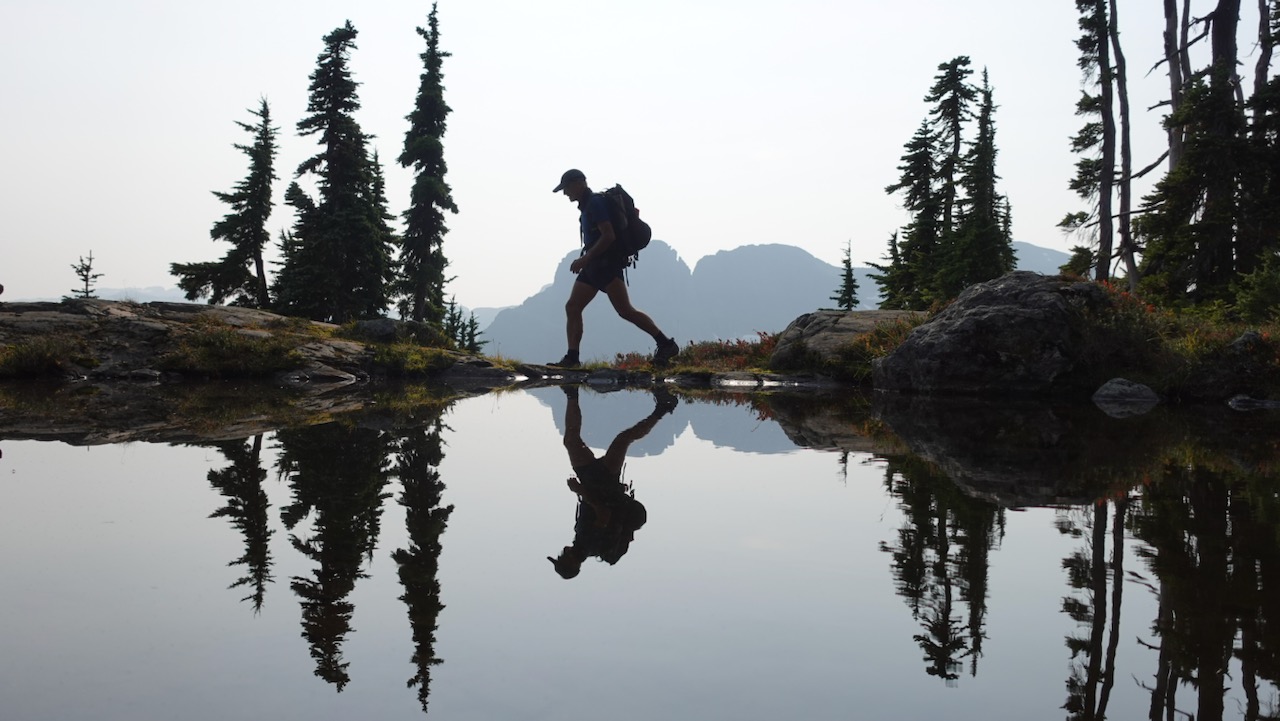
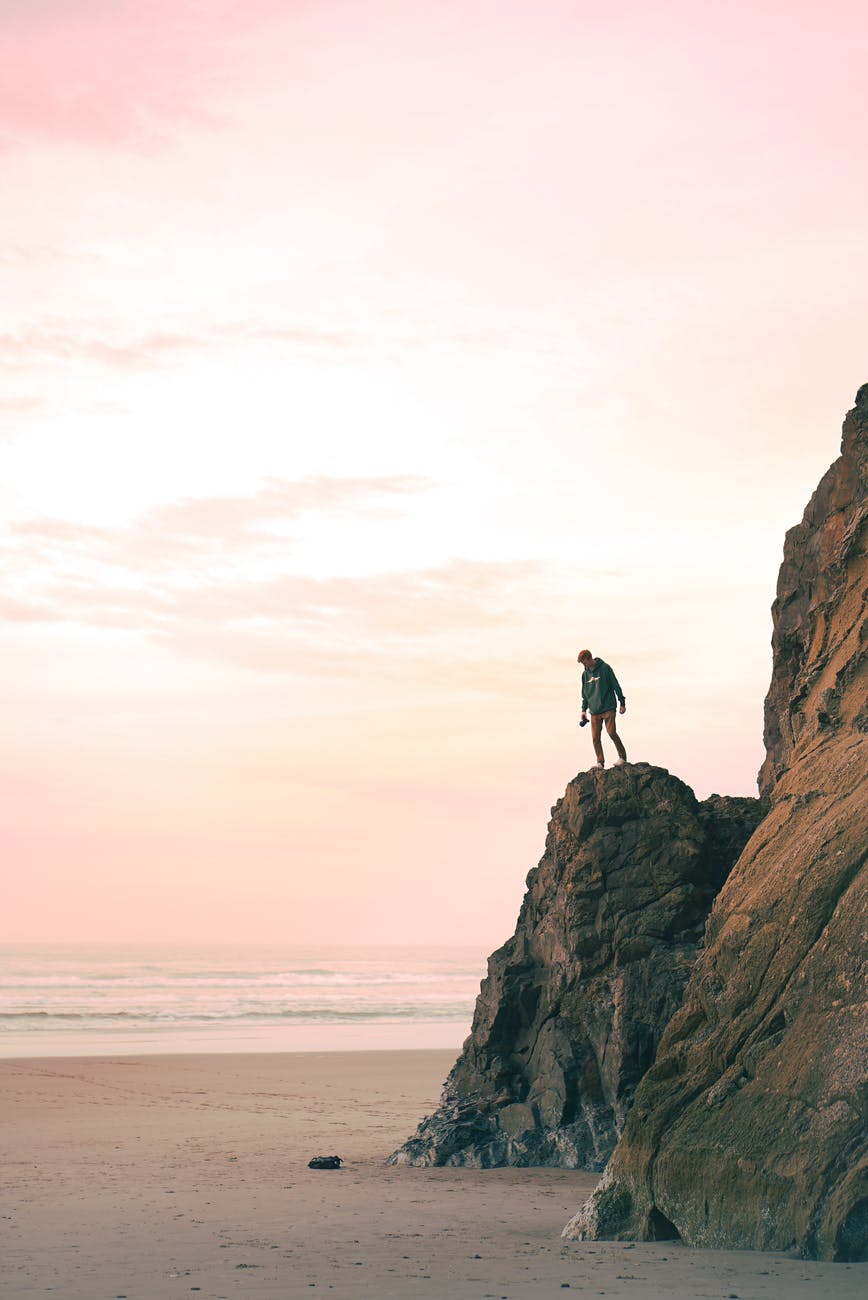
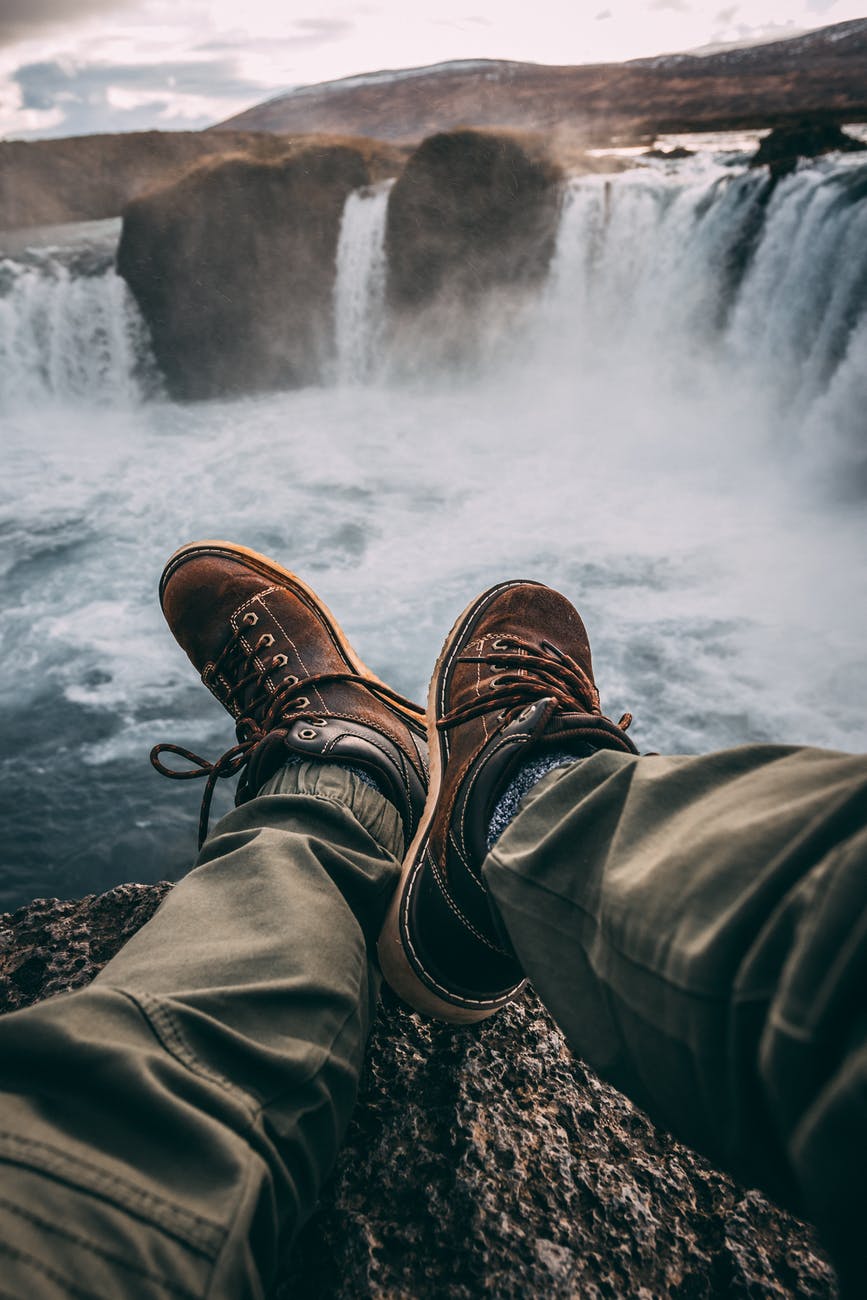
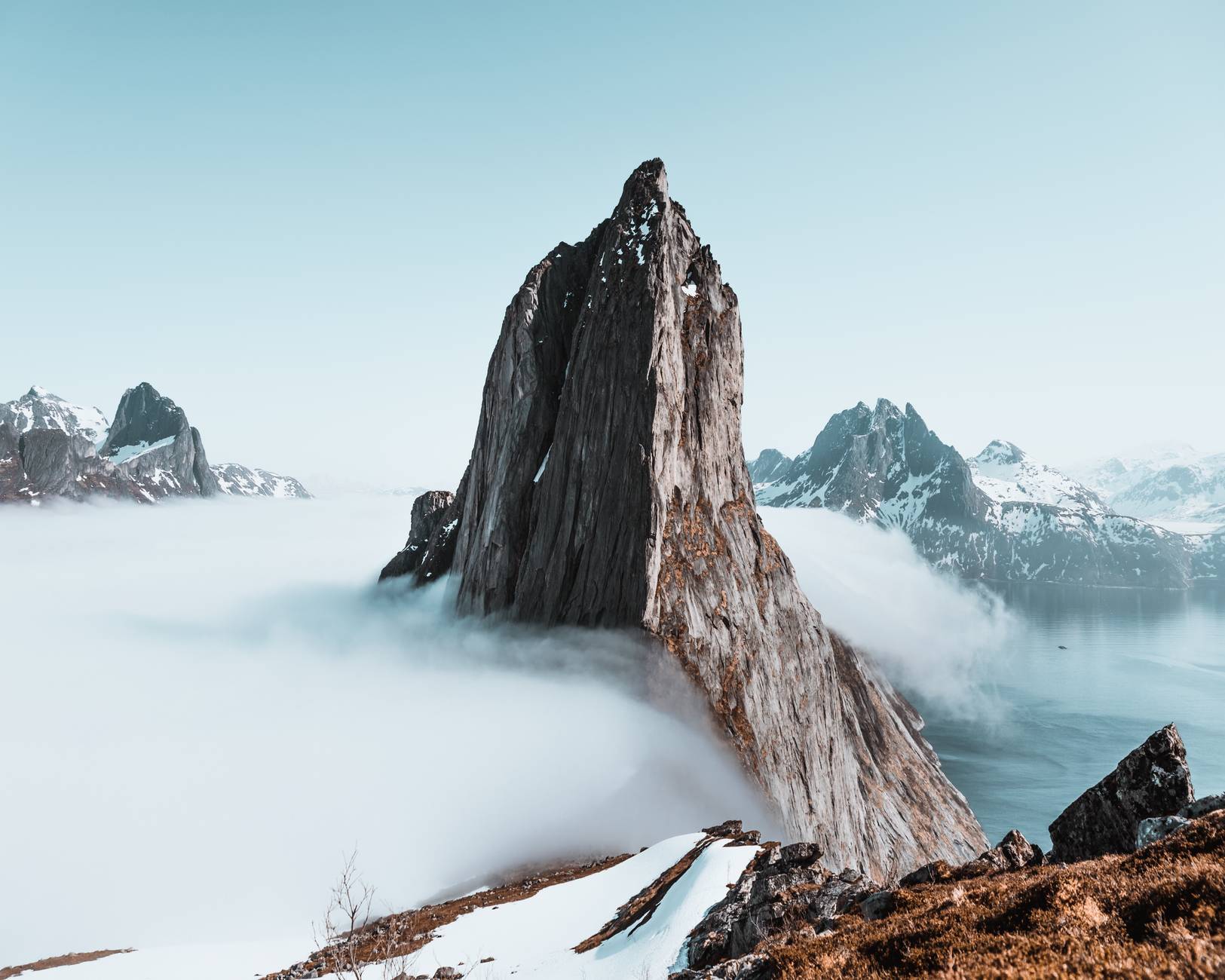
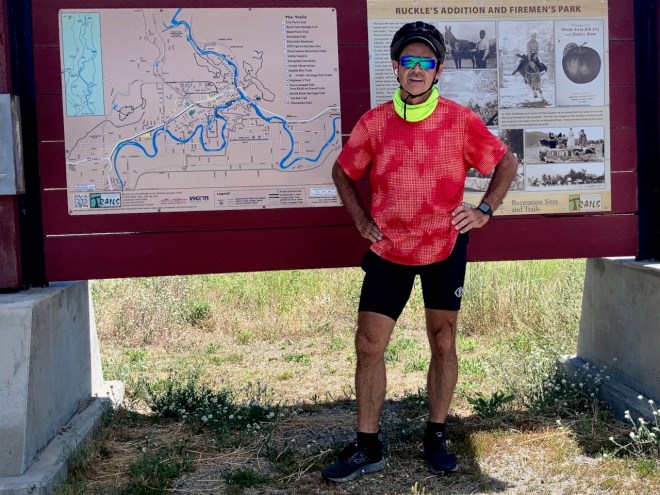
One thing I like about the Block Editor is being able to more easily make a photo gallery. These images are all provided free through the Block Editor.
With the old editor I didn’t have much control over images.
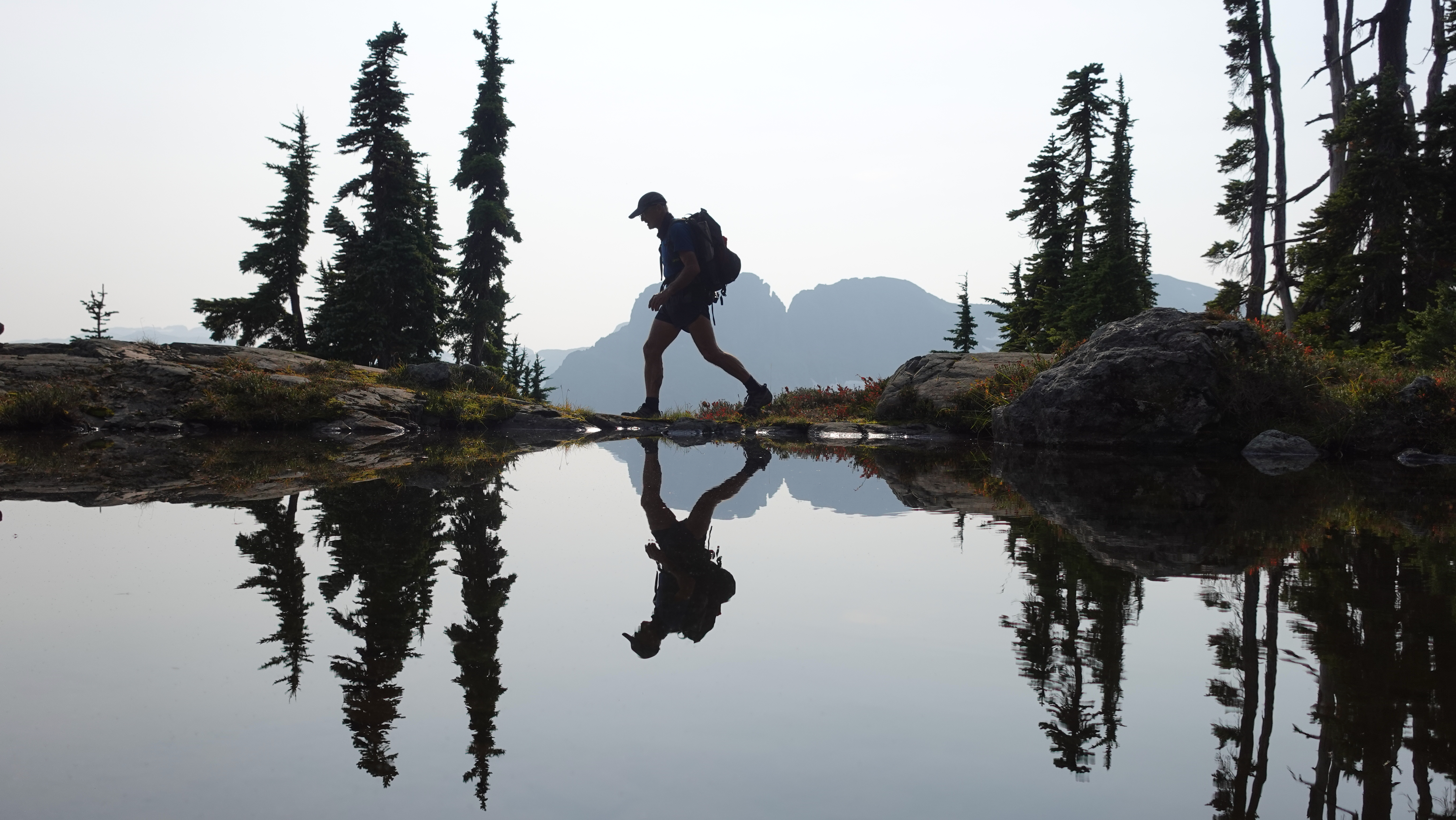
Using the Block Editor I can more easily edit this image, for example.
That said — many of us feel forced by the host company to use something called the Block Editor to write posts like this rather than the Classic Editor we used in the past.
For hiking I’m not often going to be carrying a full tripod. Too big. Too heavy.
But for cycling, I’ll often bring this one along.
I’ve spent hundreds of hours videotaping from tripods. But — until now — have never used one as an extended selfie stick.
Of many similar options, I got the Selfie Stick Tripod, UBeesize 51″ Extendable Tripod Stand with Bluetooth Remote for iPhone & Android Phone. I won’t be using the Bluetooth Remote.
CAD $33
610 Grams
suggested max weight is about 2.2 lbs/1Kg.
1/4” screw thread (fits my GoPro, Sony camera, OM 4 gimbal)















 #CovidGoals



 Rick McCharles