Curves Adjustment Tool for Photos

I’m enjoying experimenting with this way of editing photos in Pixelmator Pro

Click PLAY or watch it on YouTube

It does feel easier and more precise than other tools. 

Actually I start with the default Machine Learning quick fix. Move to Curves Adjustment IF I want. Finally I might tweak specific colours. 

This pic was much improved, for example, using Curves Adjustment. Cluttered, I played around to make the texture of the art work on the wall more 3D.

Here’s the photo before being uploaded to Instagram. The Instagram version is compressed. Lower quality.

I’m still using the Apple Photos app to move pics from cameras ➙ to folders ➙ to my Flickr master archive.

In fact, Apple Photos is a surprisingly good photo editor now. Less powerful than Pixelmator, but fast and easy for those I’m not posting online. It does have Curves Adjustment, as well.

In fact, Apple Photos has an Extensions tab where you can quickly pull up all the Pixelmator tools without opening that more powerful app. Cool.

DJI Mini SE Drone Test #1

I tried and failed to fly a DJI Spark drone when it was released 2017. Did not once get it off the ground. It was a dead weight on my Patagonia trip that year.

In 2021 the (Mavic) Mini SE is their entry level model. CAD $349. … How long before I break it? 😀

I’ve either gotten a lot smarter — or their drones are much easier to operate now.

Click PLAY or watch the 1st flight on YouTube.

My 2022 Workflow = Notes & Notion

Cooped up in my unheated garage WORLD HEADQUARTERS, I’ve been experimenting with BETTER ways to create NOTES and TO DO lists.

When on the run with only my iPhone, I’ll use Siri or jot down a quick note from the Lock Screen.

Click PLAY or watch how to edit the Lock Screen function to your phone on YouTube.

Once in a while I’ll take a photo (or scan) with my phone and save it as a Quick Note.

Click PLAY or watch it on YouTube.

If I’m on my laptop and want to take a quick note, I’ll either use Siri — or move my cursor to the HOT CORNER of the display I’ve set up to launch the app. (That works even in full screen mode.)

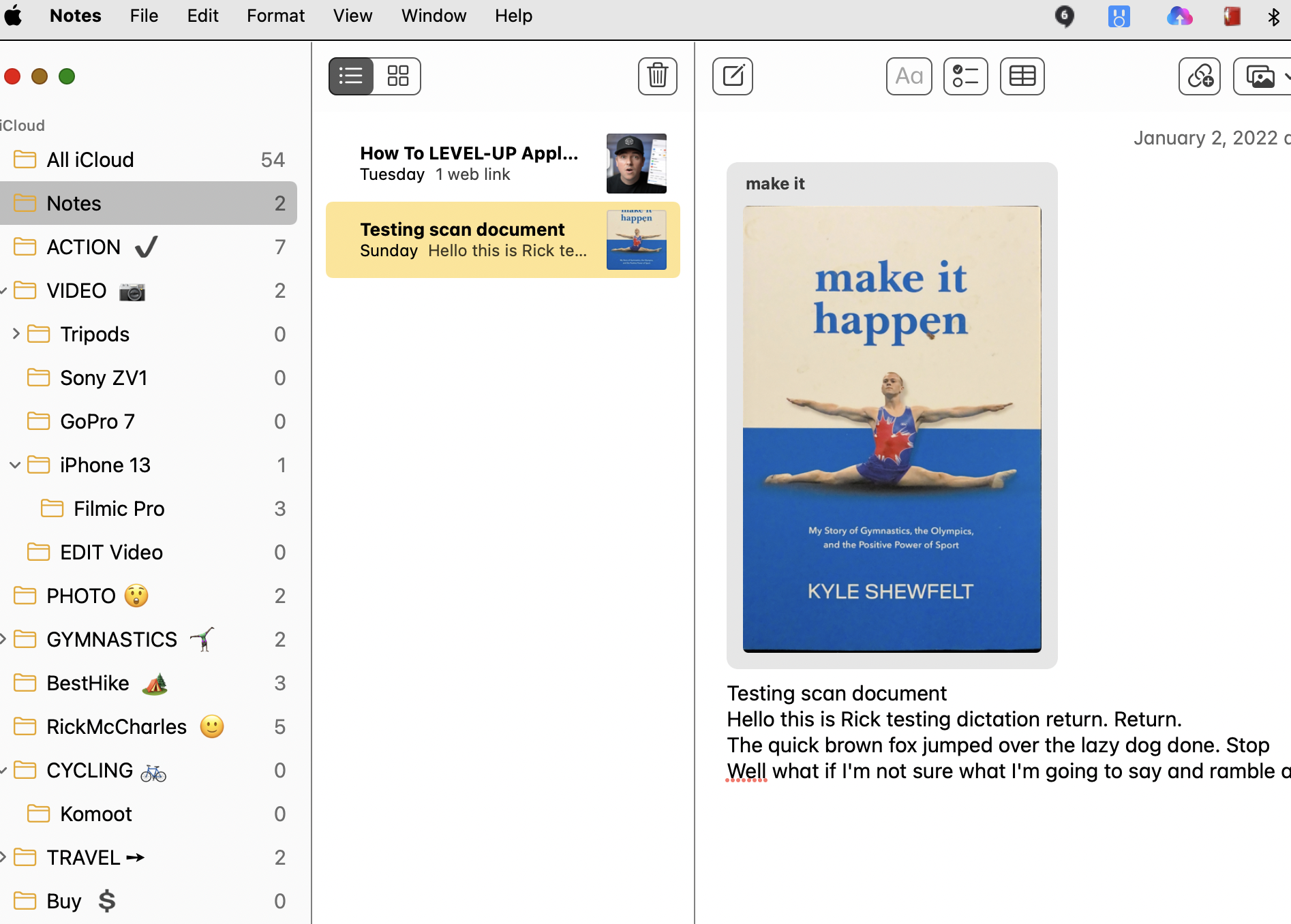
OK … ALL those methods put my quick notes into a folder in the app called “Notes” via iCloud.

From there, I’ll file them into the best of the folders I’ve created. It looks like this right now.

Done. Notes will archive my brain farts.

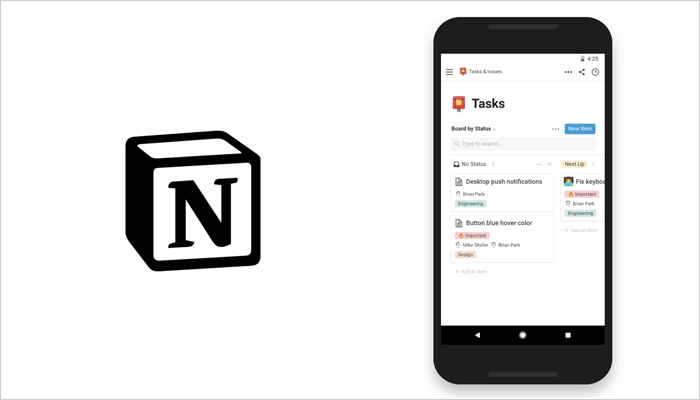
Any of those whims that become ACTION PROJECTS I’ll move over to the NOTIONS app.

It’s much more complicated Project Management software.

Click PLAY or watch it on YouTube.

Lisbon, Portugal in November

I arrived Lisbon Nov. 2nd, 2021my birthday. During a pandemic.

My excuse was ESSENTIAL TRAVEL 😶 to get a dental implant done. Expen$ive — but excellent. And finished within 2 weeks. A dental holiday.

Click PLAY or watch highlights on YouTube. (3min)

I avoided museums and restaurant because PLAGUE — but ordered out from famed Time Out Market at least 6 times.

Tourists love Lisbon.

Fantastic street art for pretentious influencers. 😀

I stayed at Sunset Destination. Not the best hostel in town, but definitely the best located. On top of a train station transportation hub. AND they have a great rooftop patio.

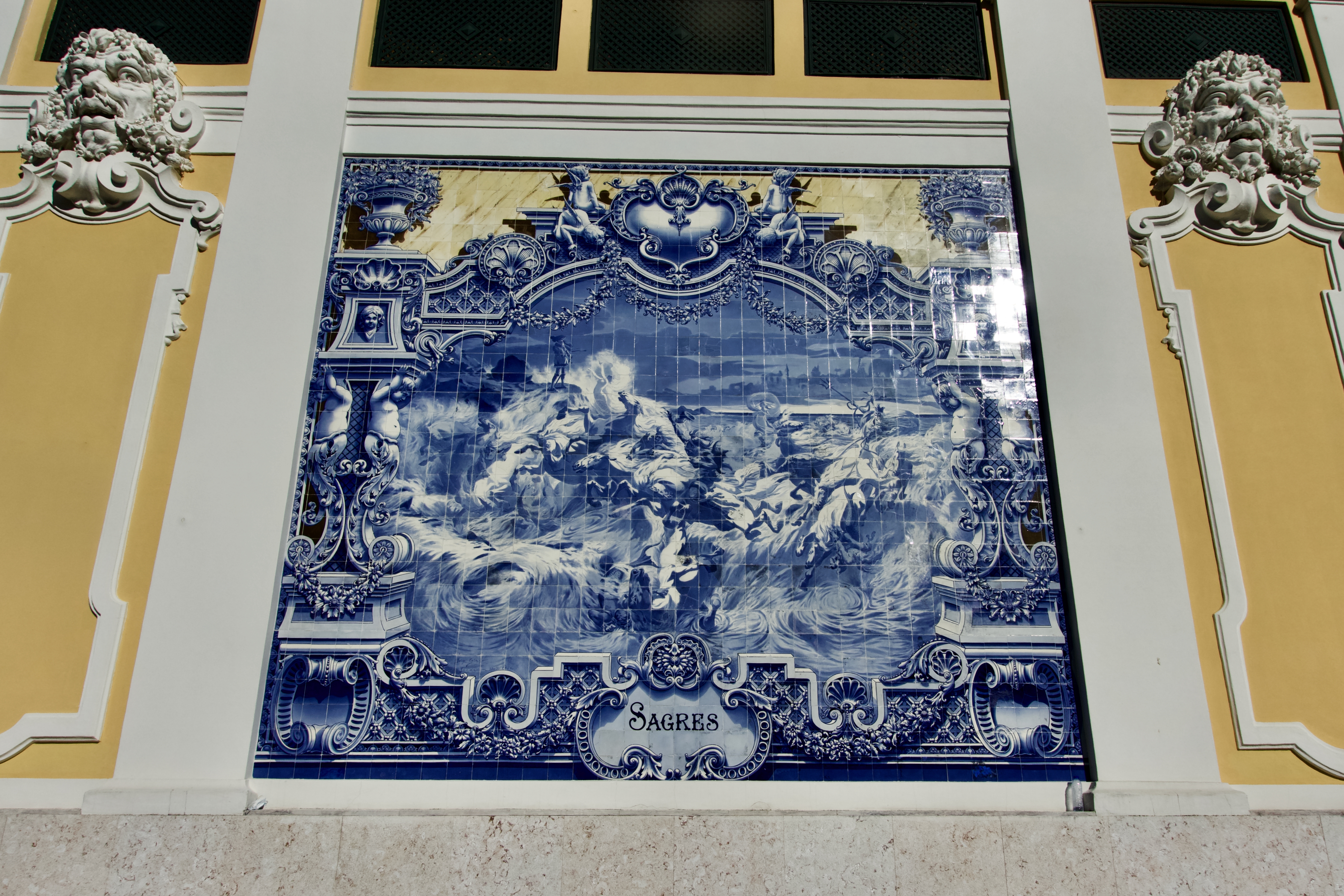
I walked more than on a typical hiking day. There’s much to see. Many viewpoints to visit.

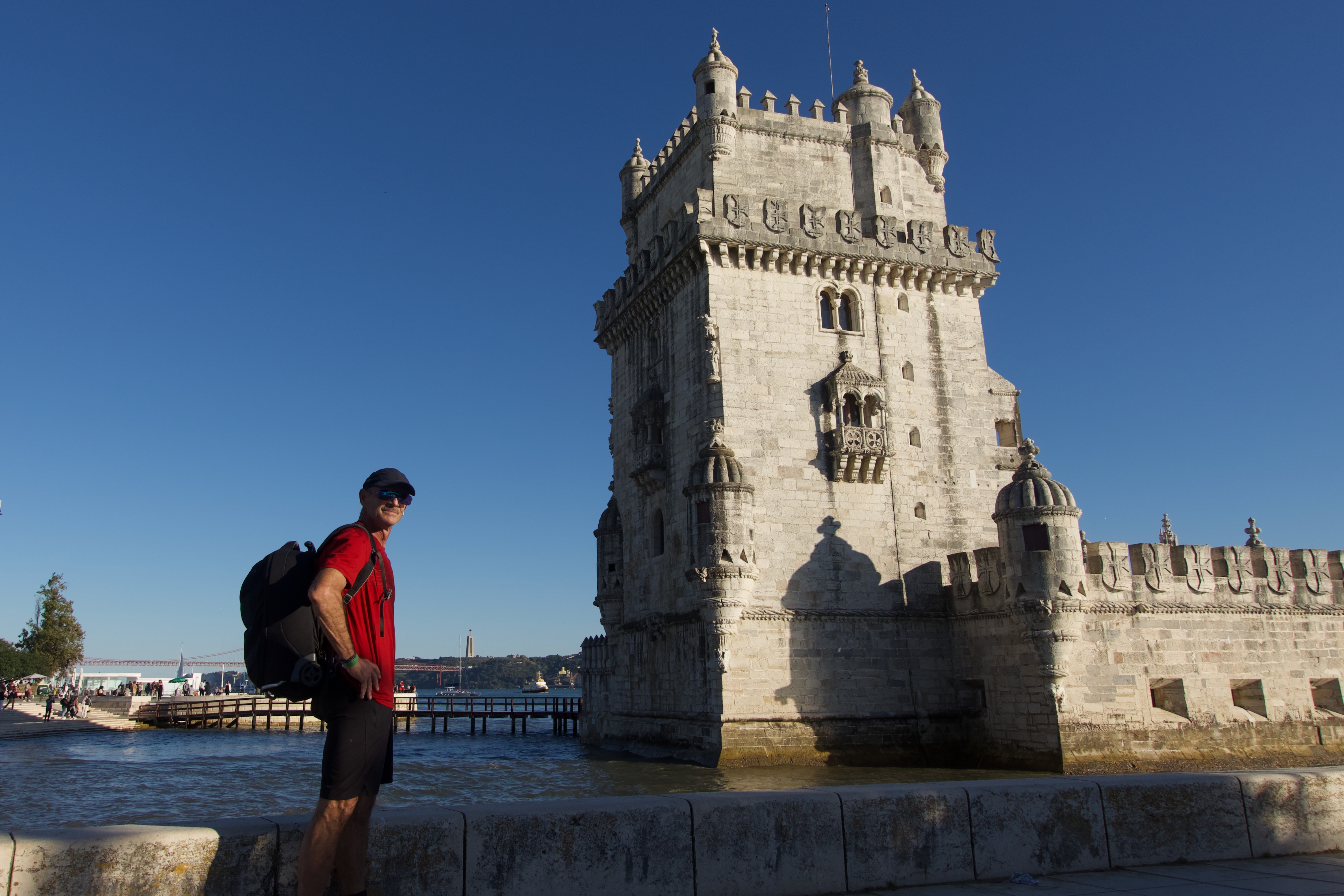
Belém Tower
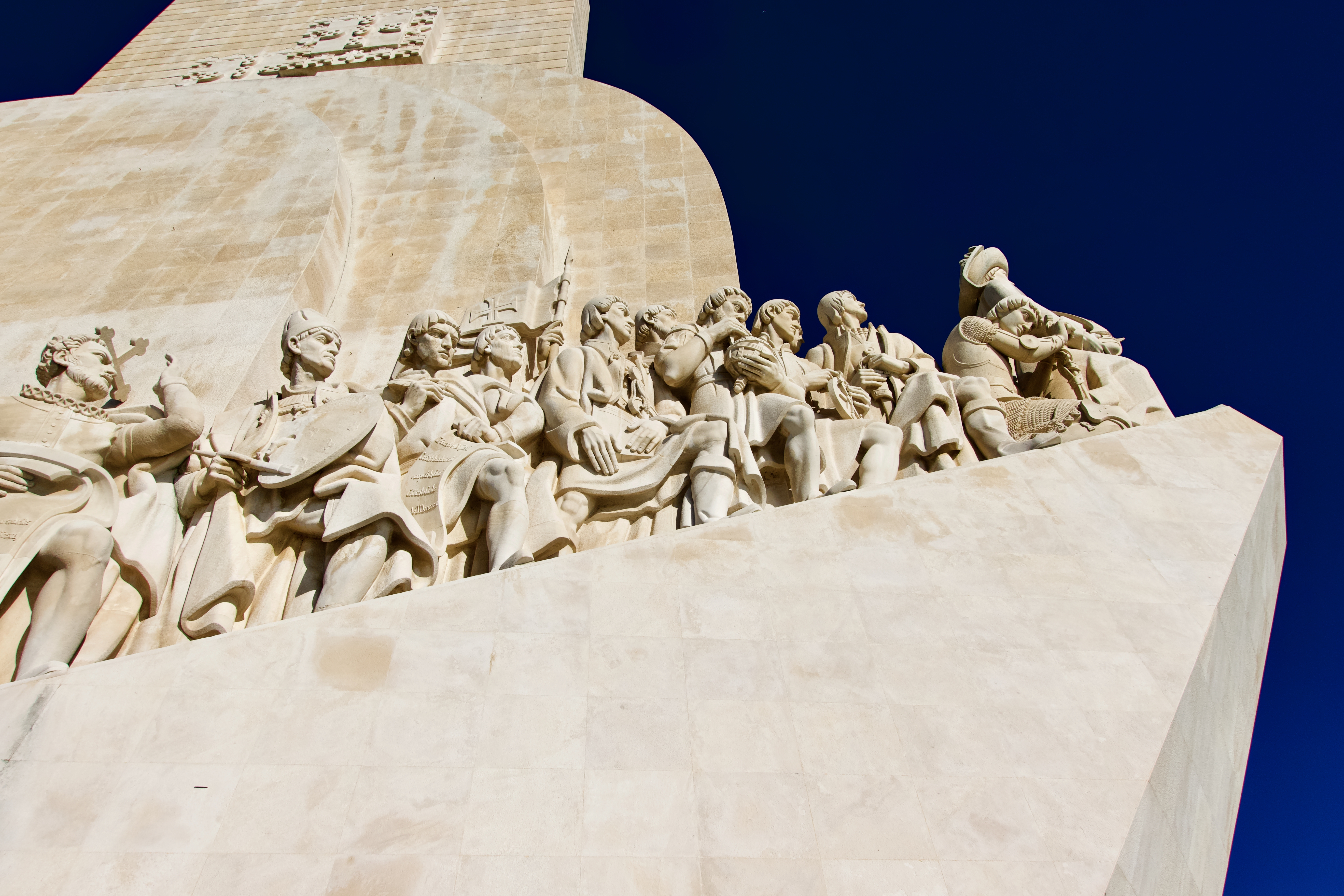
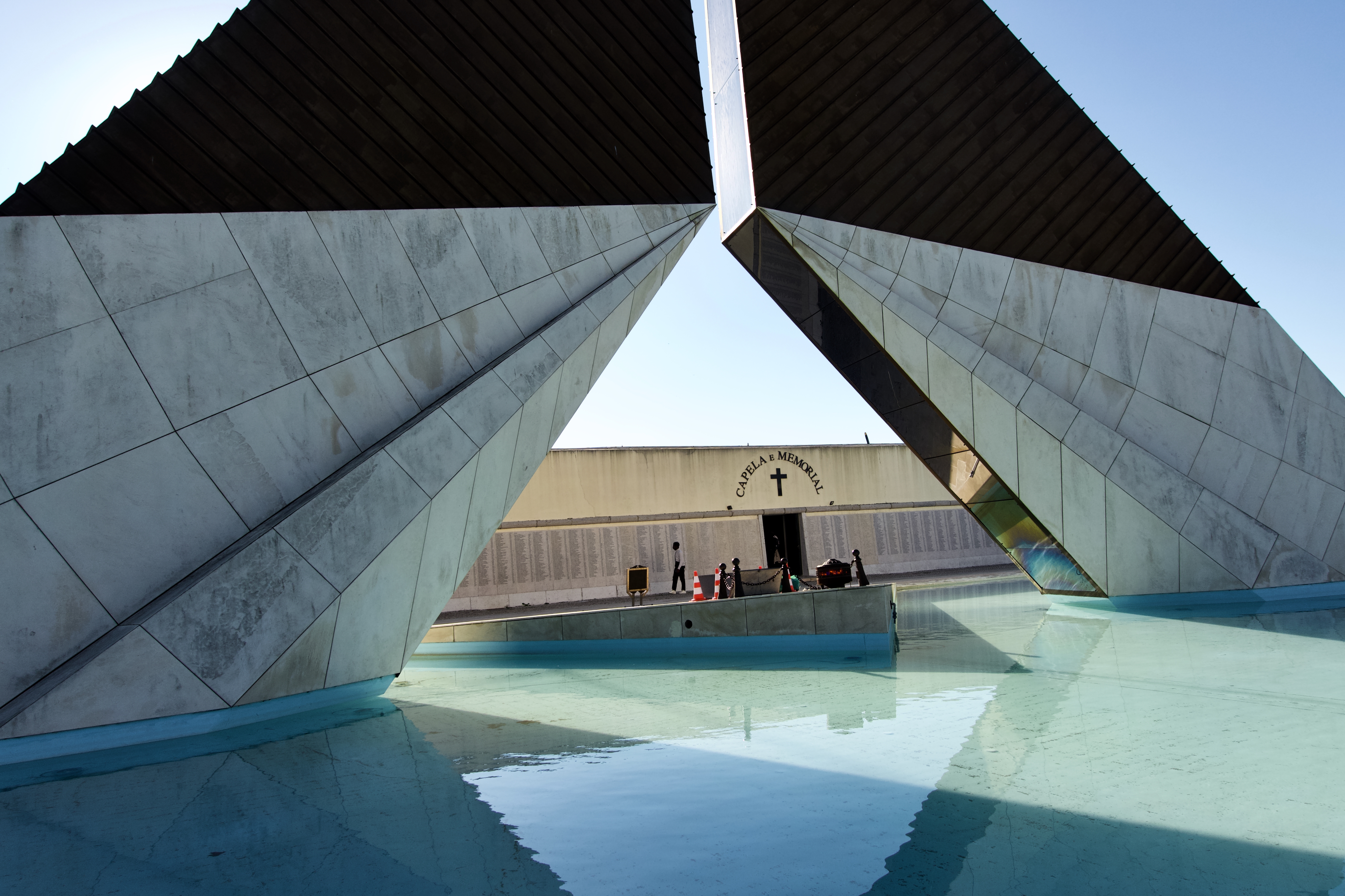
Monument to the Discoveries
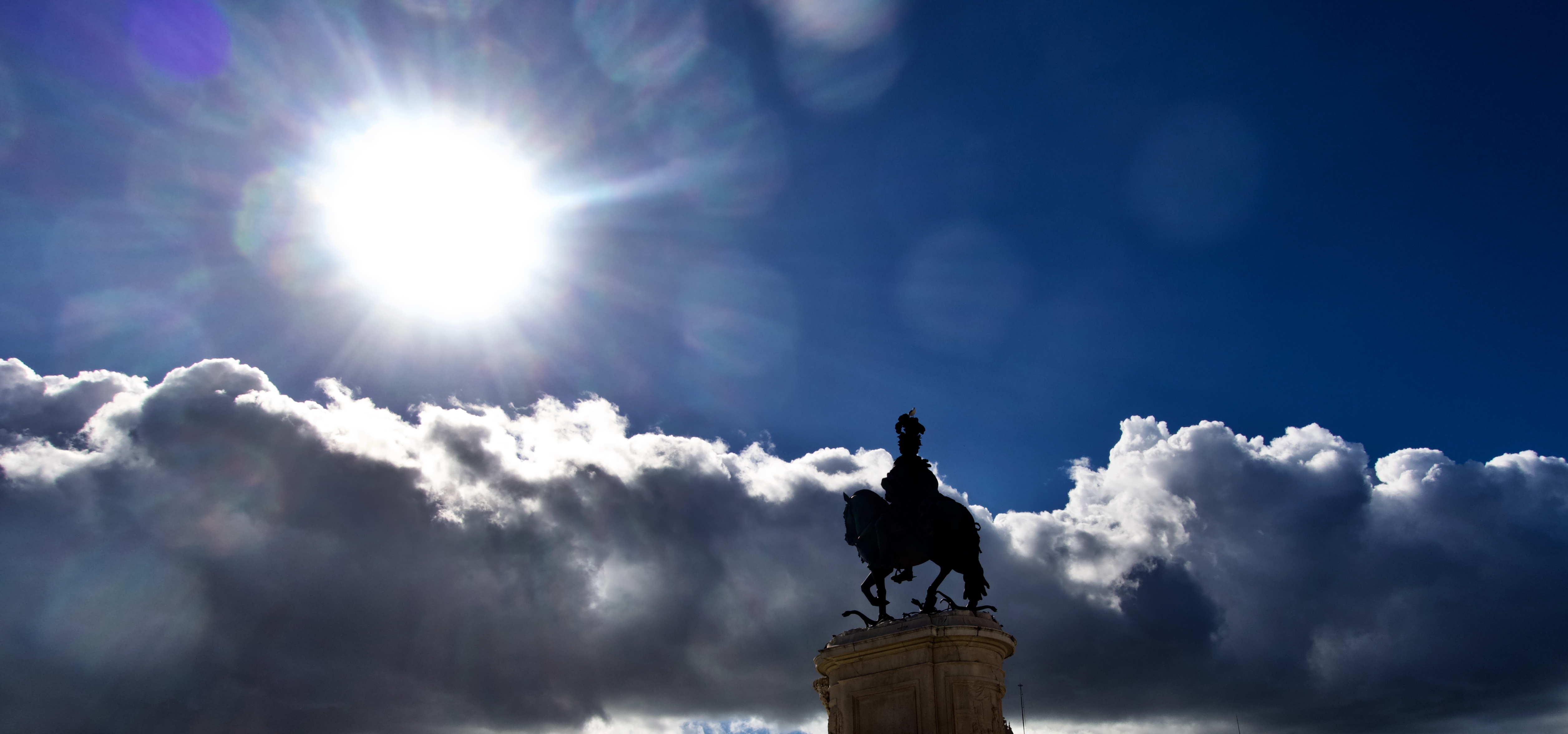
Praça do Comércio and Rua Augusta Arch

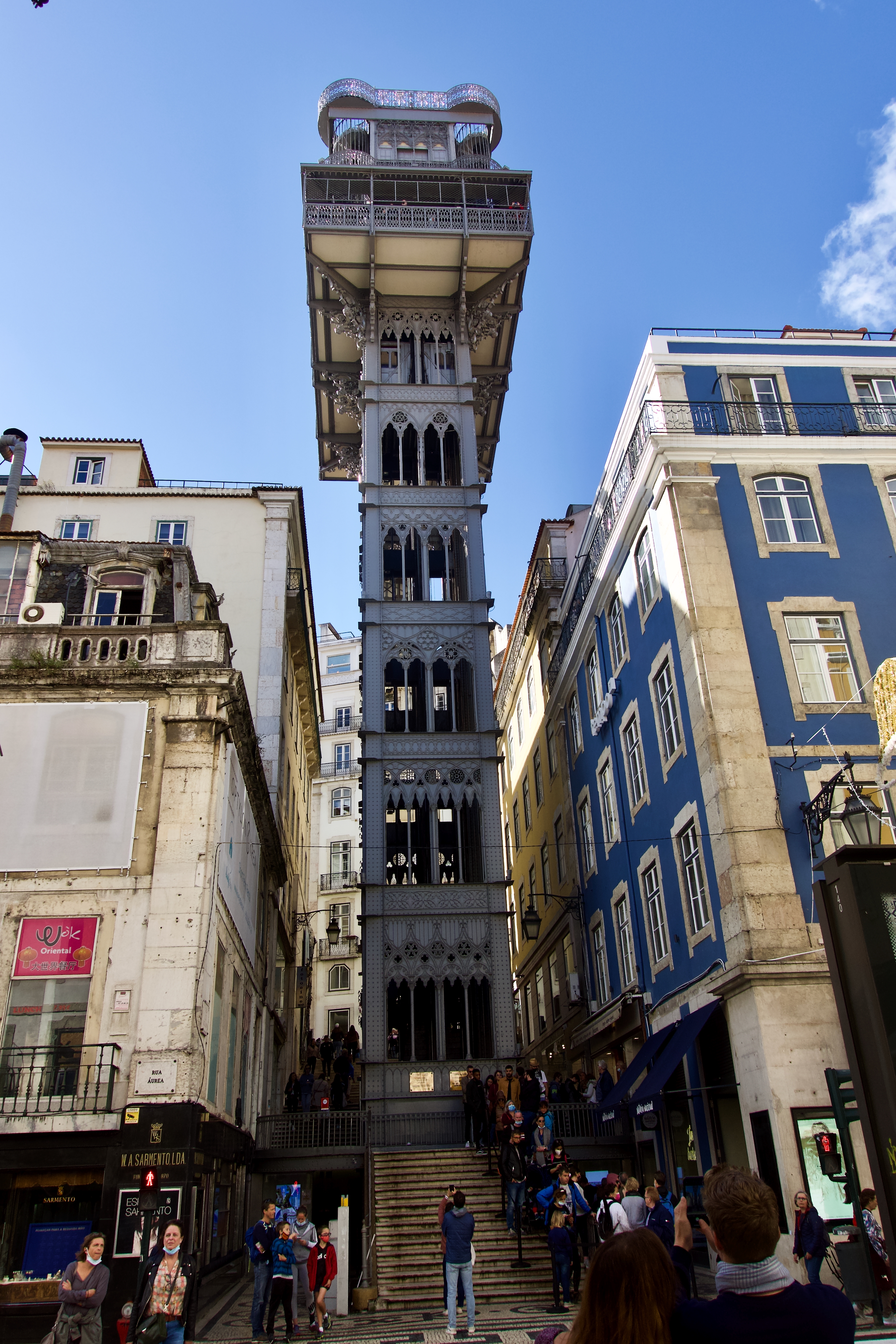
Santa Justa elevator
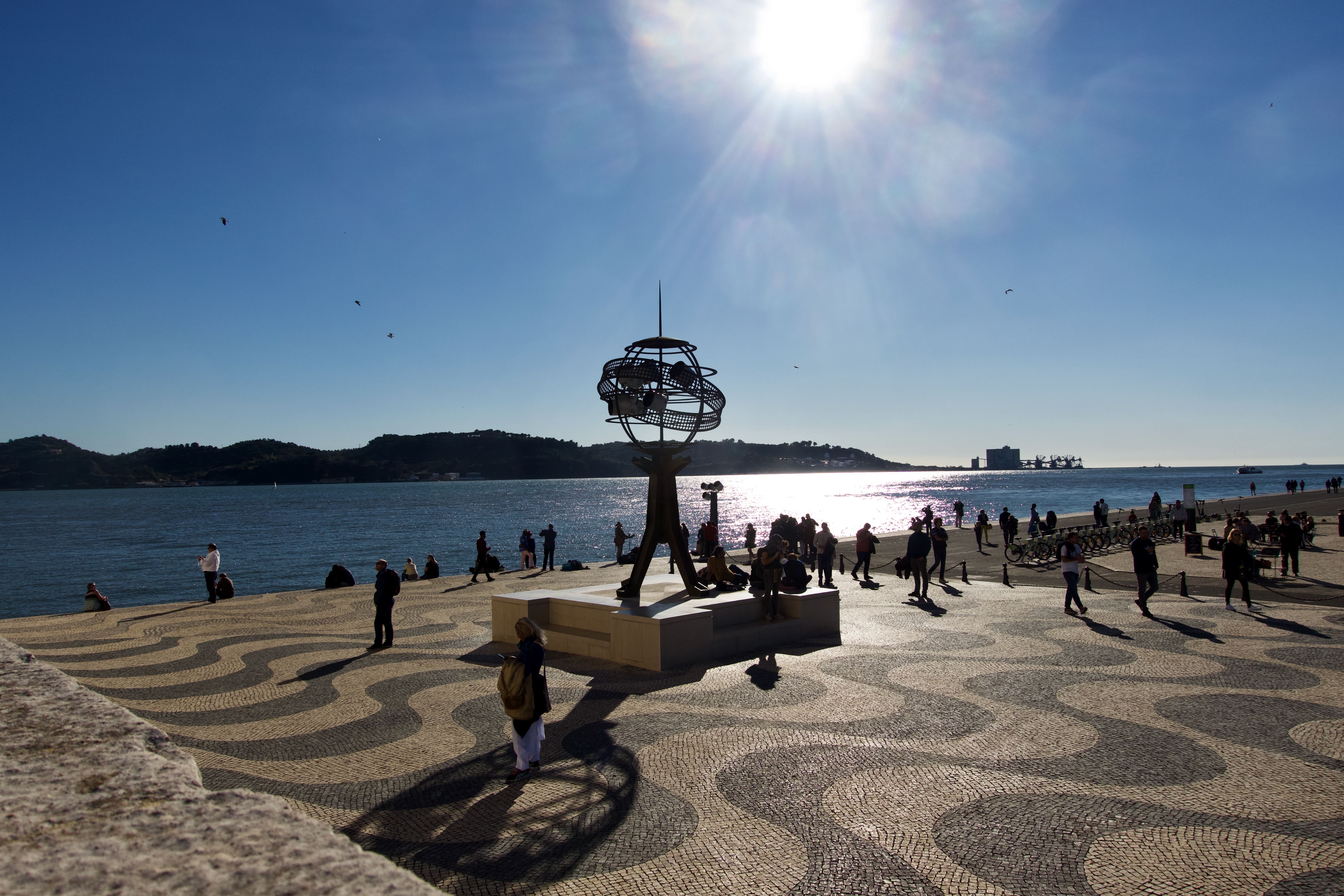
Museum of Art, Architecture, and Technology (MAAT)

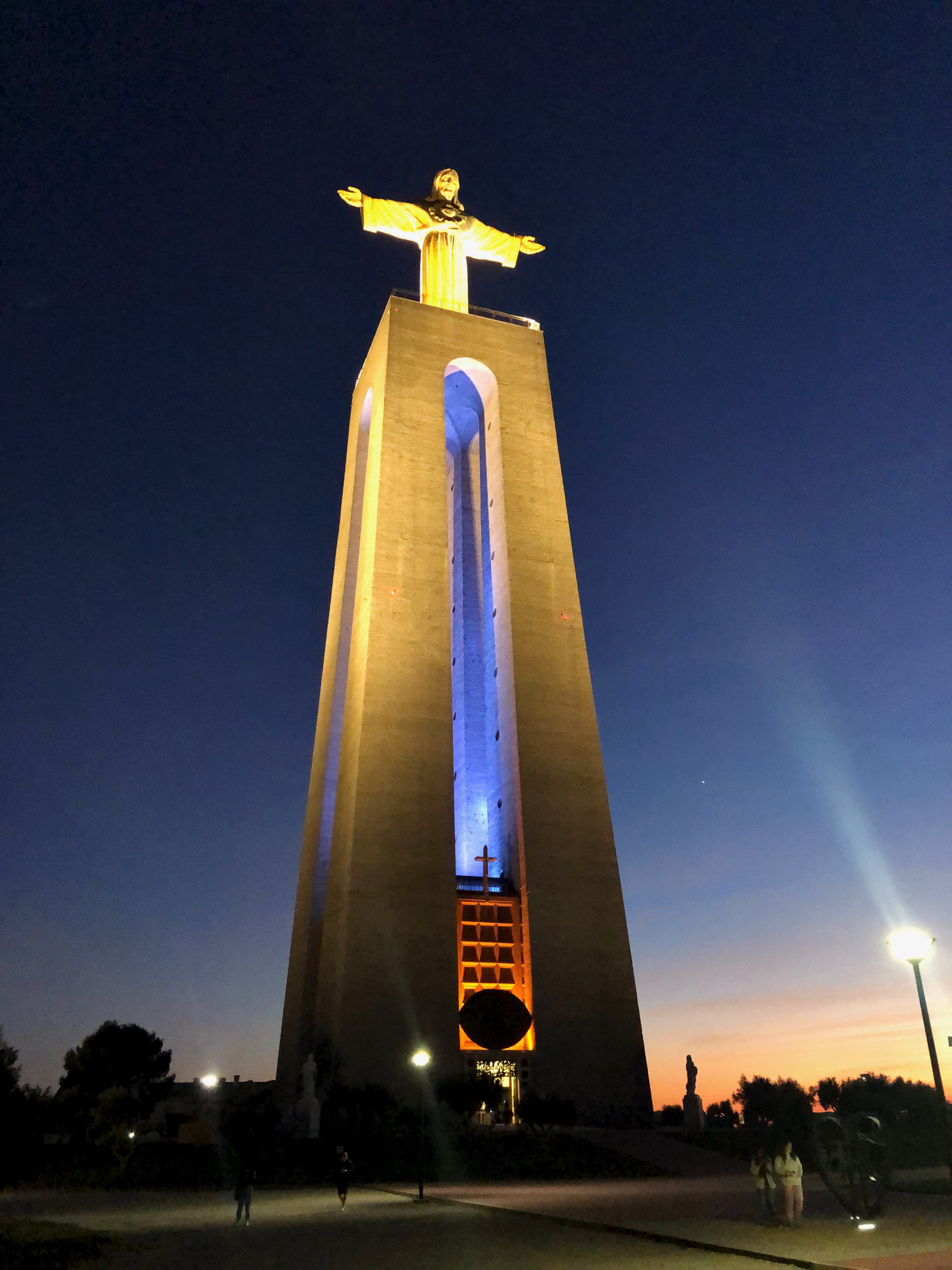
I really liked climbing the Christ statue at sunset.

Cristo Rei

I’ll be back in Lisbon next Spring to get my implant installed.

Flash Drive Back-up for iPhone

For my purposes, an iPhone X (for example) is better in many ways than a dedicated camera like the Sony ZV-1.

I want 4K video at 60 frames / second. The iPhone does that. The Sony doesn’t.

One BIG downside of using your camera for video is running out of storage.

But I solved that with the purchase of a tiny SanDisk 256GB iXpand Flash Drive Go for iPhone CAD $82.

It works well and quickly to back-up all your photos and videos, freeing space to take more.

Click PLAY or watch it on YouTube.

Cropping Photos for the Web

I really haven’t got much more excited about photography since going all in for VIDEO during the pandemic.

Many things irk me about photos online.

The majority of those you see are not very good — diminished so the image can load more quickly.

For my photos, best place to look is my Flickr account. Over 57,000 pics organized into albums.

THE photo site Instagram … I find super restrictive. And dumb.

Instagram wants to first display photos SQUARE. Here I cropped my 9×6 photo for that default.

Another crop.

Newer models of iPhone can be switched to my preferred 16:9.

These look great in landscape mode on a phone.

Notion note taking app

I’ve always been a NOTE taker.

Always put together TO-DO lists.

Not always skilled at following through. 😶

For the past few months I’ve been trying NOTION. It’s free for basics.

More complicated than I need. But it is cool.

Click PLAY or watch it on YouTube.

It does synch perfectly with iPhone. And I can use the IOS app even when out of service.

NOTION ranked #1 on this list of Best Note-Taking Apps 2021.

I’ve used different notebooks and apps over the decades. Most recently I’ve been trying to stick to the default Apple products:

  • Reminders
  • Text Edit

Love the simplicity and compatibility with the Fruit Company ecosystem of brainwashed.

I’ve yet to find a calendar I like. I’m using Google Calendar — but don’t really enjoy it. Right now I’m trying to switch to Apple Calendar, which I also don’t like.

Peter McKinnon X NOMATIC V2 camera bag

I bought the NOMATIC 3-7 day Travel Pack bag in 2017.

Love it.

Looks like I’ll be buying another — this time their dedicated V2 camera bag.

Click PLAY or watch it on YouTube.

hippies in Corfu, Greece – early 1980s

My old pal Mike Sissons forwarded photos.

Mike’s now teaching in Madrid, Spain.  I last visited in 2015. 

I can vividly remember the kind of nonsense, drinking and debauchery went on in Vatos, Greece. That was the nude beach of the day. (I’m still burned where the sun doesn’t shine.)

Corfu Mike Sissons

Apple Watch Camera Remote app

If you want to position your iPhone for a photo and then take the photo from a distance, you can use your Apple Watch to view the iPhone camera image and take the photo. You can also use your Apple Watch to set a shutter timer—this gives you time to lower your wrist and raise your eyes when you’re in the shot.

To function as a camera remote, your Apple Watch needs to be within normal Bluetooth range of your iPhone (about 33 feet or 10 meters).

Apple

I added a QUICK LINK to my Watch Home Screen.

Click PLAY or watch it on YouTube.