Autumn 2024.
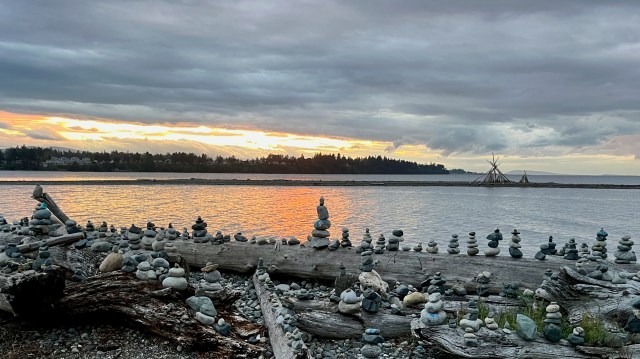
Pretty Parksville.
September is my favourite month. We’ve had great weather.
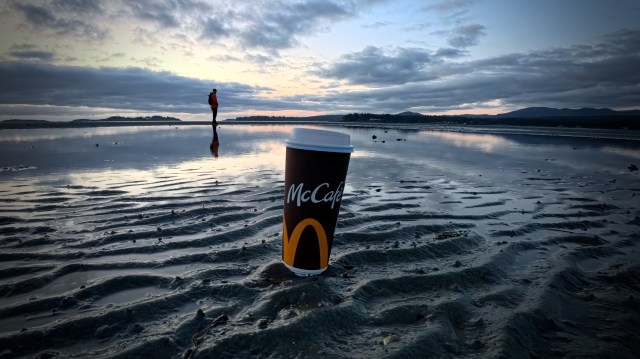
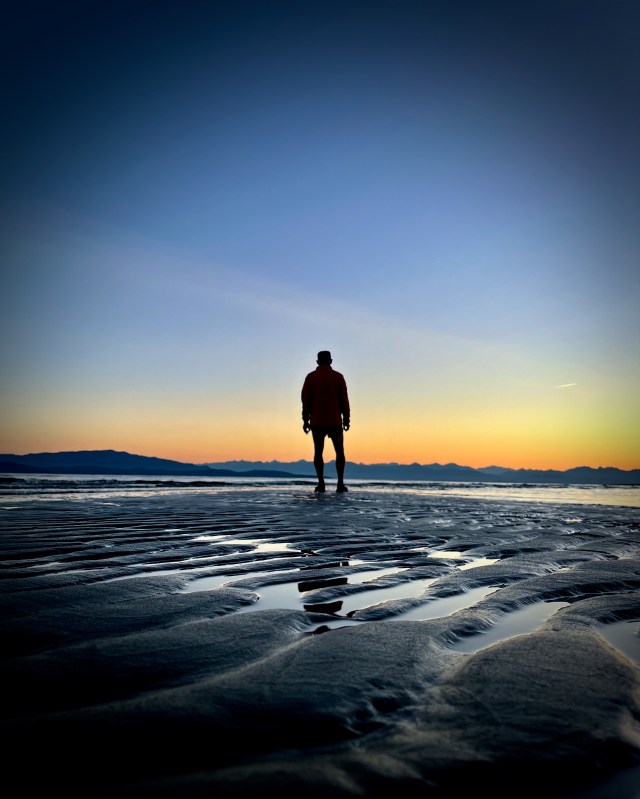
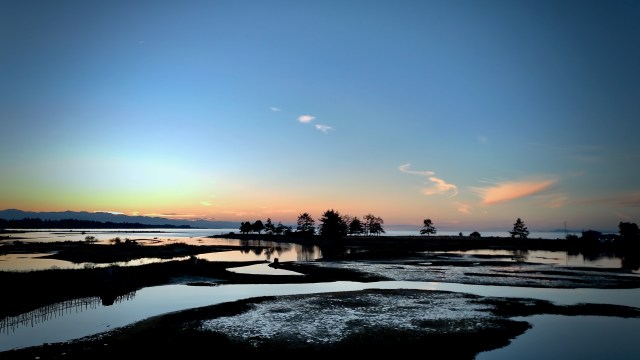
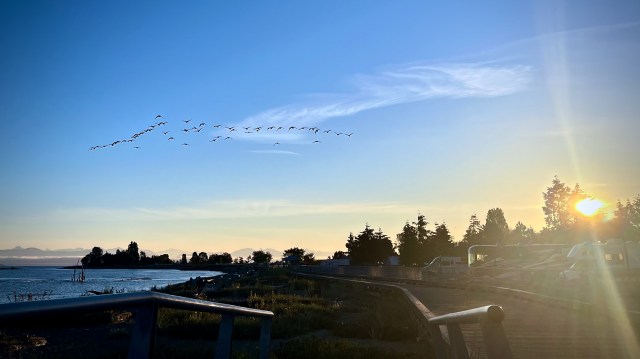
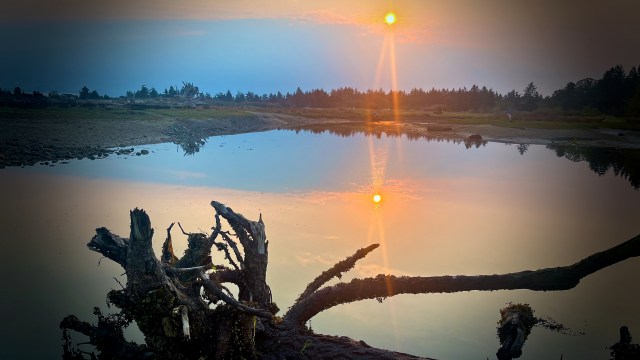
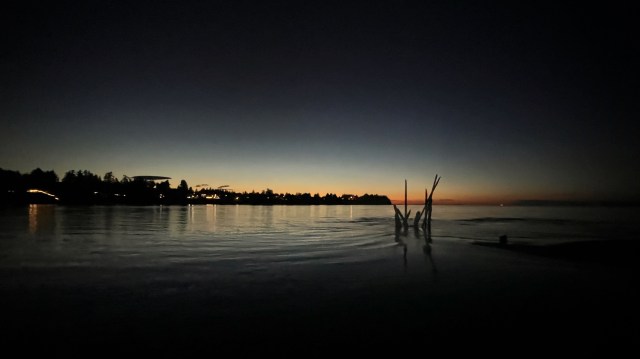
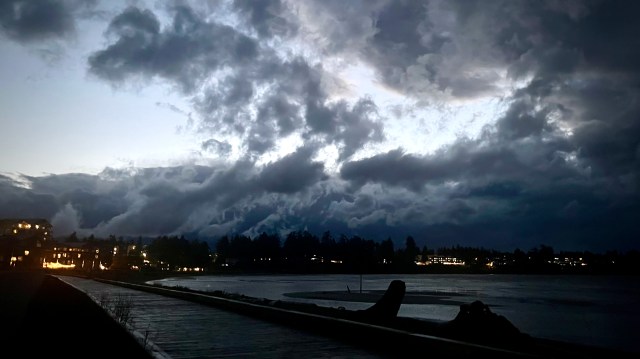
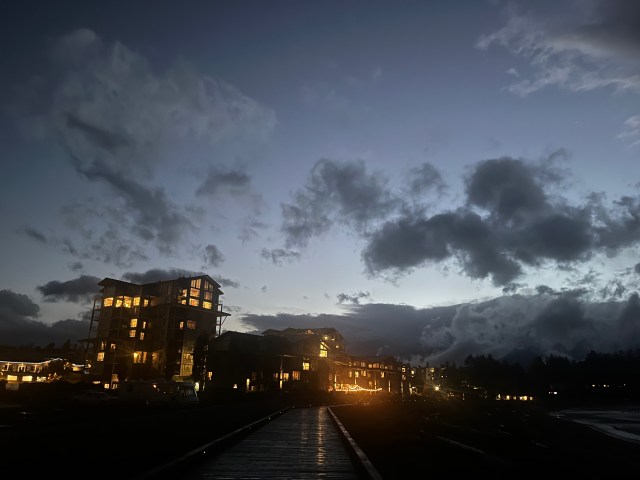
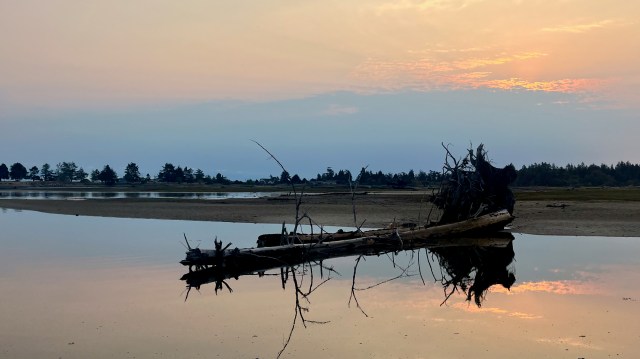
A selection of my many photos, most of the waterfront at dusk.
Click through the 17 photos in a slideshow.

Autumn 2024.
Pretty Parksville.
September is my favourite month. We’ve had great weather.
A selection of my many photos, most of the waterfront at dusk.
Click through the 17 photos in a slideshow.
I’ve been really enjoying flying drones.
Mine was the dumbest — and least expensive — in the DJI line-up, the original Mini S.E.
Getting ready for hiking / cycling 2024, I bought a DJI Mini 4 Pro drone. (My old drone broke in Idaho.)

Click PLAY or watch samples on YouTube.
Now have the DJI RC-N2 controller with the built-in screen. No longer need to hook up my phone.
I got the full Fly More Kit which includes 3 batteries, charging hub, carrying case, and extras.
Not inexpensive at CAD $1500 including tax.
Of course buying a warranty is essential. I paid CAD $170 (USD $125) / 2 years. I can replace the drone carcass up to 3 times. But IF I lose the drone, no warranty coverage.
I bought some accessories, as well:
I could have gone for the less expensive Mini 2, or Mini 3, but decided on the 4 for these features:
Most importantly, super powerful Activetrack options. The drone will follow-me wherever I go, avoiding obstacles so I need not manually watch it every second.
Due to obstacle avoidance, I’ve not crashed the Mini 4 even once … aside from day 1 when I tried to catch it by hand incorrectly. Oops.
Click PLAY or watch it on YouTube.
I’ll shoot video in 2024 with drone, iPhone, and Ace Pro Action Camera:
Add-on
My guru is DC Rainmaker.
Click PLAY or watch it on YouTube.
Click PLAY or watch it on YouTube.
NOTES:
I didn’t go for the Plus battery because the added weight takes it over the sub-250g weight
I was convinced to buy the more expensive Mini 4 by DC Rainmaker’s 2022 review.
If you are keeping track — I bought the DJI Spark at the beginning. Couldn’t get it off the ground. Traded to Kraig for a fantastic jacket.
During the pandemic, I bought 2 DJI Mini SE drones. Now discontinued. Less than CAD $1000 total for both including the Fly More kit.
Surprisingly durable. I crashed them dozens of times.
I’ve been really enjoying flying drones.
Mine was the dumbest — and least expensive — in the DJI line-up, the Mini SE drone.
Getting ready for hiking / cycling 2024, I upgraded to a DJI Mini 4 Pro. (My old drone broke in Idaho.)
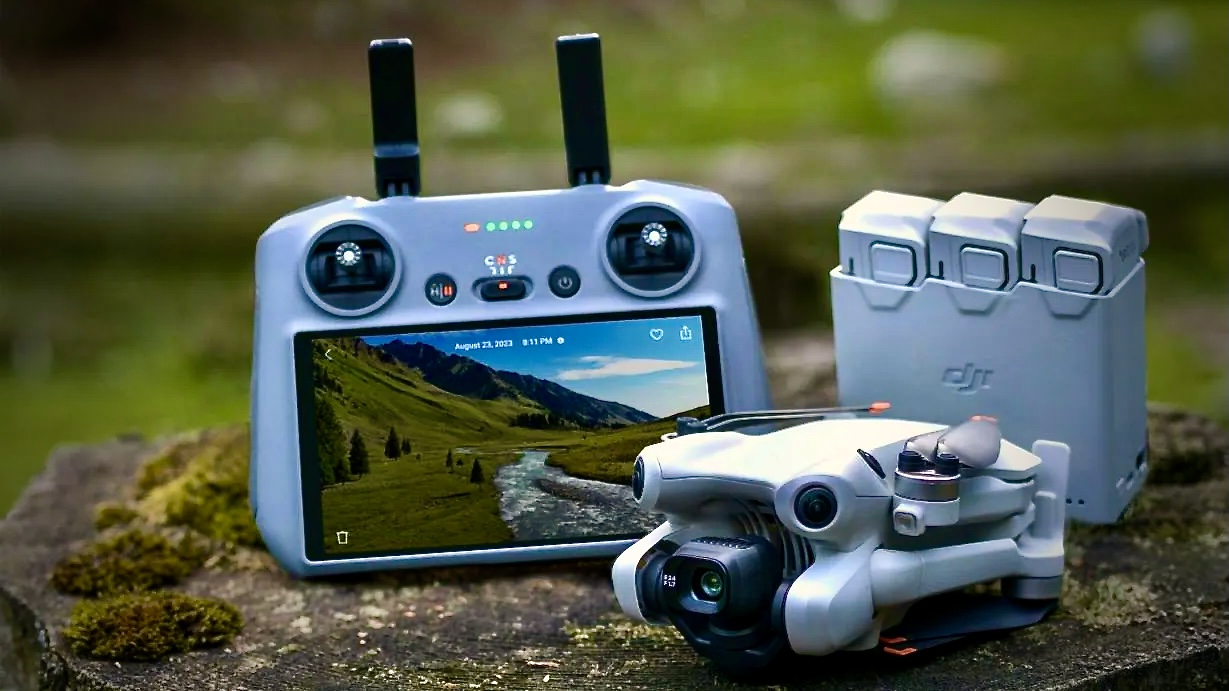
Click PLAY or watch samples on YouTube.
I now have the DJI RC-N2 controller with the built-in screen. And no longer need to hook up my phone.
I got the full Fly More Kit which includes 3 batteries, charging hub, carrying case, and extras.
Not inexpensive at CAD $1500 including tax.
Of course buying a warranty is essential. I paid CAD $170 (USD $125) / 2 years. I can replace the drone carcass up to 3 times. But IF I lose the drone, no warranty coverage.
I bought some accessories, as well:
I could have gone for the less expensive Mini 2, or Mini 3, but decided on the 4 for these features:
Most importantly, super powerful Activetrack options. The drone will follow-me wherever I go, avoiding obstacles so I need not manually watch it every second. This is ideal for cycling.
I’ll shoot video in 2024 with drone, iPhone, and Ace Pro Action Camera
My guru is DC Rainmaker.
Click PLAY or watch it on YouTube.
Click PLAY or watch it on YouTube.
My main interest is VIDEO.
But I end up taking and posting quite a few photos online, as well.
Of my current cameras, I find my iPhone 13 best for photos. Quick. Easy.
I copy those over to the PHOTOS APP on my Mac.
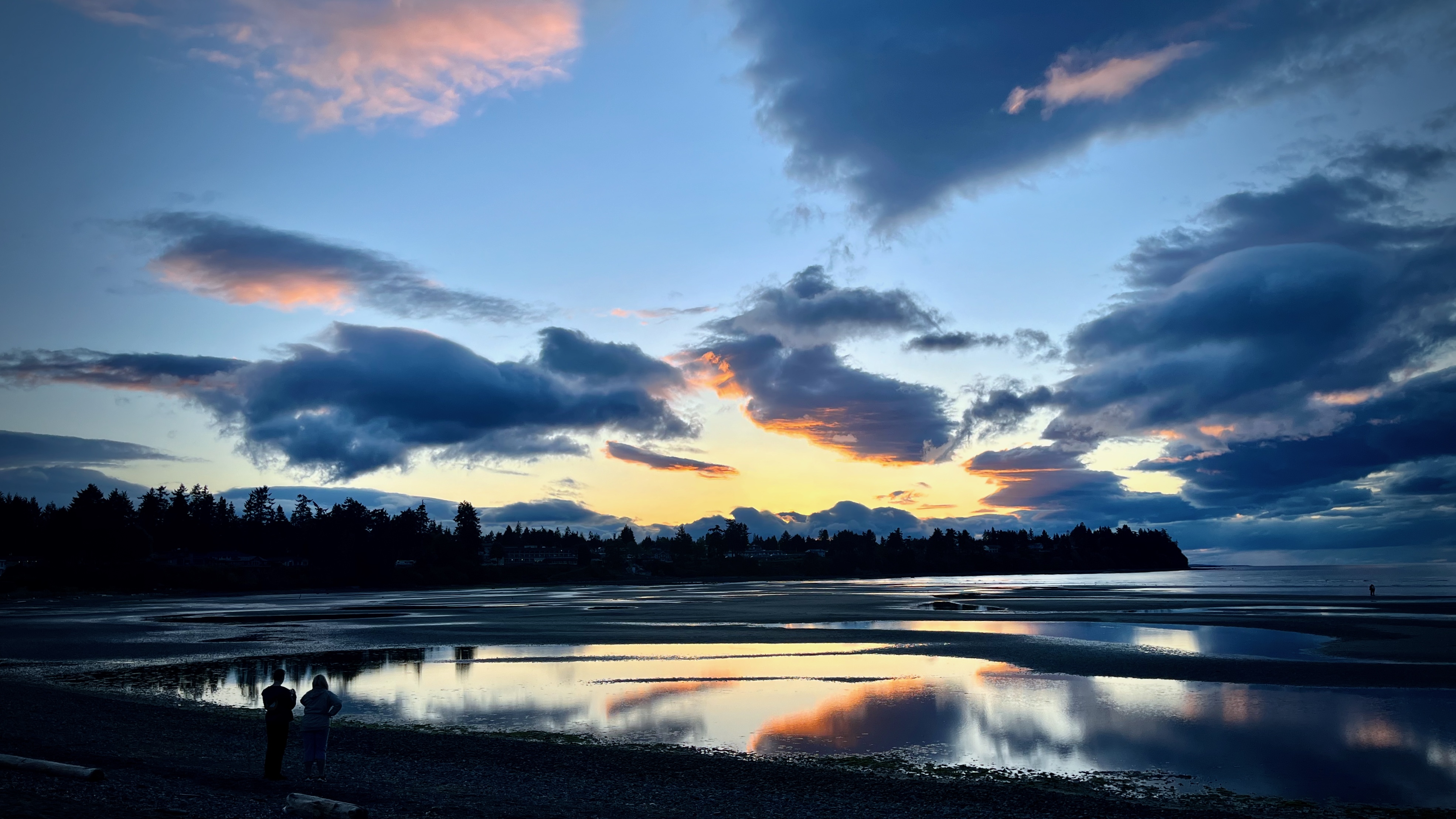
Here’s an unedited photo.
Quite good, as is.
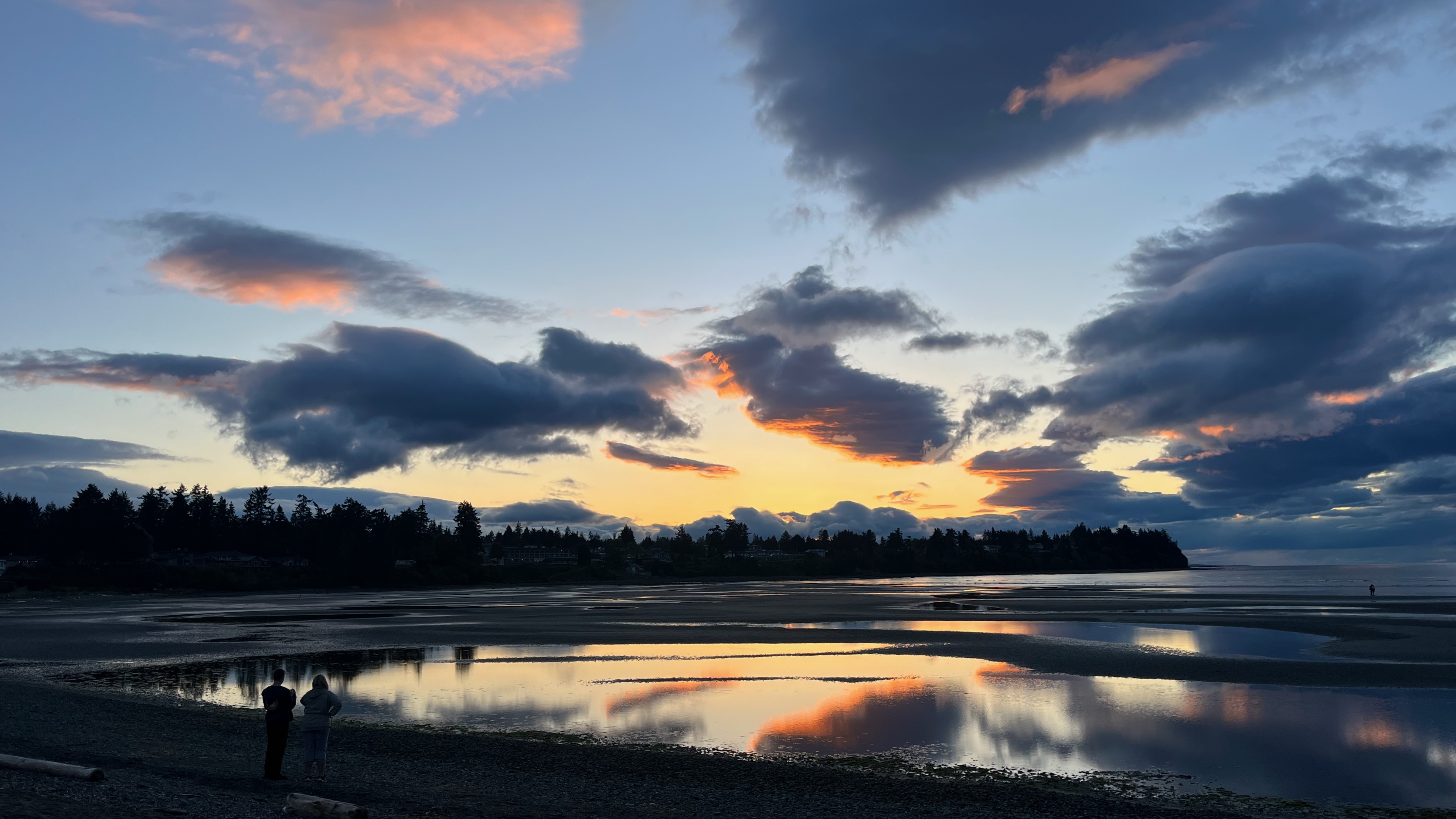
In the free APPLE PHOTOS APP, I most often consider adjusting these settings:
For this photo that took about 45 seconds.
I like both the original and edit. But like the edit slightly better. Especially Vignette.
Also, it’s brighter. And you can see the couple more clearly.
I’d avoided this Facebook social media alternative — until the pandemic. It’s very popular with outdoor recreation folks so I started posting near daily on @BestHikeVisuals.
This parody nails it. 😀
Click PLAY or watch it on Vimeo.
Day 1 for me on Instagram was November 9, 2020.
It’s shocking how limited Instagram is compared with Facebook. For example:
I’m up to over 600 posts now. And it IS rewarding to quickly scan all of those. And there are some very good photos.
But many of the coolest influencers are posting less to Instagram. Looking to TikTok and other social media.
Image scaling (upscaling) refers to the resizing of a digital image.
When upscaling a photo, more pixels must be generated.
There are different ways software tries to do this.
Based on this tutorial, I downloaded the Upscayl app which is FREE and offline.
Click PLAY or watch it on YouTube.
When it works, results can be amazing.
For me it certainly hasn’t worked, at times. A very bad photo is hard to improve.
Here is one of my 4K iPhone photos compressed smaller by Instagram. It looks fine on a phone, but terrible if you zoom in on a good monitor.
Check the same photo upscaled to 16,128 x 9,072 pixels on Flickr Pro.
Zoom in.
This is ONE of the many reasons I store my original photos on Flickr Pro, not one of the free social media sharing sites. They all compress.
Best of the best when it comes to photography online.
How does Peter motivate himself?
…. Change. Challenge.
He switched to film only for a year, for example.
Click PLAY or watch his year in review on YouTube.
A Christmas present to myself 2023.
Here’s my 1st video using mostly Ace Pro footage.
Videotaping animals and birds is particularly challenging when using cameras without much optical zoom.
Click PLAY or watch it on YouTube.
I’d long planned to replace both my old GoPro and my Sony ZV1 camera with one action camera — and finally made the leap when the Insta360 Ace Pro was released December 2023.
My minimum gear for shooting video has never been lighter nor more compact.

I can use the Ace Pro with all my GoPro attachments.
Action cameras are even more durable than phones.
Of the dozens of cool features available with the Ace Pro, I’ll actually be using very few for my hiking videos.
Click PLAY or watch it on YouTube.
90% of the time I will be shooting:
I like HDR (high dynamic range) and shoot the same on my iPhone. Over-saturated video looks good to me on YouTube. Especially if watching on a phone.
4K 30fps is the most I can shoot in HDR on the Ace Pro. (Better would be 60fps in HDR. That would be my #1 request for future upgrade.)
I export at 1080p 30fps so can crop / zoom down without losing resolution.
Shooting in this setting I can quickly zoom 50% and yet still end up with 4K video whenever I want by double tapping the screen. How does 4K zoom to 4K? … Some sort of digital trickery in camera they call clarity zoom.
Their 8K is 4K with 4 small pixels replacing each normal 4K pixel. So far I haven’t been much impressed with 8K for video.
Ultrawide gives the widest possible perspective for outdoor scenery. I’ll use that mode when shooting BIG outdoor vistas.
Most of the time, I’ll use Dewarp (minimal distortion) as it most closely matches a normal camera with almost no curvature to the image.
I’ll be using the Apple Watch app quite a bit. It’s simple. Quick. And intuitive.
I might never use the phone app which is complicated. And really not needed for someone who plans to edit video later on laptop.
Click PLAY or watch it on YouTube.
Initially, I thought I’d shoot photos on iPhone 13. Video on the Ace Pro.
Comparing different photos on the Ace Pro v iPhone 13, so far I’m MUCH preferring iPhone. Seems Apple does a much better job with photos.
On the other hand, it’s bloody convenient to take a photo simultaneously while videotaping with the new camera. A great feature of the Ace Pro.
AND I’m thinking it will be more convenient to take selfie photos and video with the Ace Pro on the tripod using Voice Command.
Voice Command on iPhone seems to screw up a lot for me. I probably won’t use it.
Click PLAY or watch it on YouTube.
Voice Command on the Ace Pro works most of the time, even in noisy environments.
This camera has Gesture Control — but it works inconsistently, as it does on every other product I’ve tried with that feature.
The AcePro has no GPS. With iPhone photos and video, I sometimes look up the metadata to see exactly where and when I took the picture — very useful.
It’s possible to use the phone app — or even the watch app — to get the metadata, but that’s too much hassle for me.
The biggest problem now, however, is lack of much zoom on any of my cameras. I’d love to have something with 10x optical, as well.
Since I export at 30fps, in my normal shooting mode I won’t be able to slow down video. In reality, I don’t use much slow mo anyway, so it probably won’t be a problem. BUT I’ll need to remember to switch to slow motion if I ever want some of those captures.
Still experimenting …
Some call Steve McCurry (born April 23, 1950) the greatest photographer all time.
You might not know the name, but you’ve seen his photos in National Geographic.
For example, Afghan Girl, a 1984 photographic portrait of Sharbat Gula, an Afghan refugee in Pakistan during the Soviet–Afghan War.

Click PLAY or watch it on YouTube.

 Rick McCharles