These were taken with Sony ZV-1 or iPhone X.
Slideshow.
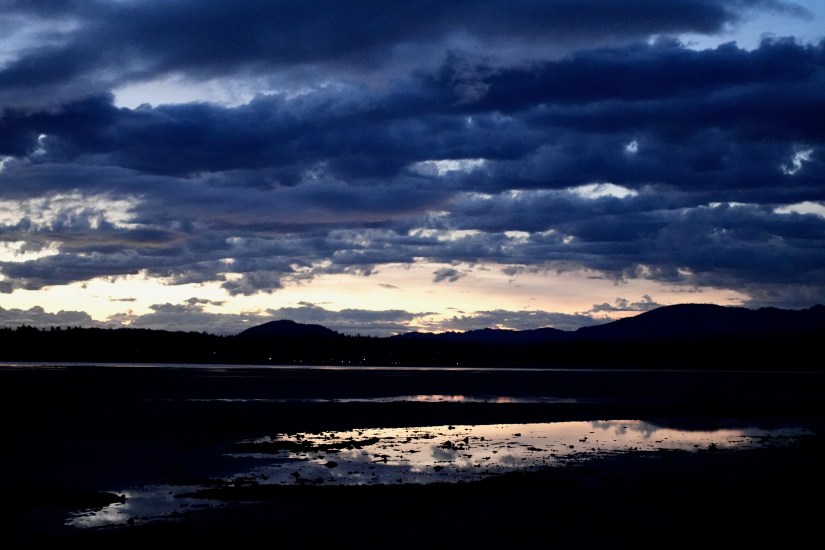

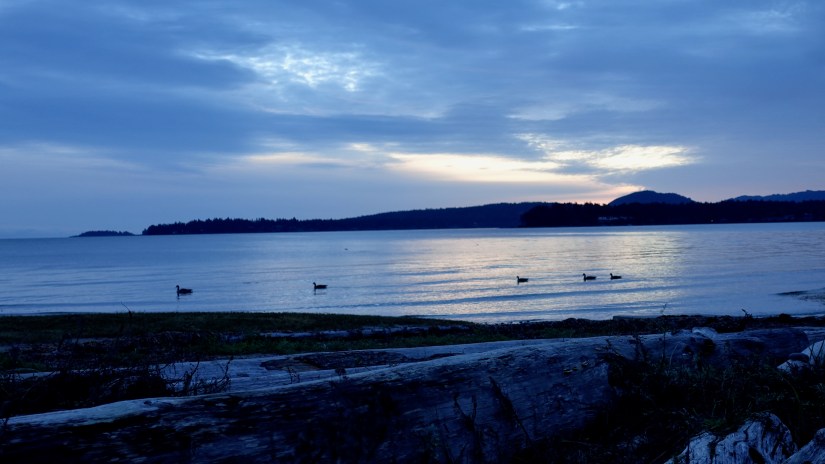
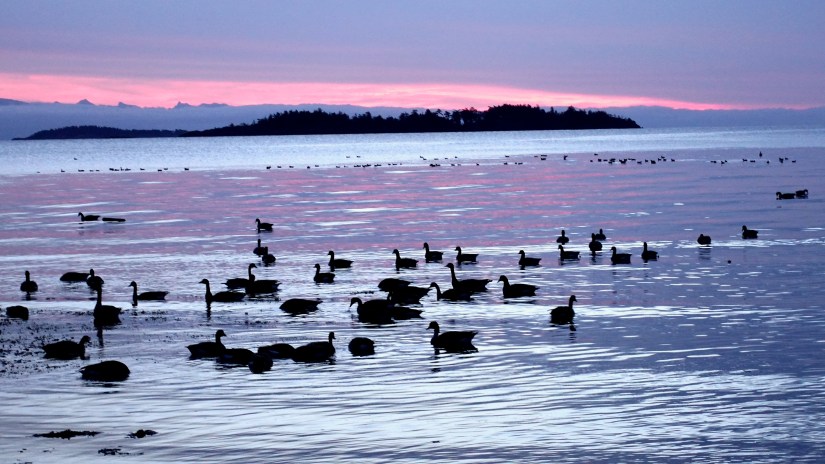


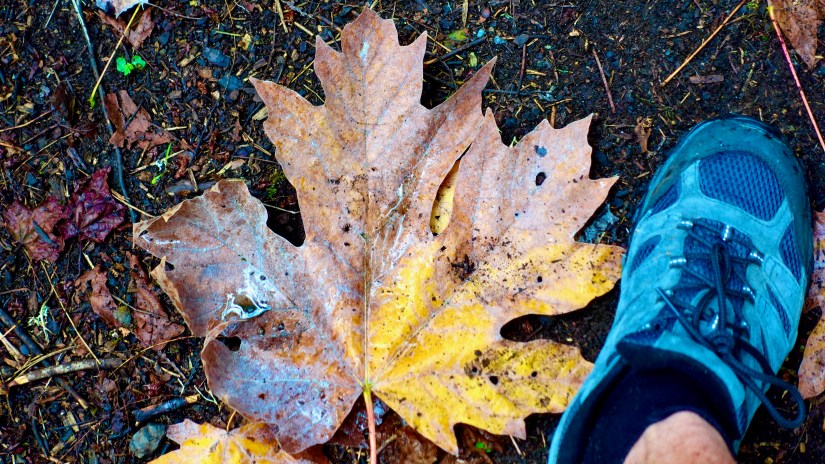

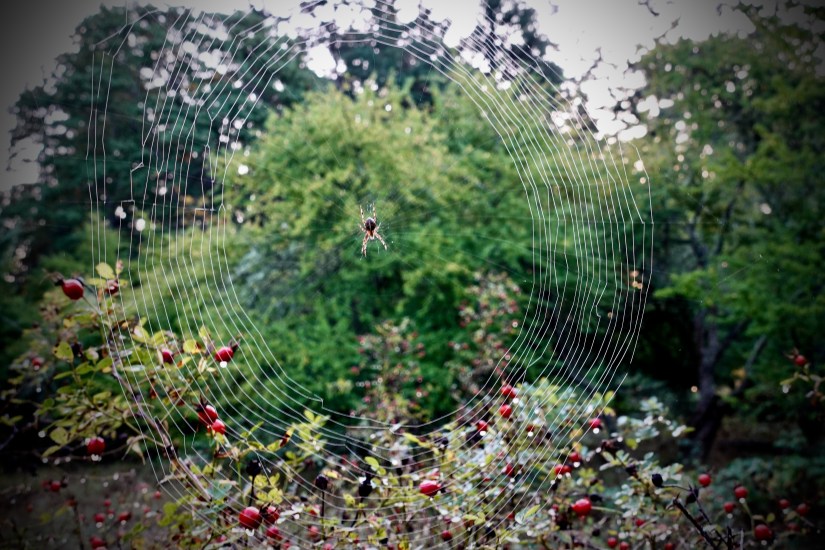


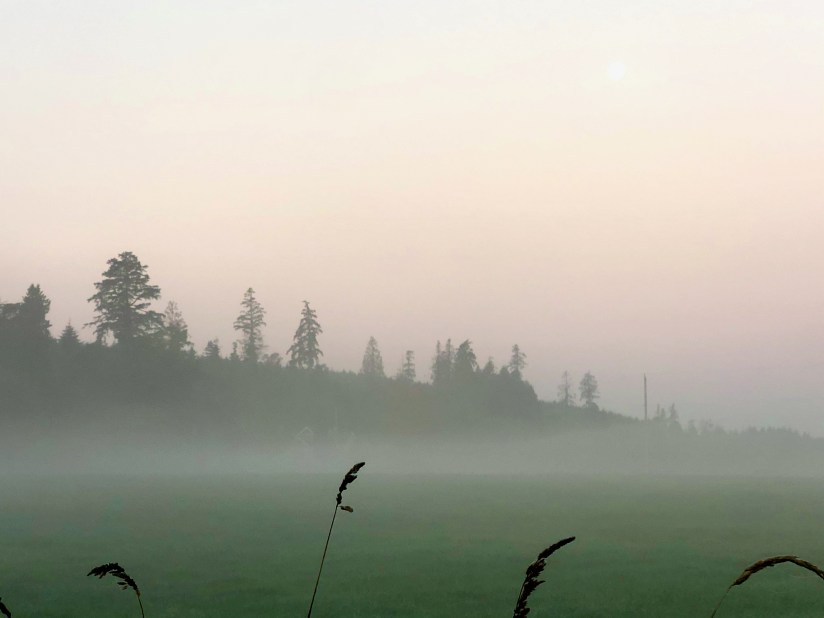
See more of my Parksville photos on Flickr.

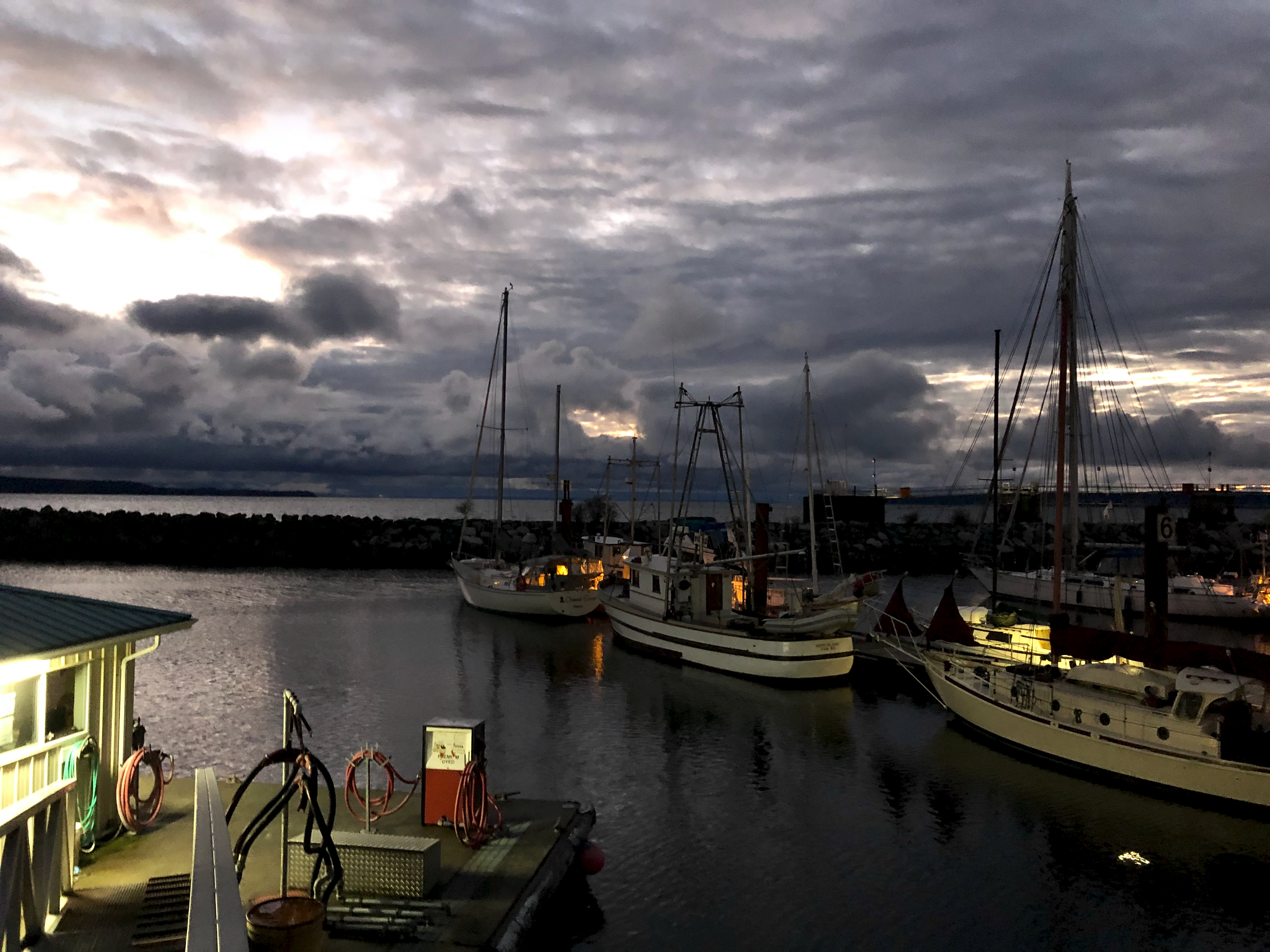
TEST – iPhone X photos in low light
Phone cameras are great. But typically not great in low light — unless you adjust settings.
I’m often impressed.
As a test I took some hand held shots from the Sea Walk Trail in Powell River B.C.
Standard 4K settings.
It had rained most of the day. This is the Liquid Sunshine Coast.


When you upload photos to the internet, sites often reduce quality to make the page load faster.
Here I’ll upload the same original photo in three resolutions to see if the FINAL displayed image improves.
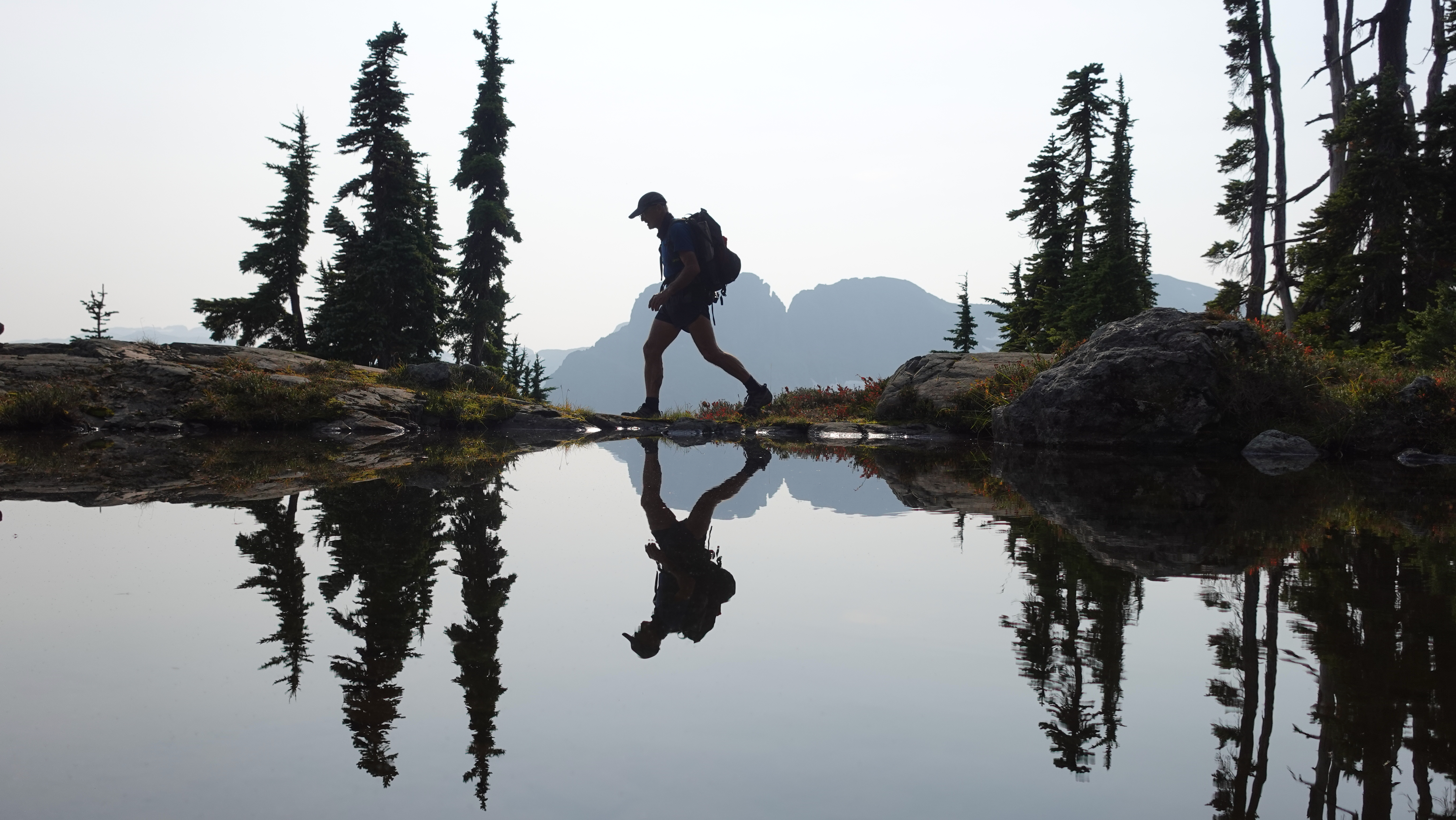
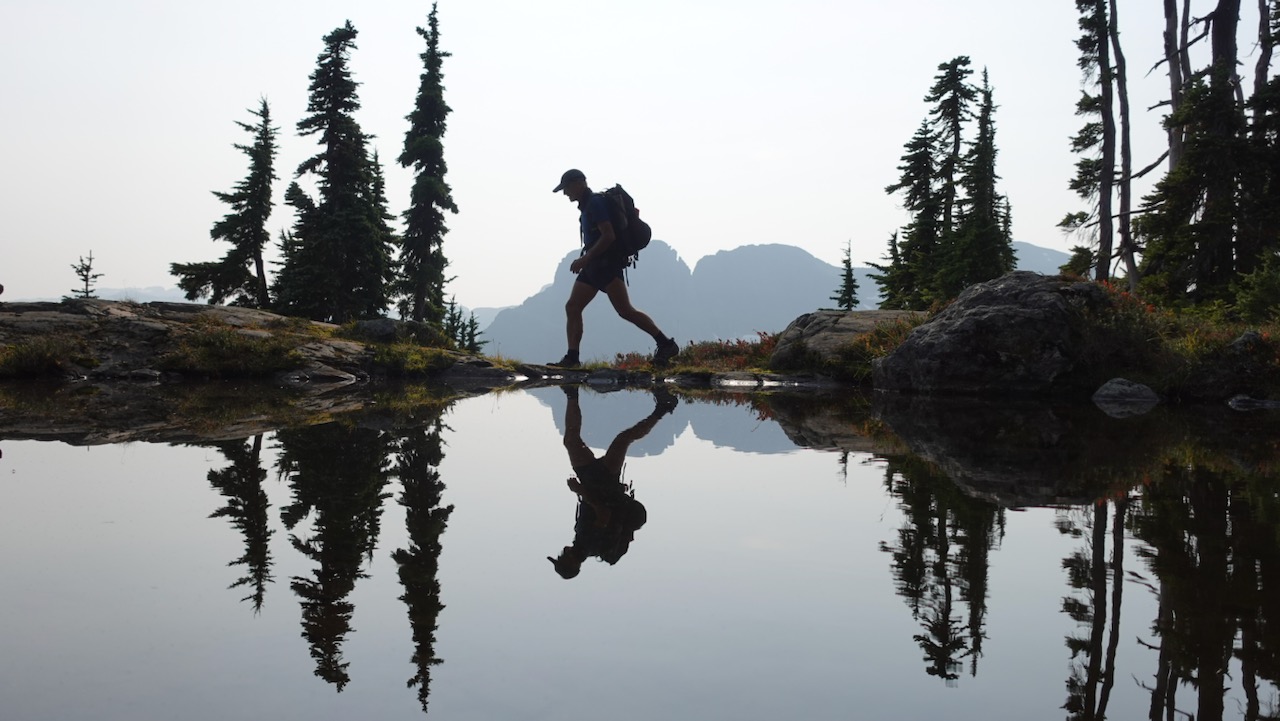
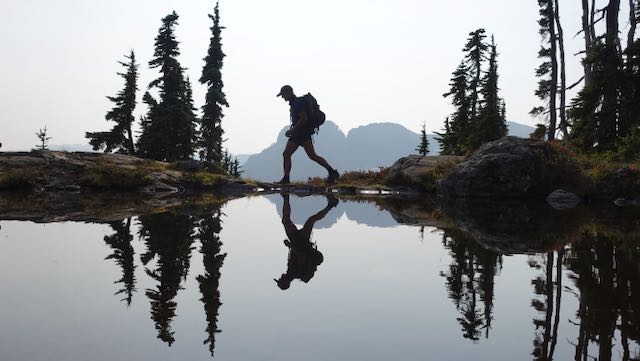
I can see a big difference between the original being 5472 as opposed to 640 pixels wide.
But the 1280 pixel version is pretty close to the 5472. When I checked, WordPress display default had reduced both the top two: 885 pixels wide.
IF I link to the original photos, however, someone keen enough to click could get a copy of the highest resolution available.
Some recommend I upload at about 1280 pixels. 80Kb-100Kb file size, at most.
If and when I switch to a theme that allows full-width images, WordPress recommends those be uploaded as originals with at least 2000 x 1200 pixels.
I’ll keep experimenting.
38% of the web is built on WordPress.
More bloggers, small businesses, and Fortune 500 companies use WordPress than all other options combined.
All my sites are hosted on WordPress.com and I wouldn’t go anywhere else.
As a long time user, I’ve been reluctant to switch to the BLOCK EDITOR when writing these post. I stuck with the Classic Editor, as did many others.
In this post I’m again testing the BLOCK EDITOR based on a recent WordPress.TV tutorial.
Column 1
Column 2
Column 3
Making rows like those above are much easier. Choosing colours easier, as well.
That line above is easy to add, as well.
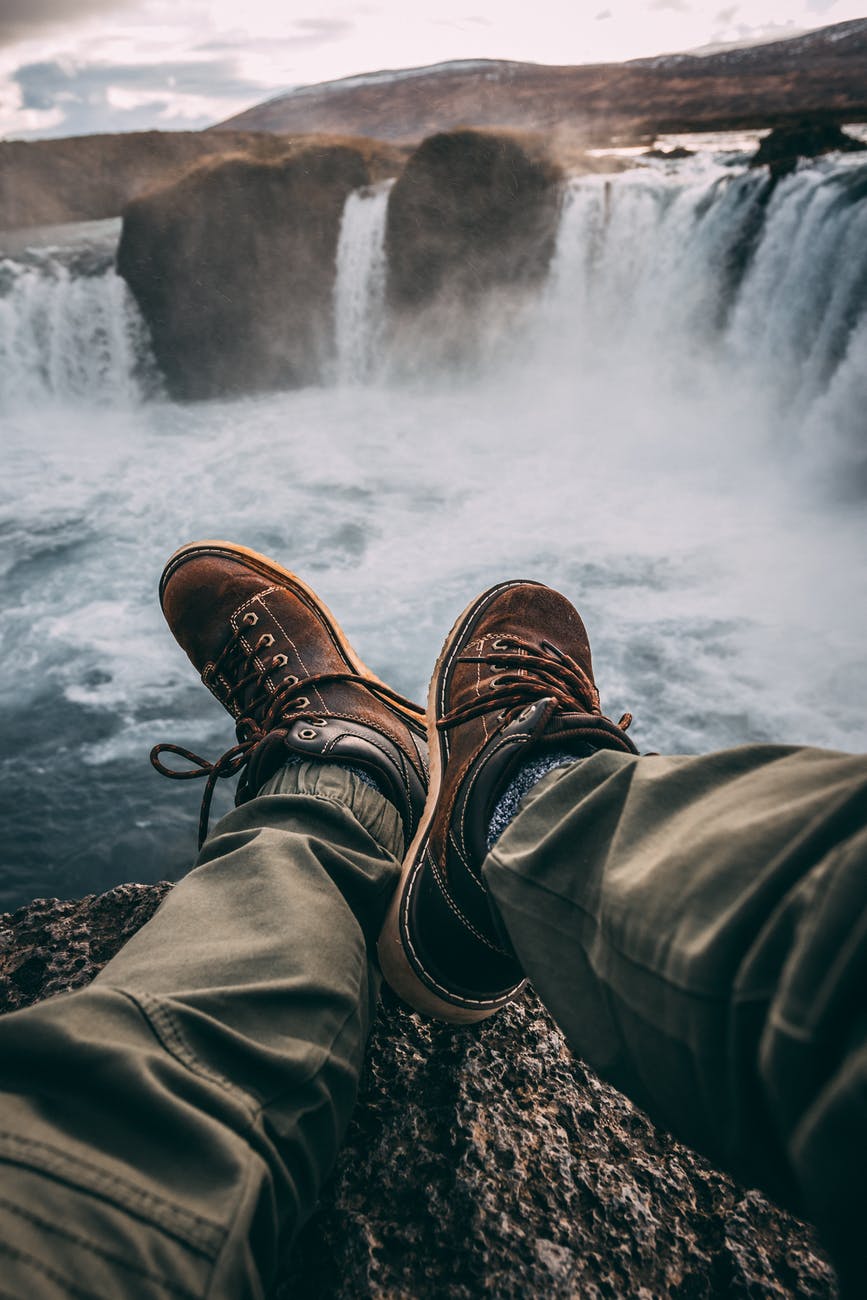
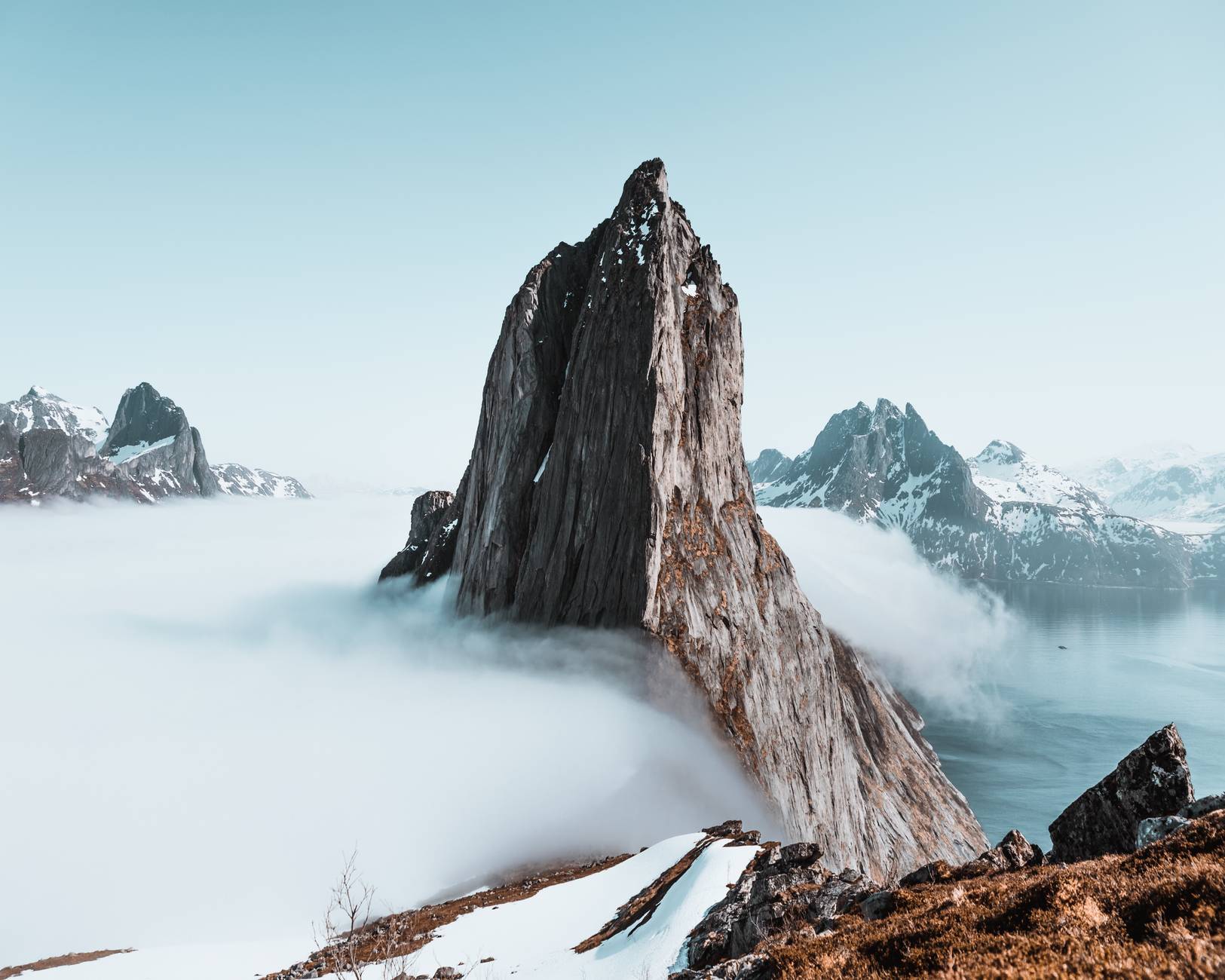
One thing I like about the Block Editor is being able to more easily make a photo gallery. These images are all provided free through the Block Editor.
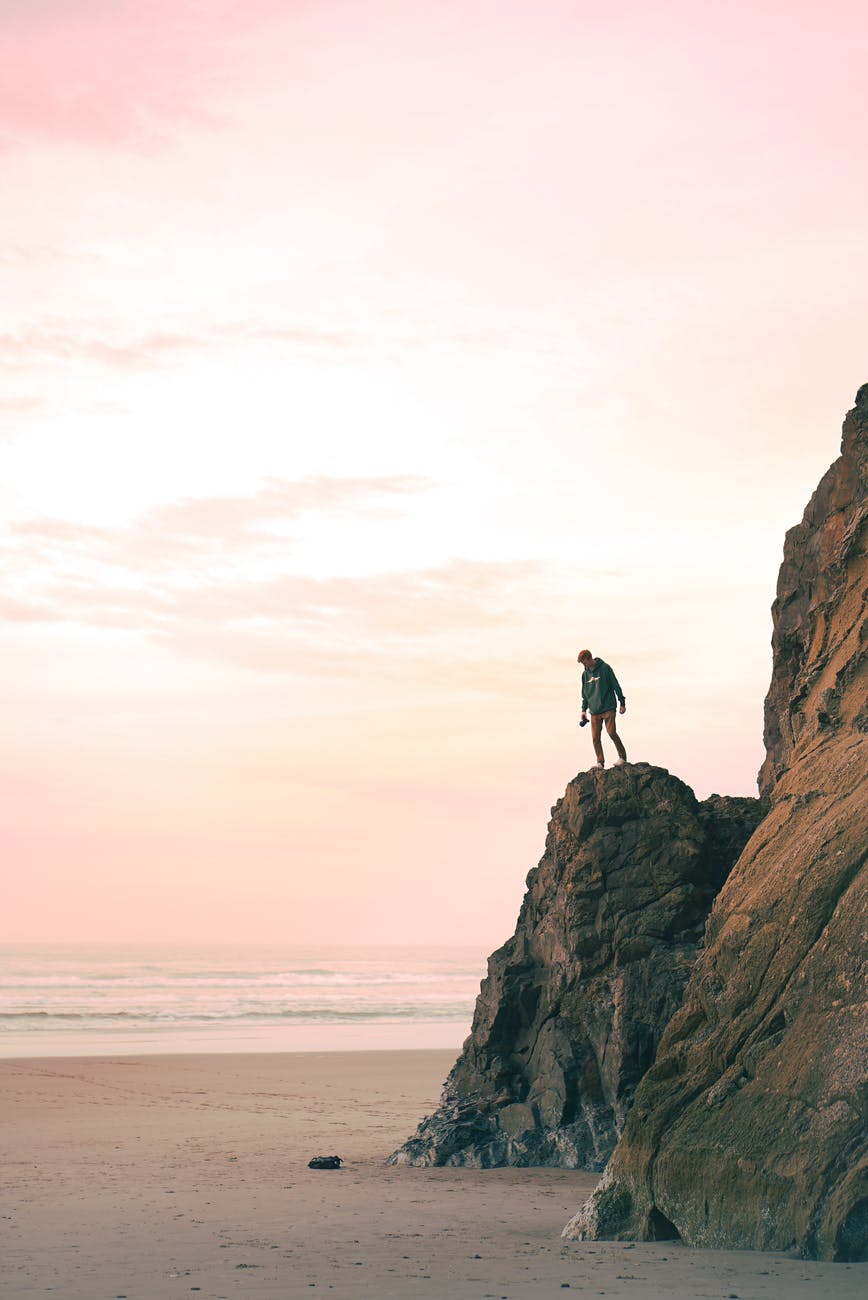
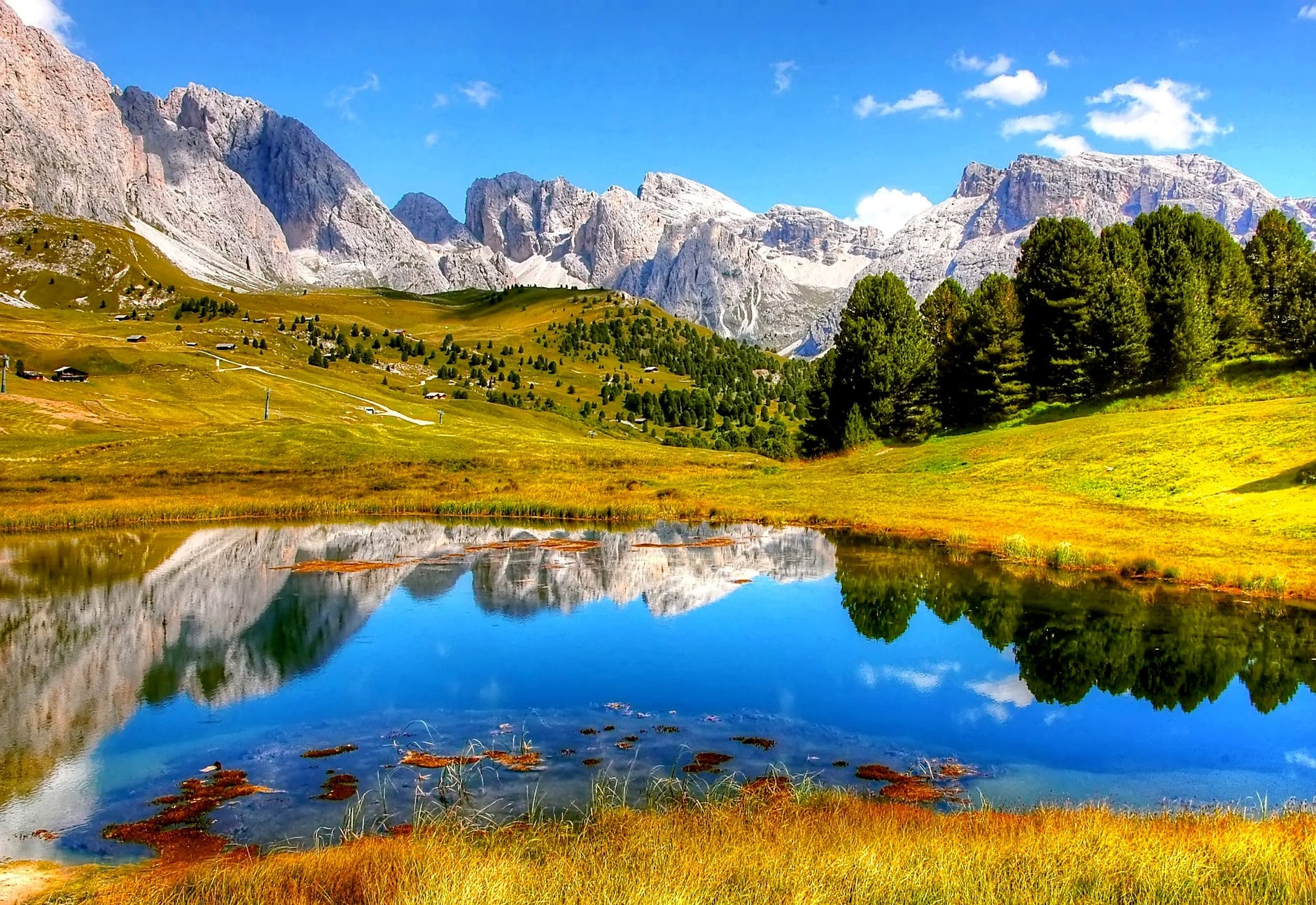

With the old editor I didn’t have much control over images.
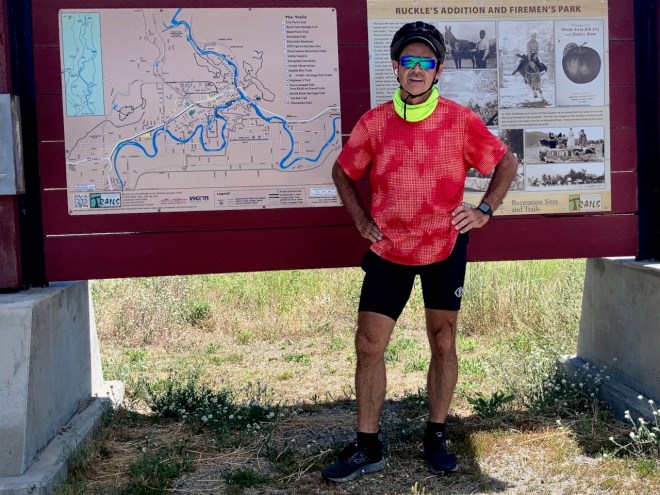
Using the Block Editor I can more easily edit this image, for example.
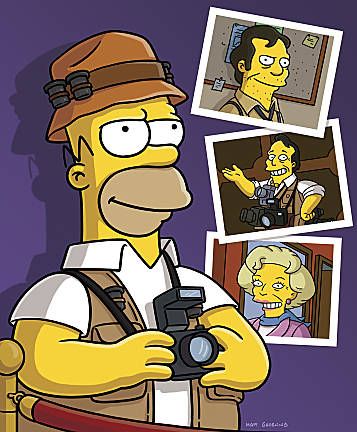
That said — many of us feel forced by the host company to use something called the Block Editor to write posts like this rather than the Classic Editor we used in the past.
For hiking I’m not often going to be carrying a full tripod. Too big. Too heavy.
But for cycling, I’ll often bring this one along.
I’ve spent hundreds of hours videotaping from tripods. But — until now — have never used one as an extended selfie stick.
Of many similar options, I got the Selfie Stick Tripod, UBeesize 51″ Extendable Tripod Stand with Bluetooth Remote for iPhone & Android Phone. I won’t be using the Bluetooth Remote.
Click PLAY or watch it on YouTube.
Click PLAY or watch some of my tests on YouTube.
Like everyone, my iPhone battery life progressively died until it was nearly unusable.
A local shop wanted CAD $112 plus tax to replace the battery.

Apple Canada charged CAD $88 plus tax plus shipping. About $100 total.
3 months warranty.
It’s a bit of work backing up and then restoring the phone. But not confusing. It worked well.
I’ll now be using two iPhones:
 #CovidGoals
I wanna be a 📸 PHOTOGRAPHER.
I have tens of thousands of photos posted online, yet knew almost nothing about photography.
What’s an F-Stop?
Unable to travel as much as in the past, I decided to buy a real camera and — finally — learn how they work. I have plenty of time.
I decided on the Sony ZV-1, their much hyped new vlogging camera.
So far, I’m liking it.
At 10.4 oz (294 g) without the handle remote, it’s small enough to carry on my hip wherever I go. Fires up quickly. Point and shoot. Ideal for travel.
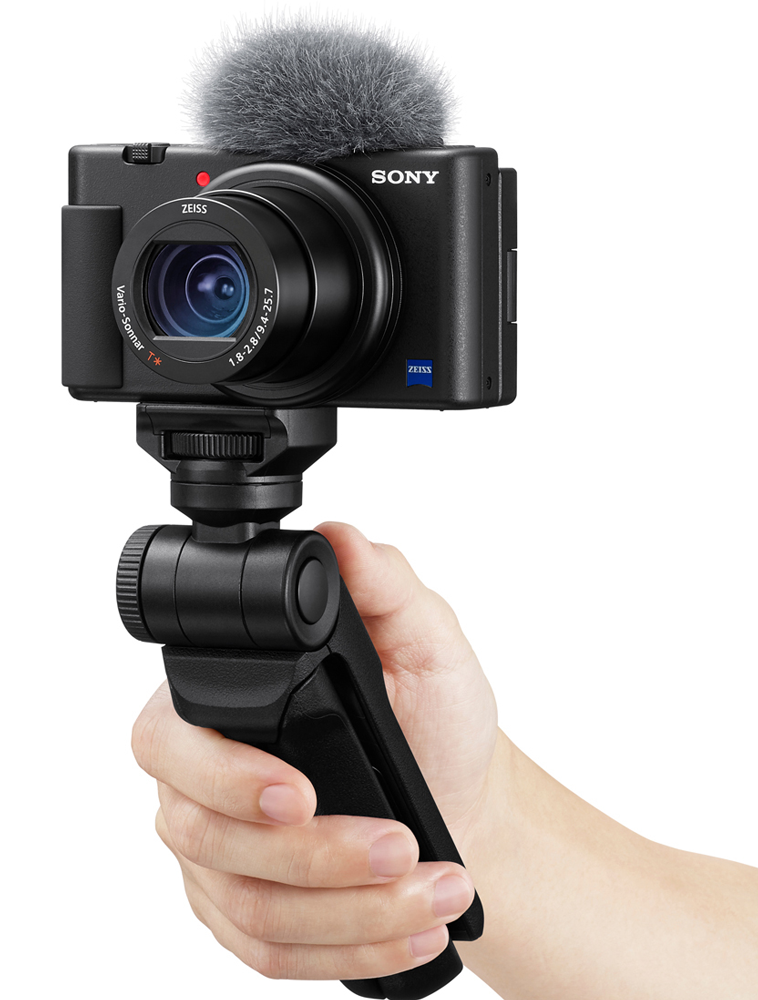
In fact, this is primarily a video camera. But I’m happy with the photos, as well.
You can take a photo while the camera is videotaping. Damn. You cannot. One big weakness of this camera.
Biggest problem for me is lack of much optical zoom.
The alternative is to shoot a photo with up to 20 Megapixels — then crop.
Here are three I shot at 5472 × 3648 pixels.
Note: software running this site takes the original and reduces size and quality to display online. Click for larger versions.
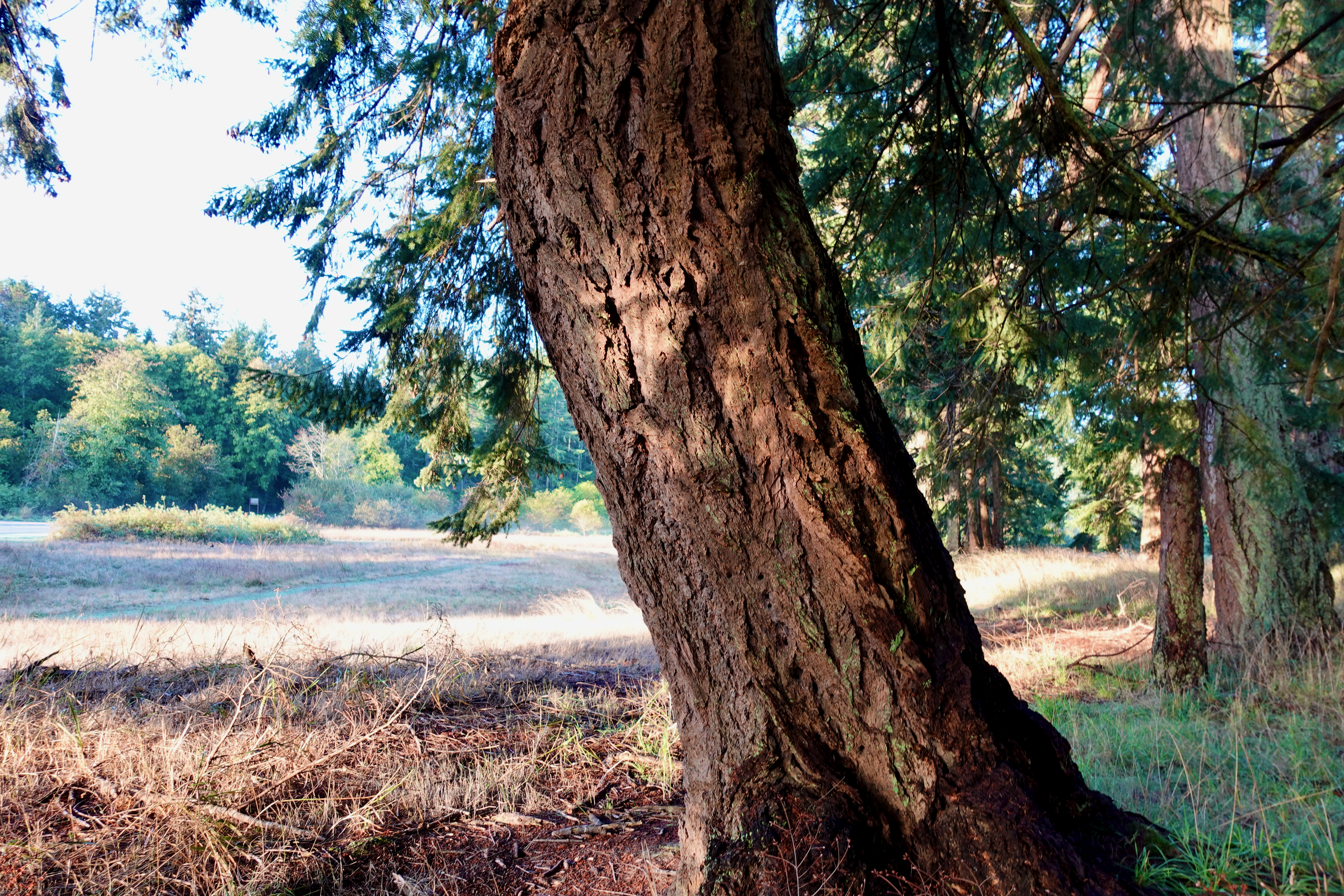
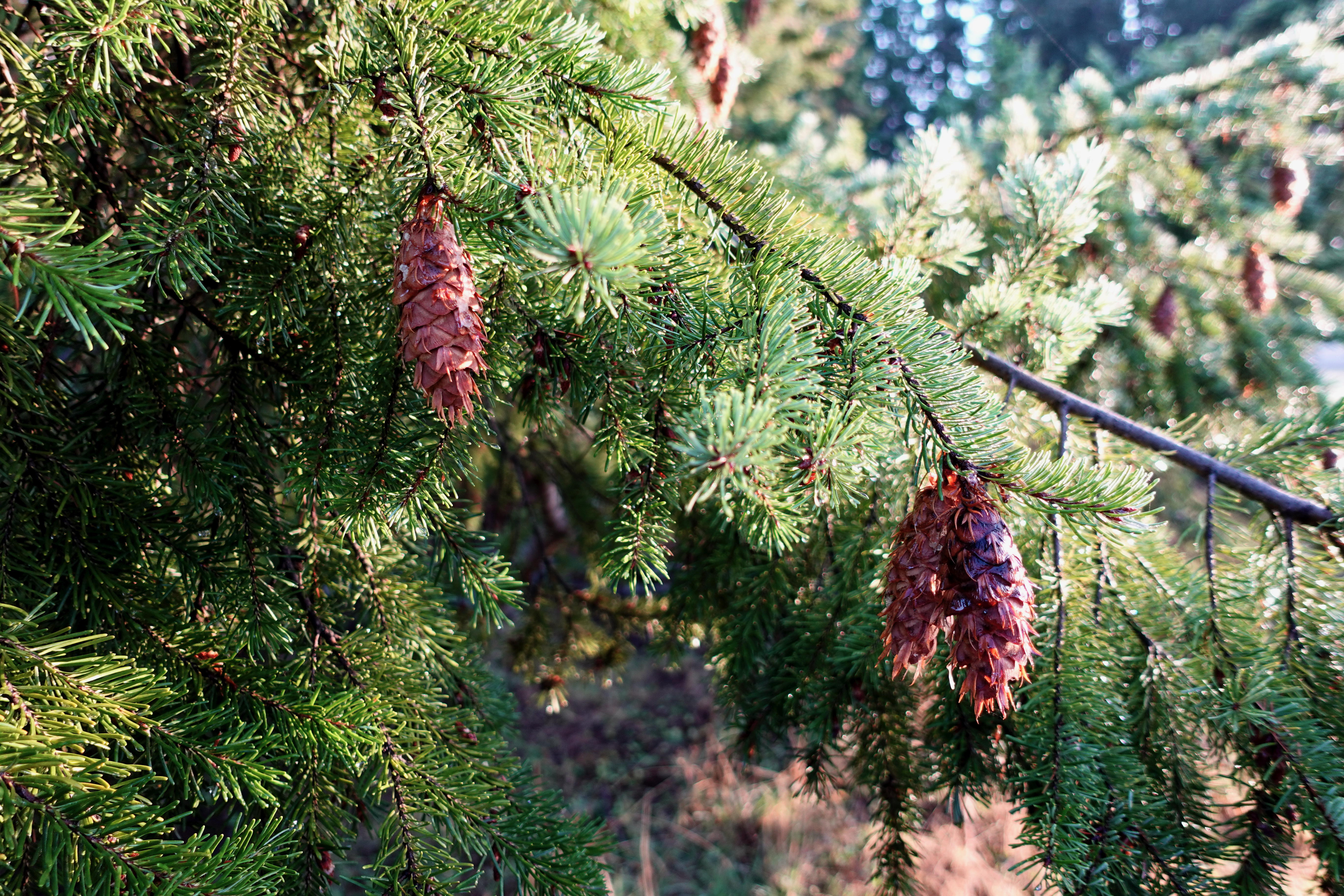
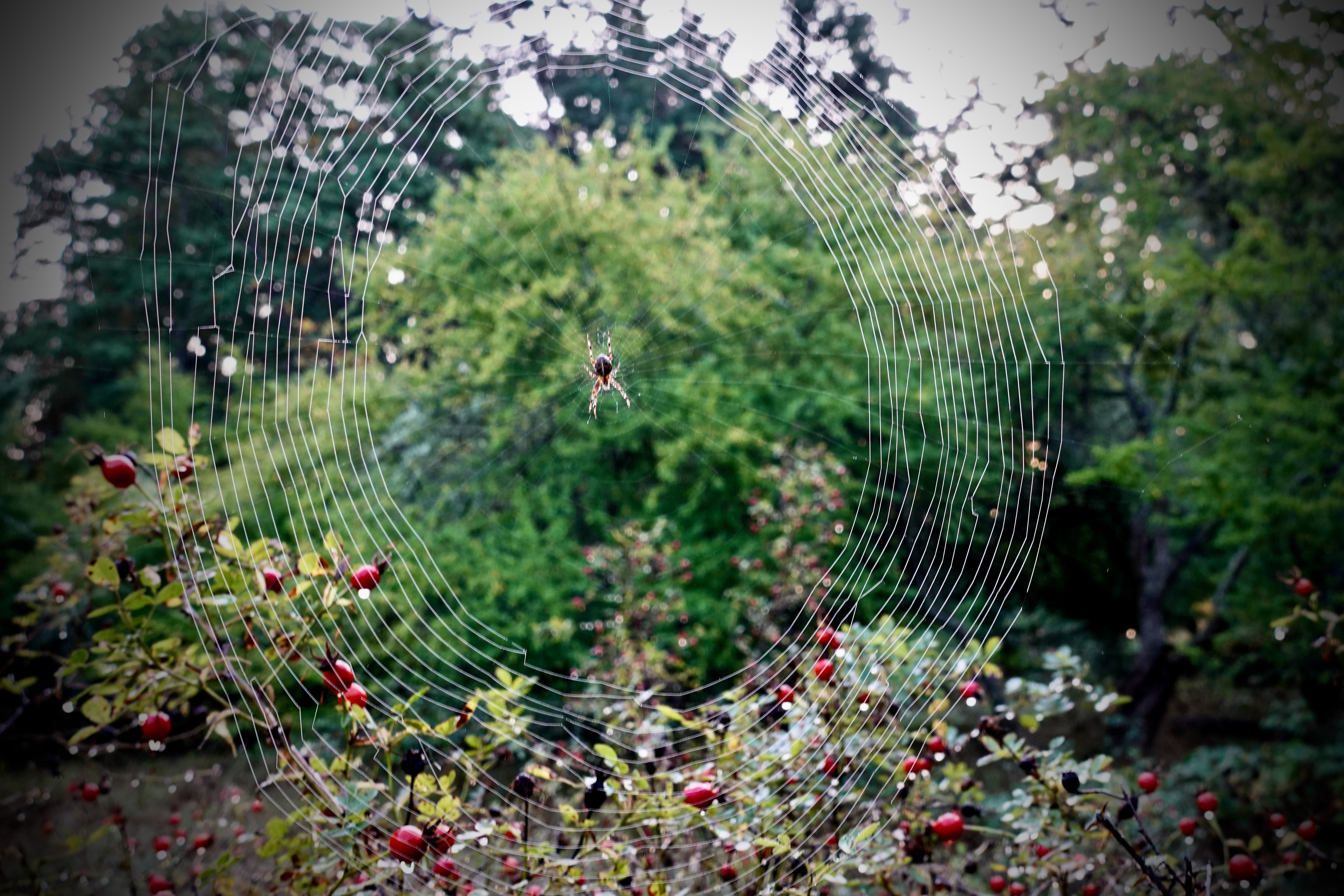
New to me is the options of blurring out the background. I do like it, once in a while. Especially on closeups.
It’s good in low light — Gymnastics clubs, for example. Much better than phones.
Made for vloggers, the ZV-1 works portrait or landscape equally well.
Base price is about CAD $1000. Adding the Vlogger Kit, extra batteries, 128 GB memory card, tax, etc … I paid something close to CAD $1500.
I really like the bluetooth wireless remote handle. It works from up to 45m away if you have the camera on a tripod.
As a selfie stick, most vloggers find it too short. I’ll use a lightweight tripod, instead, starting and stopping with the Sony remote.

Getting started as a Dummy was not easy. There’s too much information on the internet.
Best for me was the too detailed Sony Help Guide online.
I’ve watched many hours of YouTube videos, as well.
Click PLAY or watch a skeptical review on YouTube.
Is it truly better than your phone or GoPro?
Click PLAY or see the Wireless Remote on YouTube. It’s worth getting.
I’m experimenting with the settings on my new Sony ZV-1.
The original sunset was 5472 × 3648 pixels. The crop beneath 3772 × 1454.
Click any image to see a larger size.


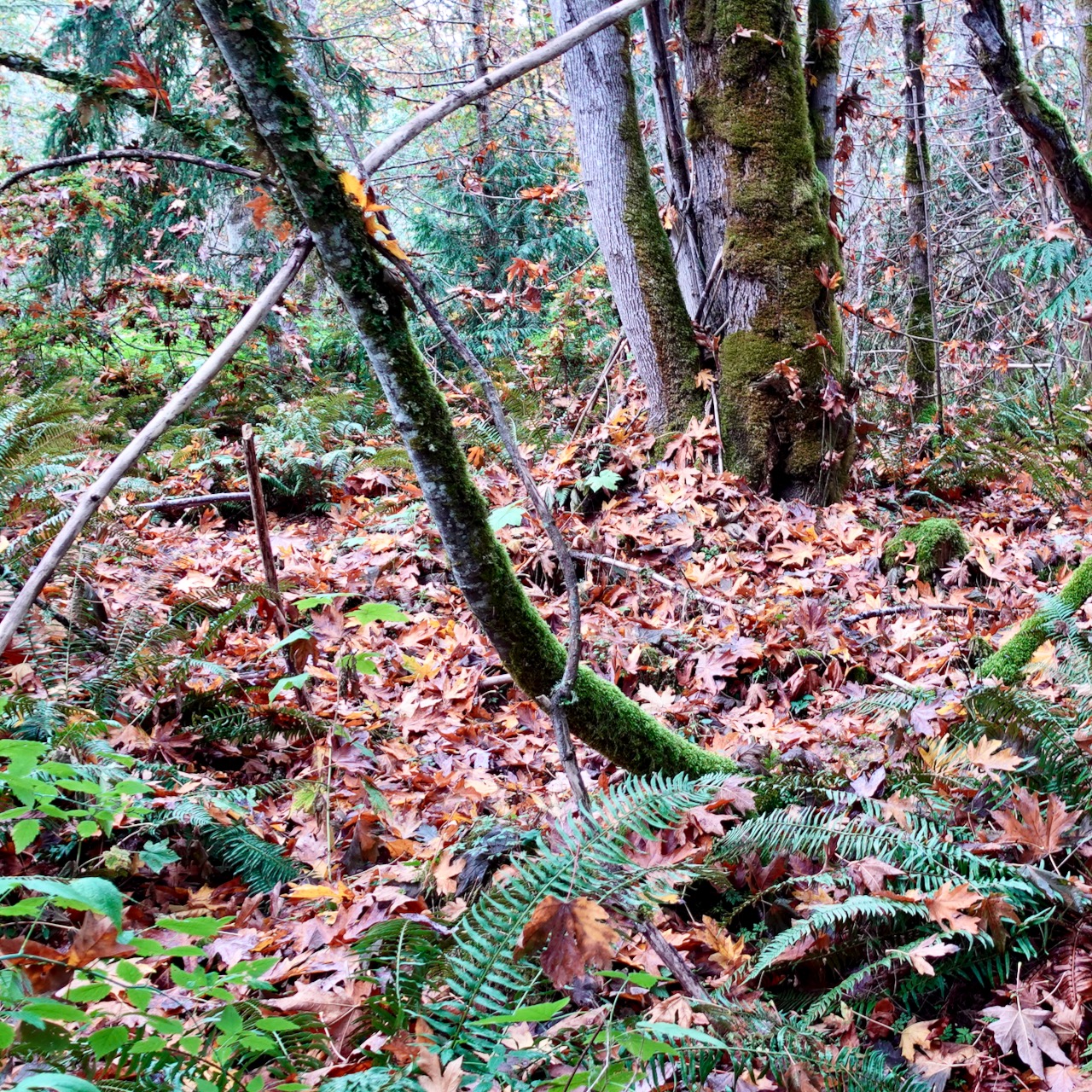
This forest original (different settings) was captured at 3772 × 1454.

The software running this site does two things with original photos:
I’m again trying a DJI gimbal, this time because I really like the magnetic phone clamp. My goal is to produce smooth, stabilized video. No more shaky hand held clips.
As I travel solo most of the time, with the OM 4 you can take a photo or start/stop video with a hand gesture. Very convenient.
Click PLAY or see highlights on YouTube.
DJI OM 4
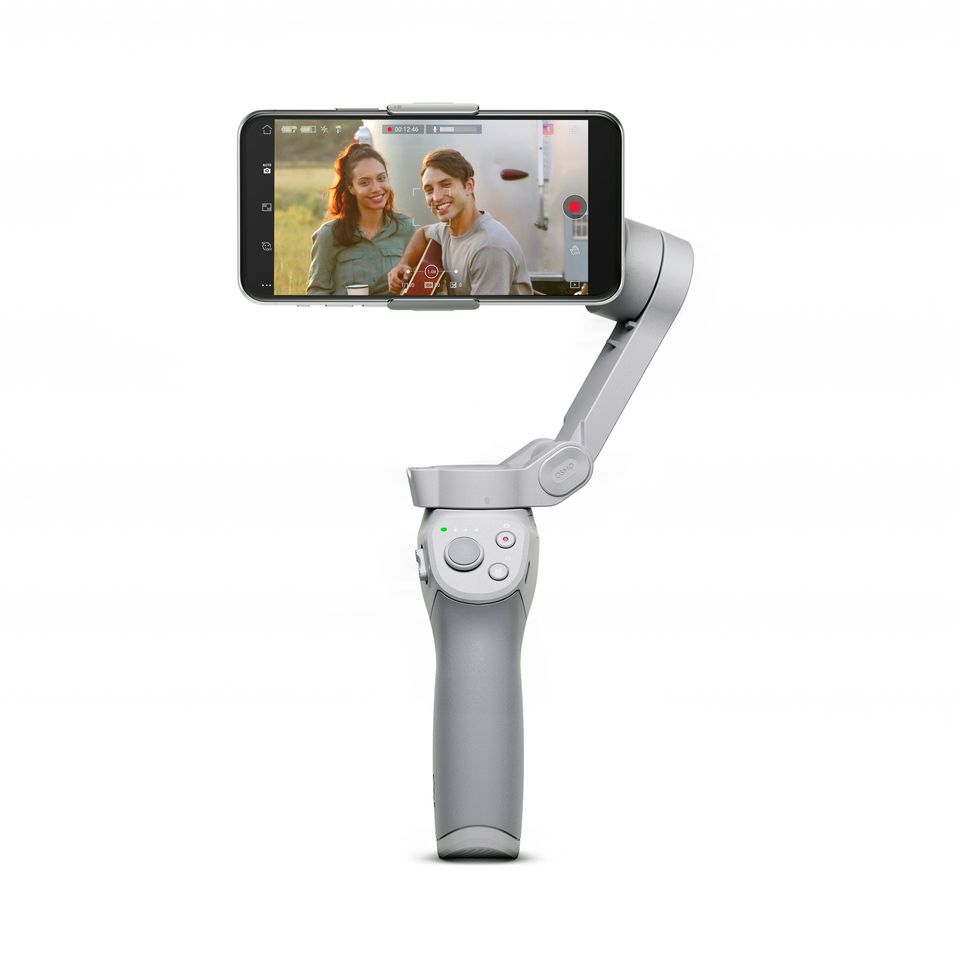
Click PLAY or watch my first video edit using the Om 4 on YouTube.
The Sony ZV-1 is their much hyped new vlogging camera.
I plan to experiment with all the many, confusing features over the winter.
Base price is about CAD $1000. Adding the Vlogger Kit, extra batteries, 128 GB memory card, tax, etc … I paid something close to CAD $1500.
Click PLAY or watch my first ZV-1 edit on YouTube.
Compare that against a similar video I put together using iPhone X video.
The main difference I see is that the ZV-1 focus blurs the background while iPhone tries to keep everything in focus.
 Rick McCharles