cycling Nanaimo to Duncan

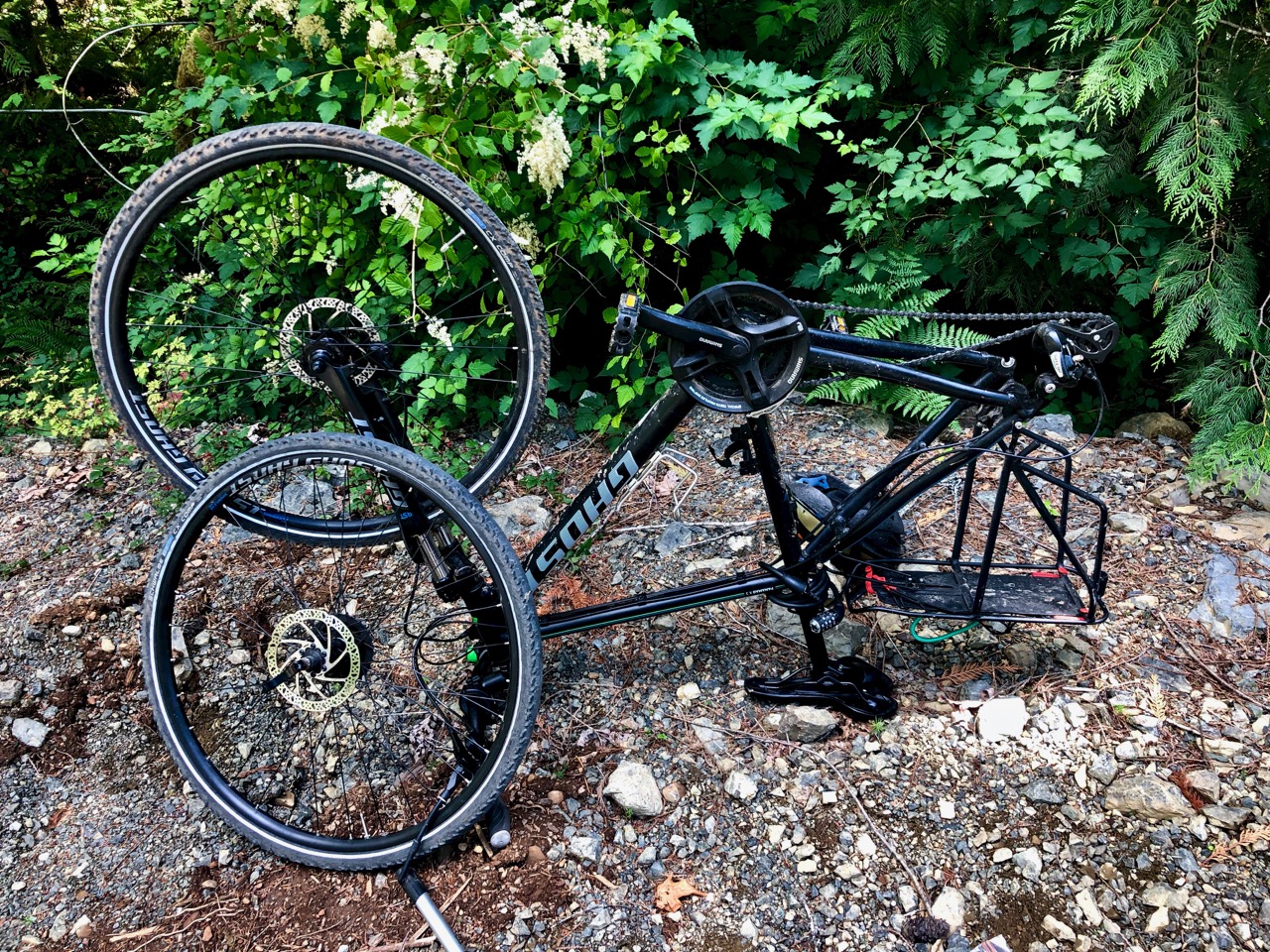
Having failed on my first attempt out of Port Alberni (two flat tires in two days), I opted instead for an easier start in Nanaimo. It was 3:30pm by the time I got going.

July 3, 2019. Day 1.

Day 1 | 2 | 3 | 4-5 | 6-7 | 8 | 9 | 10 | 11 | 12-13 | 14 | 15 | 16 | 17 | 18 | 19 | 20 | 21 | 22 | 2324 | info | video

I tried using The Great Trail app for navigation.

It’s not 100% ready.  😕  Nor is The Great Trail as there’s still far too much paved road included on the 24,000+ km.

The app’s recommended route started well …

… but soon got me lost.

I gave up on the recommend side roads and actually enjoyed riding the Trans-Canada Highway to Duncan. I was in a hurry to finally get on to the Cowichan Valley Trail.

Great Trail app

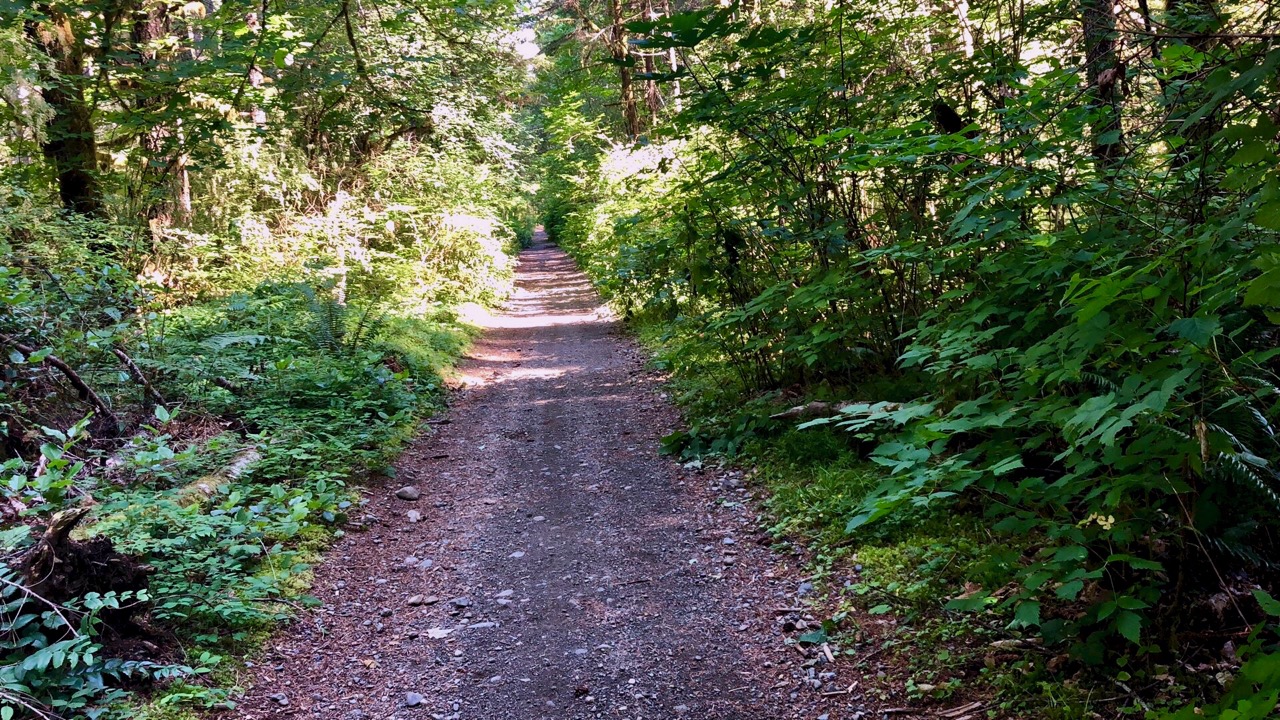
The Cowichan Valley Trail is nice. Well graded gravel.

An important section of The Great Trail (formerly Trans Canada Trail).

Highlight of the day was two bears. They were snooping around my bike — no doubt attracted by the smell of my camping food.

Click PLAY or watch it on YouTube.

I found a quiet place to wild camp. Yes, I hung my food far from the tent. 😀

Click PLAY or watch my day on YouTube.

Day 1 | 2 | 3 | 4-5 | 6-7 | 8 | 9 | 10 | 11 | 12-13 | 14 | 15 | 16 | 17 | 18 | 19 | 20 | 21 | 22 | 23 | 24info | video

cycling Log Train trail, Port Alberni

Pacific NW bikepacking tour  – June 30, 2019

The BAD NEWS – flat rear tire.

But … I had a good ride. And I managed to fix it. At least I thought I had fixed it.

Click PLAY or watch it on YouTube.

Log Train Trail is popular with everyone in Port Alberni.

I stopped at McLean Mill en route.

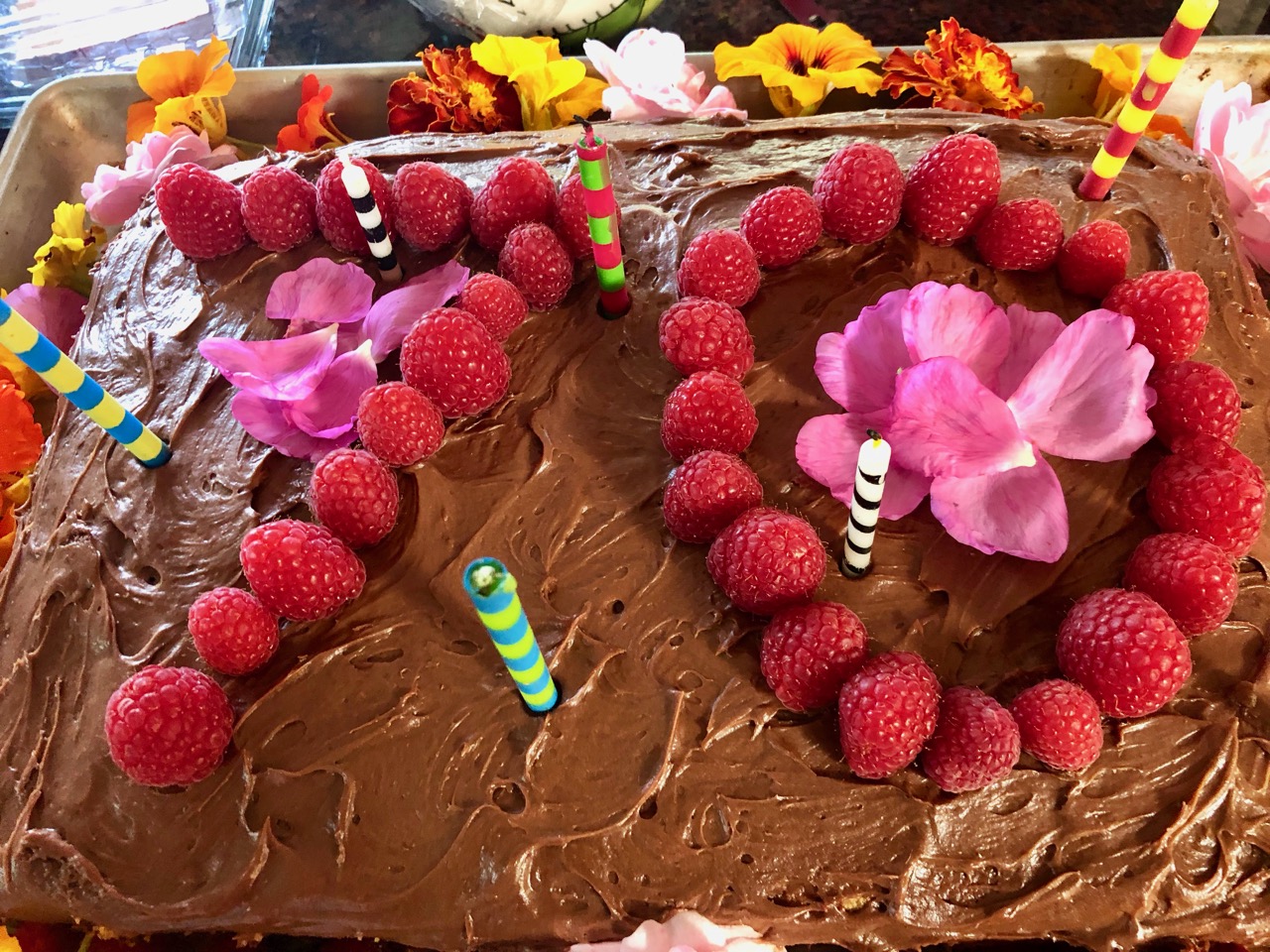
Despite the flat, I made it to Cynthia’s birthday party on time.

my travel electronics 2019

😕  Yeesh.

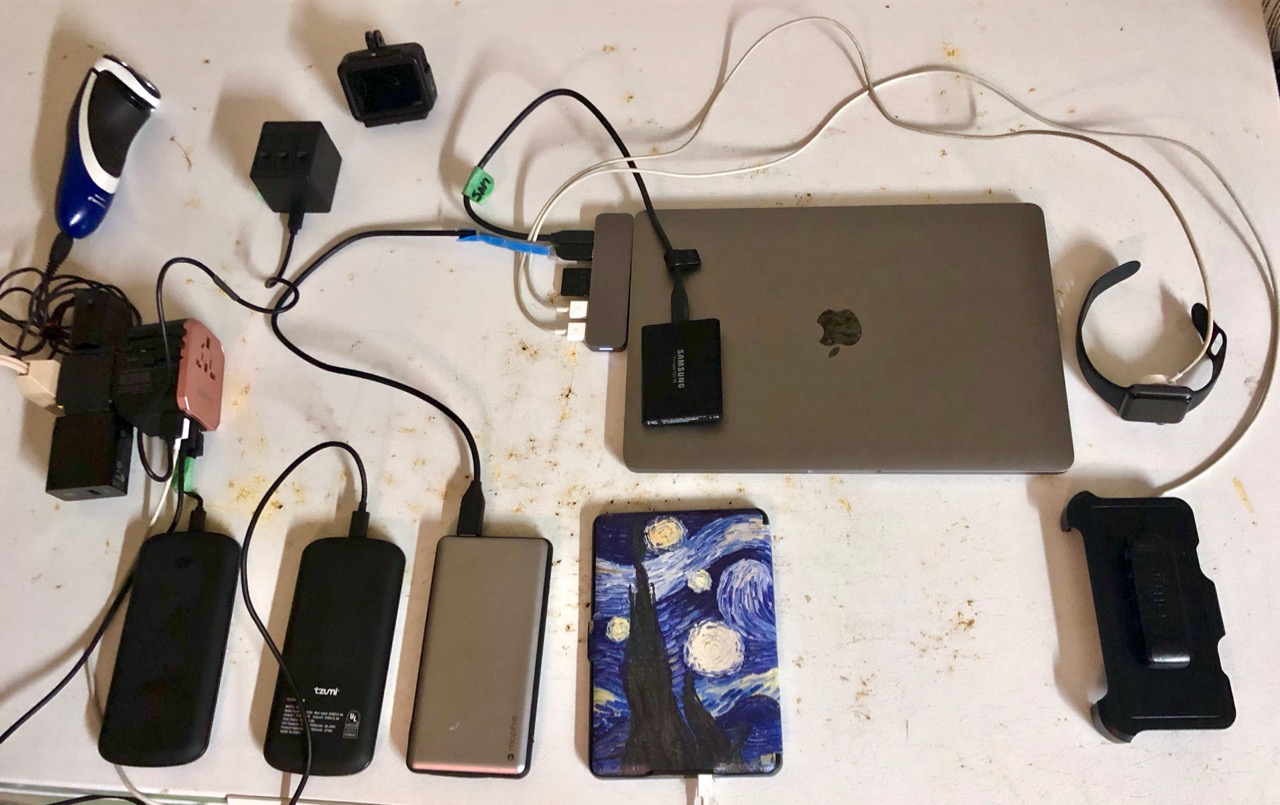
Here are all the devices I need to power for my upcoming bikepacking trip.

In fact, this photo is missing my EarPods and that dedicated cable.

For hiking I’ll carry only phone, watch, EarPods and one (of the 3) battery chargers.


mapping my hikes & bike trips

For summer 2019 I’ll use the Relive app.

It generates Google Earth videos with the photos you too included.

Here’s an example from the FREE version of the software.

The free version adds a maximum of 10 photos. For up to 50 photos you must join the CLUB which costs US $60 / year.

Mapping works in conjunction with Strava, Runtastic, Endomondo, Garmin Connect, Suunto, Apple Health (Watch), MapMyRun, MapMyWalk, MapMyRide, MapMyHike and Polar Flow.

I might be using the free version of Strava. Otherwise I’ll use Apple Health.

New Macs NEED a hub for cables 😕

One of the main things I dislike about Macs (since 2015) is the lack of ports.

For my new 2019 MacBook Pro I had to buy a Sanho HyperDrive hub. (CDN$ 109.00)

  • HDMI and 4K HDMI
  • 40Gb/s USB-C
  • USB-C
  • SD and microSD
  • 2 x USB 3.1

It’s tiny (80gm) and looks super durable.

If interested, there are several different versions of the HyperDrive hub.

Click PLAY or watch it on YouTube.

my TRAVEL computer back-up system

This is the best, smallest and lightest hardware I’ve ever used.

I splurged a bit on the Samsung T5 Portable SSD 1TB USB 3.1 for CDN$ 239.99 all in.

Only 50gms. Almost exactly the same weight as my EarPods & case.

Currently the most popular solid state external hard drive.

I use it as a Time Machine backup for my Mac. AND for additional storage of videos I want to bring with me traveling.

Click PLAY or watch it on YouTube.

my GoPro Hero 7 Black set-up

As of May 2019.

I tried and gave up on drones.

I tried and gave up on gimbals.

GoPro works for me. Small. Tough. Durable. Waterproof.

For BikePacking travel I’ll be carrying:

  • two tripod(s) … one a selfie stick
  • Bike handlebar mount
  • Bike helmet mount

VIDEO

  • aspect ratio 16:9 (not 4:3)
  • cool kids like me use 4K/60fps … actually I eventually switched to 2.7K/60fps to be able to shoot a WIDER image.

Click PLAY or watch a 4K sample on YouTube.

  • zoom is digital — so I won’t often use it
  • HyperSmooth (new video stabilization)
  • Protune is ON
  • once on a trip I’ll turn on QuikCapture (video with one click)
  • time clips (15 or 30 seconds) are useful
  • TimeWarp

For reasons unknown, GoPro stopped supporting their Apple Watch app. I use my watch a lot for iPhone, but will have to use voice control rather than my watch for the GoPro. (There is a 3rd party app called EasyBlack 7 that I might try.)

Click PLAY or watch a sample of Slow Mo on YouTube.

Audio

Typically I delete audio replacing it with some soundtrack.

On my last trip I tried using the audio. That can be tricky as the GoPro is not great at audio. It’s not easy to edit audio.

Click PLAY or watch it on YouTube.

Time Lapse (Hyperlapse) mode

  • I’ll use this occasionally to speed up lengthy videos

Click PLAY or watch a sample on YouTube.

PHOTOS

  • SuperPhoto mode
  • photos at 4000×3000 pixels (4×3) default
    • it’s slow, uses a lot of battery, best on tripod
    • I won’t take many photos with the GoPro. The iPhone is better.
  • I won’t use Burst or Continuous photo

This GoPro photo came out as .tiff — huge at 96 MB. When I exported it to .jpg it was still large for web (1280 x 960) at 735 KB. It’s not been edited.

click for larger version